What is your operating system? Windows 10 Home
What is your Shotcut version? 26.8.1
Track V1: Any clip.
Track V2: A clip with transparency. I the case below, just a Text clip with a transparent background. But a .mov clip with transparencies will have the same effect.
Exported project when Processing Mode is set to Native 8-bit CPU (check the background when the playhead reaches and leaves the text clip).
No problem when Processing Mode is set to Native 10-bit CPU
This is similar to the bug reported here (which was fixed) but in that case the brightness filter was involved:
It took me a while to reproduce it clearly. Seems it needs something very saturated on V1, but the color bar generator did not for me. The problem first appeared in release version 25.12.31, which is when the Processing Modes and 10-bit CPU where introduced.
Update: it seems to require an IMAGE on V1. Since a video is usually dynamic, I exported an image as video (Y’CbCr) and used that on V1, and the problem did not reproduce.
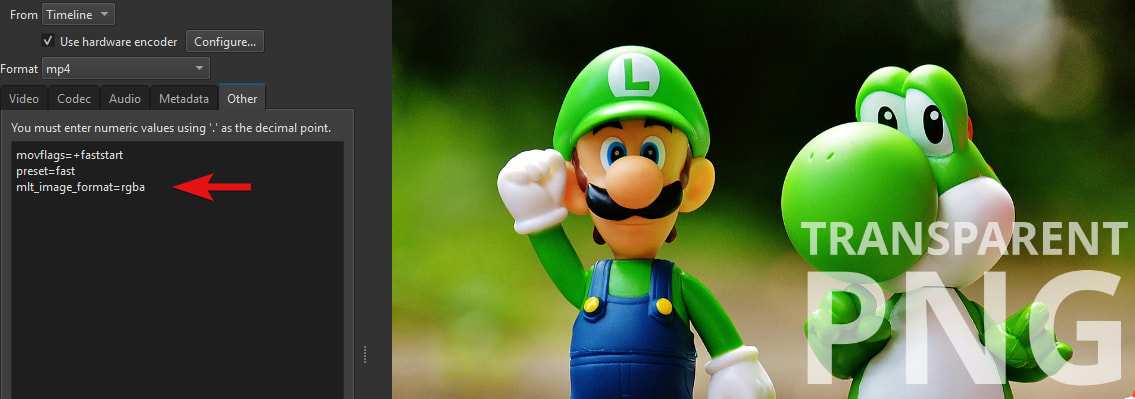
@brian There was no meaningful change to the qimage producer between October 2025 and end of 2025 to explain this. Changing the project to use frei0r.cairoblend, I get the same result! I do not see it in the preview, which uses mlt_image_format=yuv420p. But an export with mlt_image_format=yuv420p still reproduces it. If I change VideoWidget to use yuv422, which is the avformat consumer default, I still do not reproduce it. Thoughts?