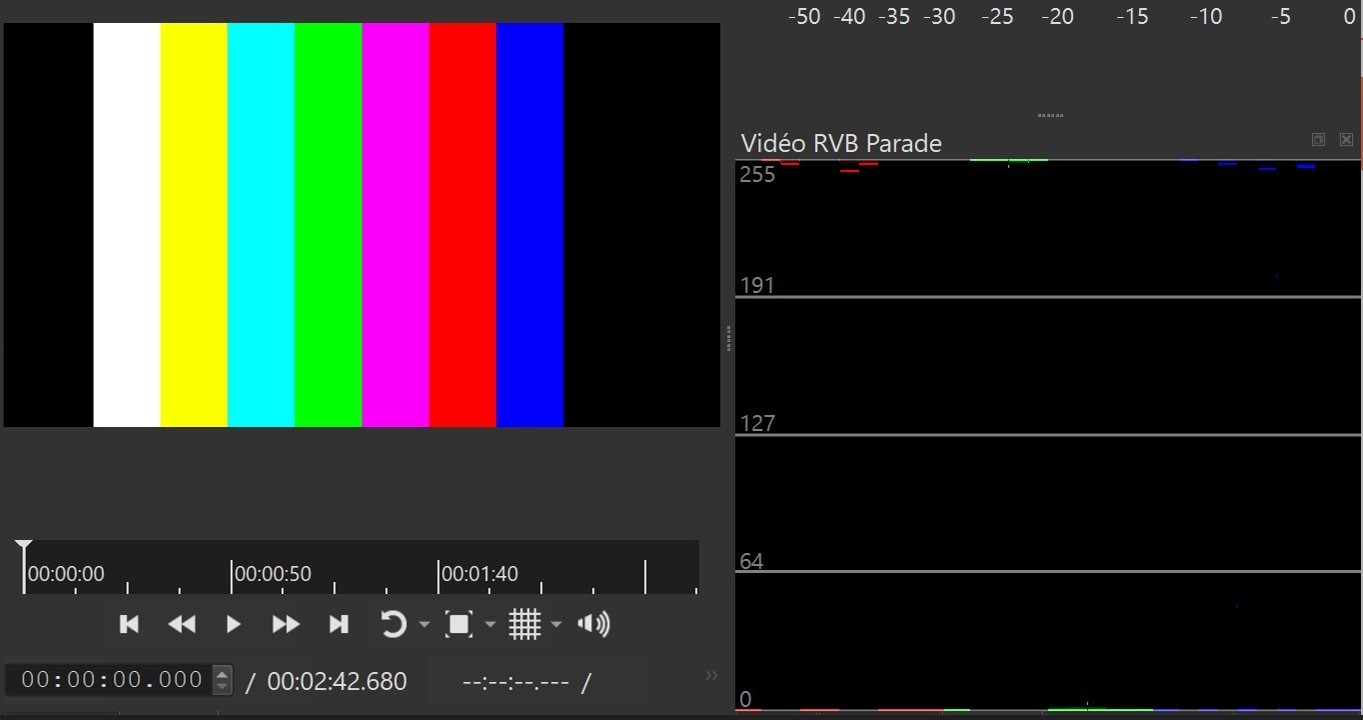
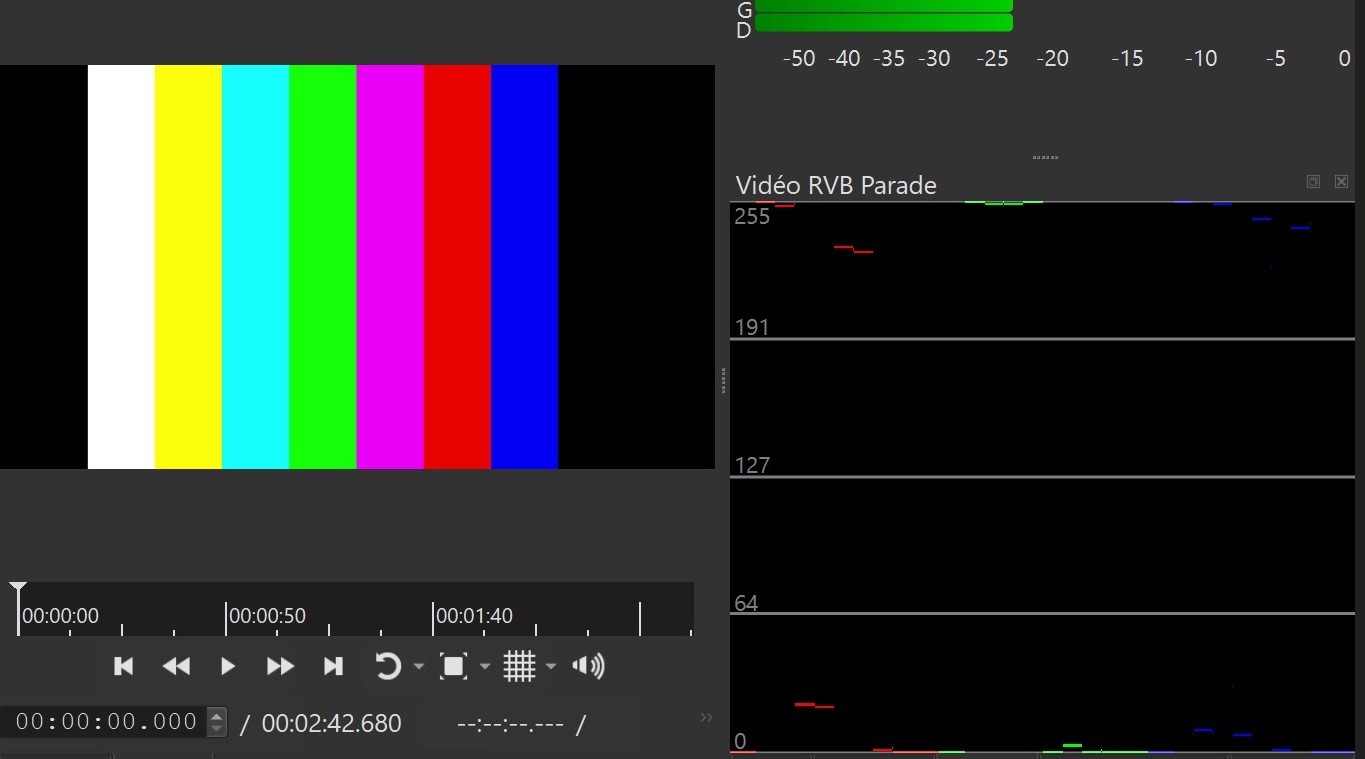
Les filtres HSL Modifie la lumiere uniquement pour les video bt 601 apres exportation, ( J’ai pas essayé avec les autres espace de couleur 2020).
Ces filtres comprennent aussi le filtre vibrance, le filtre teinte, luminosité saturation.
Pour eviter le probleme d’ecart de luminosité apres exportation, il faut ajouter une LUT de conversion vers BT 709, ( sans aucune opacité ).
Pourrait 'on avoir la possibilitée d’utiliser les filtres HSL, pour les video en BT 601, sans avoir de probleme de luminosité apres exportation, et sans devoir utiliser une LUT de conversion vers BT 709.
Hello.
HSL filters only modify the brightness of BT.601 videos after export (I haven’t tried them with other 2020 color spaces).
These filters also include vibrance, hue, brightness, and saturation filters.
To avoid brightness discrepancies after export, a LUT (Look-Up Tool) must be added to convert to BT.709 (without any opacity).
Is it possible to use HSL filters for BT.601 videos without brightness issues after export and without needing a BT.709 conversion LUT?
FYI, I see the problem using @brian’s steps in Shotcut versions 25.10 and 25.01–before and unrelated to processing mode. Also, I see it in preview–as explained in steps–and not just export as originally reported.