Updated to Shotcut 26.8.1 on Windows 11 Pro build 26200.9168.
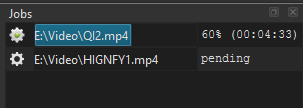
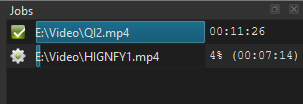
Since the update, Export will not complete - it stops at 99%, however the exported video appears to be complete.
This means that I cannot build a queue of jobs. I have to manually stop the stuck job at the top of the queue and then remove it so that the next job can start.
This bug seems to have been reported before in 2020, and it has now reappeared for me.
Does not reproduce for me. Maybe it is specific to your current project. No steps provided. Did not state how long you waited at 99%. It is normal that it can stay there for a little while.
It’s a project template that I’ve used for a couple of years to convert TS video files into MP4 videos. It’s always worked perfectly up until now. An export job sticks at 99% until I do a manual intervention - I’ve waited up to an hour before losing patience.
This new version of Shotcut adds partial support for VST2 plugins
While there is a way to exit safe mode (no external plugins), there is no way to enter it manually from the UI. I will add that for the next version. In the meantime, here is a partial workaround:
Do you know how to set an environment variable on Windows that is not system-wide? You would open Windows cmd.exe and enter set VST_PATH=no. Then, cd to where shotcut.exe is and run shotcut. Next, run the same export that previously hung. That would help us determine if that is related to the problem.
Also, the UI is back to its usual snappy self - for example, stepping through the timecode in the preview player shows an instant update of the video preview image whereas before the update took a second or two to occur…
I won’t be using VST plugins in my projects, so some way of turning them off via the UI would be appreciated. Thanks.
I added Settings > Enter Safe Mode for the next version, but it would be nice to find a VST2 that reproduces the problem so I can debug it. Do you mind listing your plugins for me? A screenshot of the explorer window is fine.
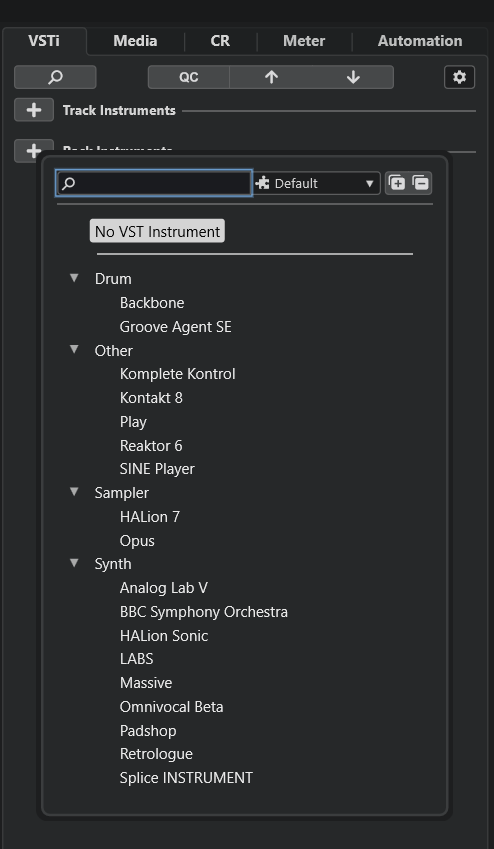
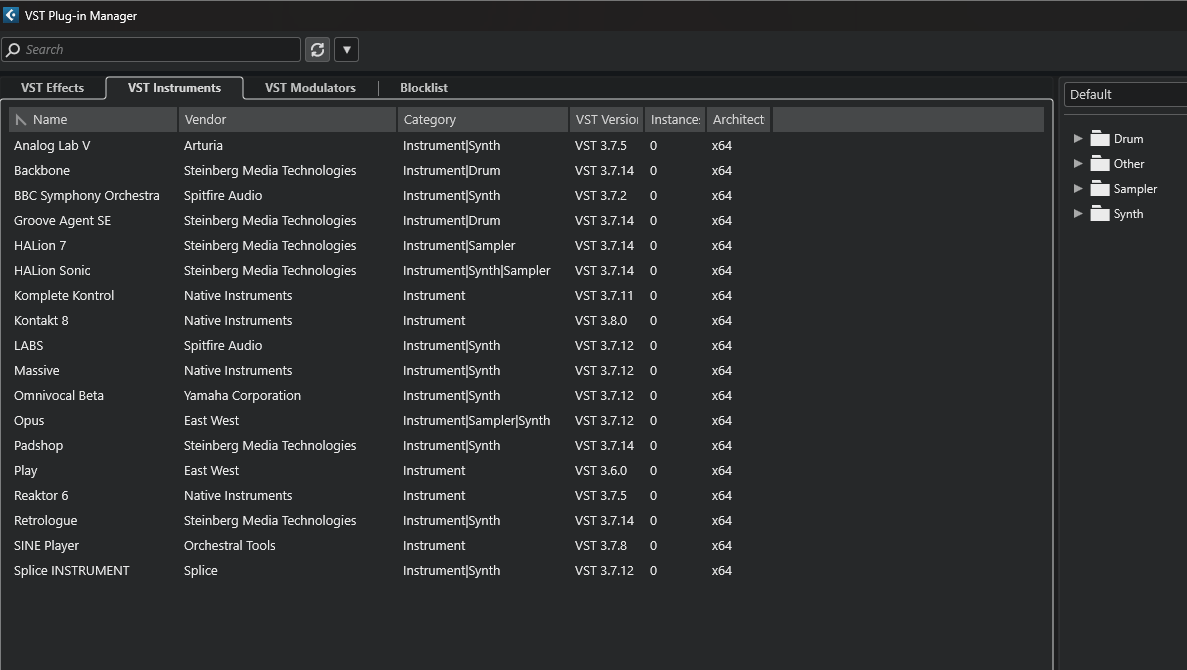
OK, that is quite a bit. To help me reduce that list, I am confused. The UI shows “No VST Instrument” Does that mean this is supposed to be a list of only effects–because Shotcut does not support VST instruments. There are also instrument categories showing. Or does that label mean that nothing has been selected yet?
This is a screenshot of Cubase’s UI with the list of VST Instruments that I have installed in it. None are currently selected in the empty Cubase project I loaded up to show the list, so that’s why it says “No VST instrument”.
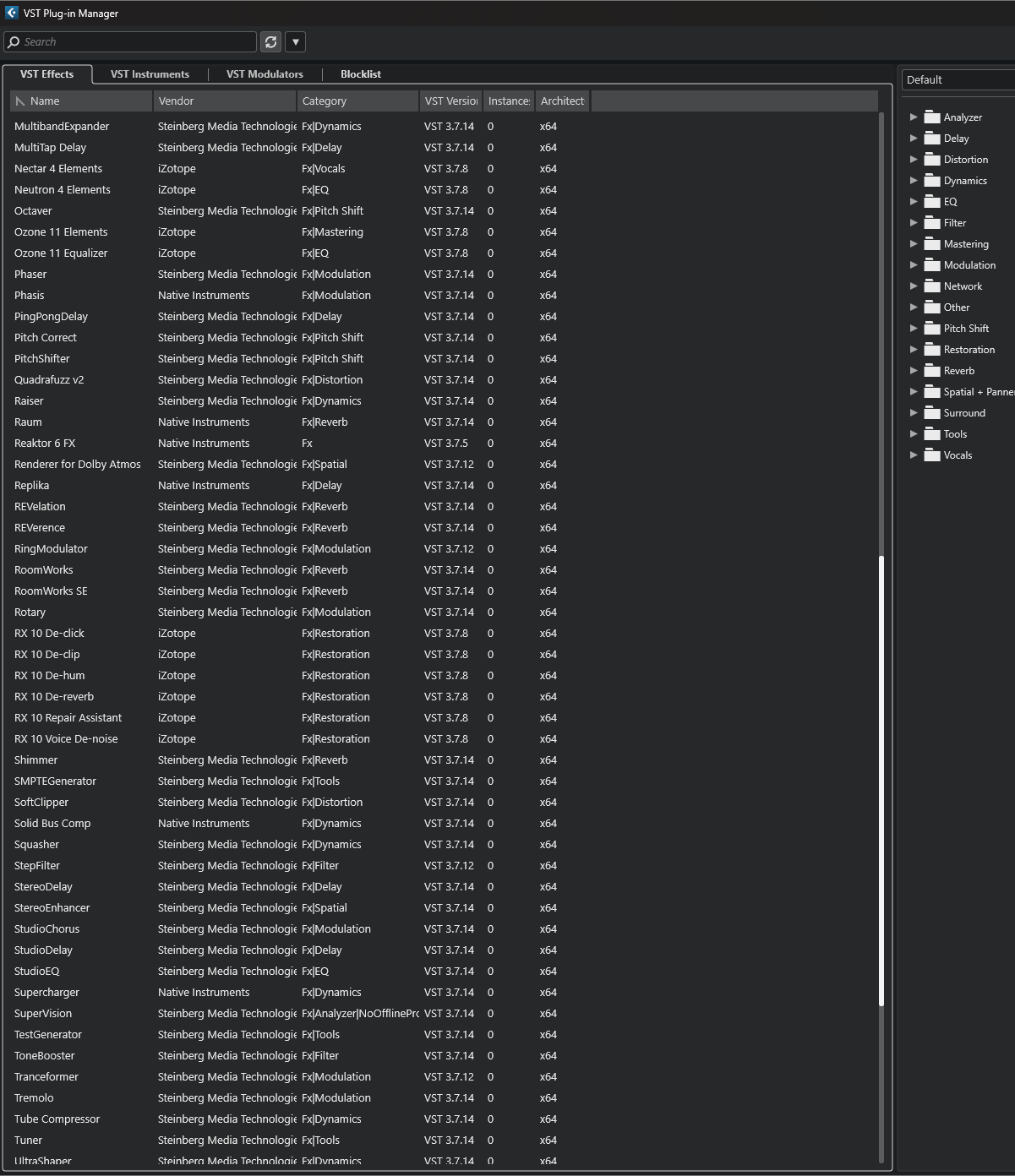
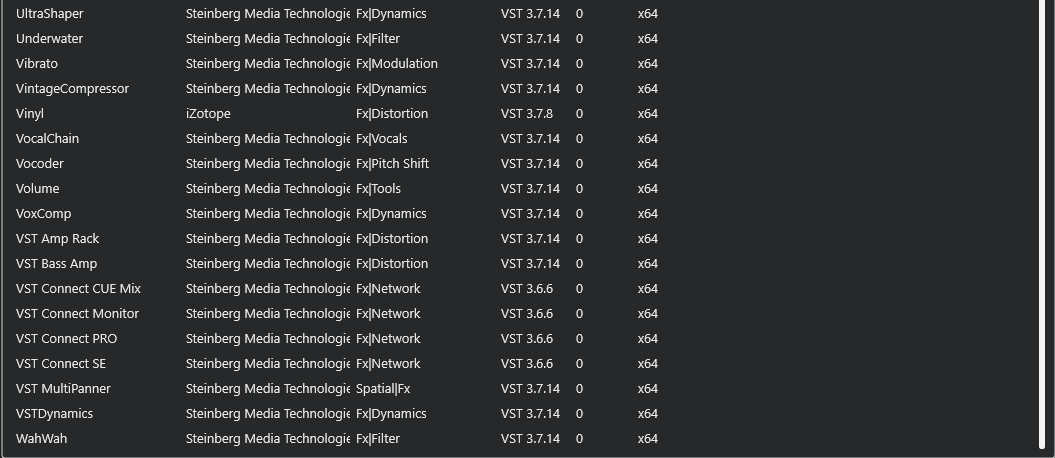
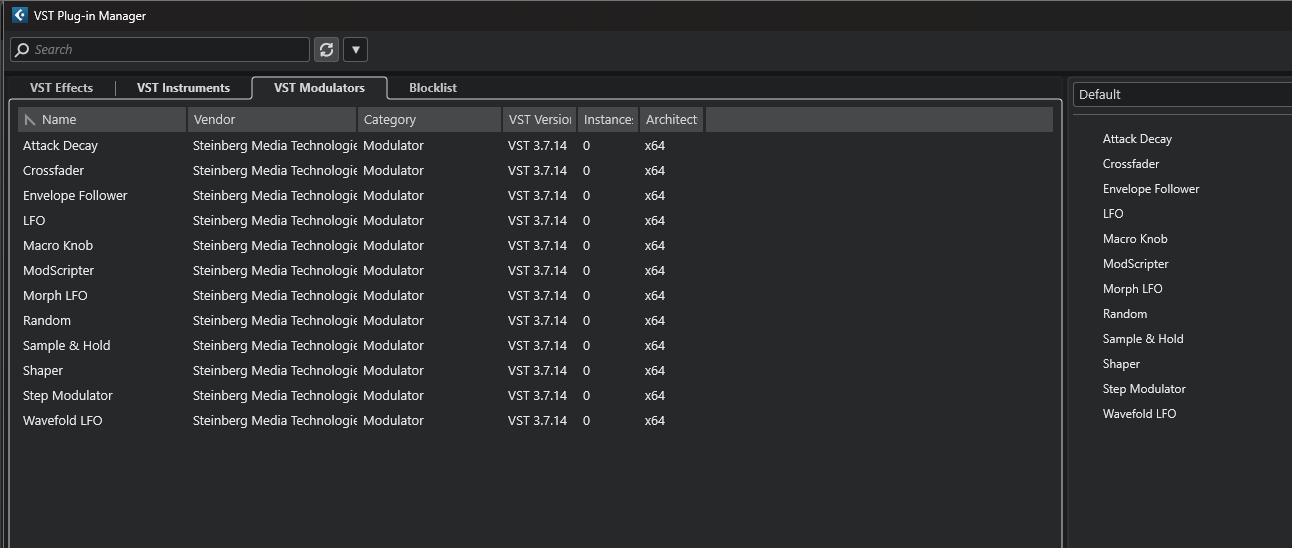
Actually, I realise now that that’s also a vast list of VST plug-in effects that Cubase has by default. I’ll try and show a list of these as well. Watch this space.
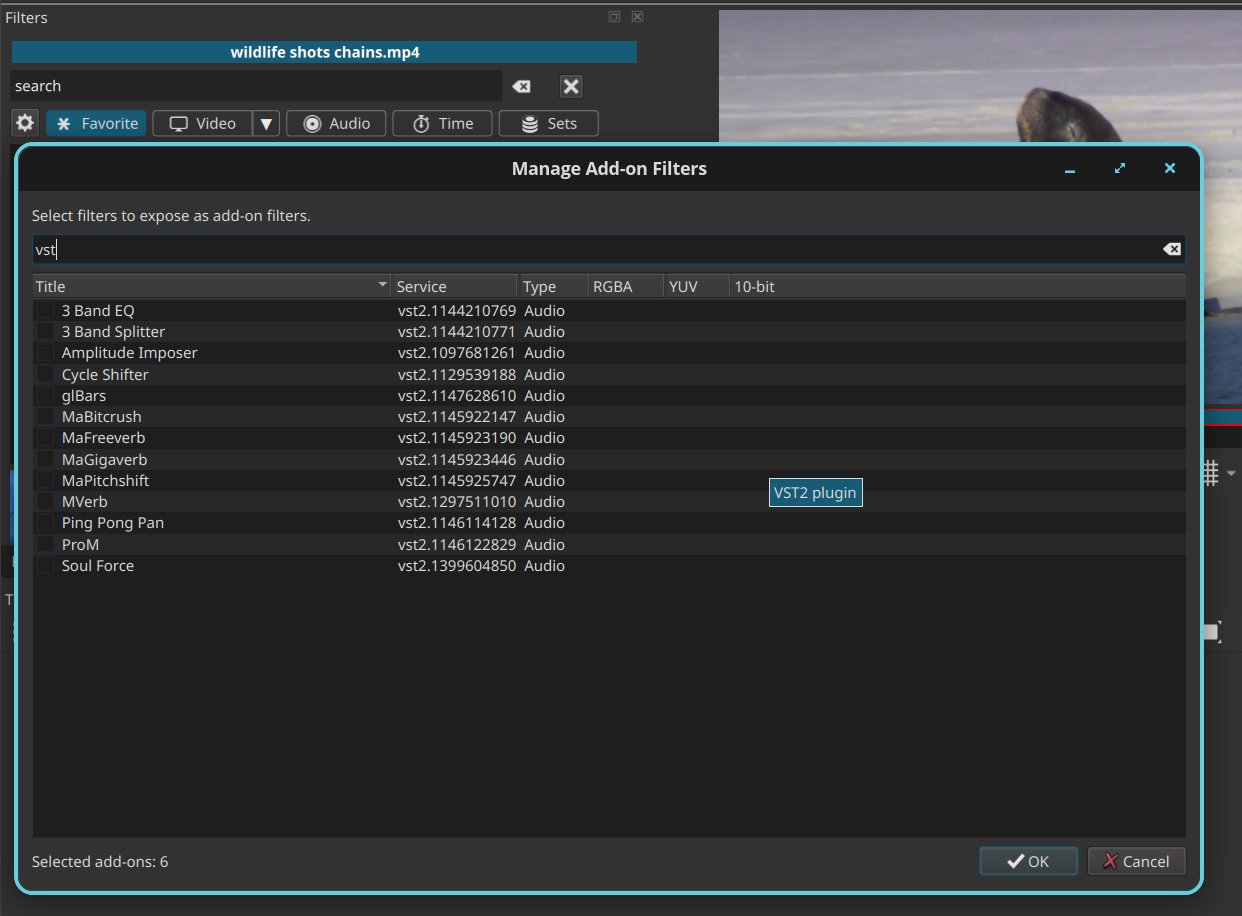
Thank you, but VST3 is not supported. I wonder if some of these are backwards compatible with VST2. Run shotcut.exe --experimental WITHOUT the environment variable. Open a file and add a filter. In the filter chooser, click the gear icon left of Favorite. Click that and search “vst”
My UI might look a little funny to you because it is Linux, but you should get the idea. Thank you for helping by providing requested information.
To manually put Shotcut 26.8.1 into safe mode on Windows, you can edit the registry at HKEY_CURRENT_USER\Software\Meltytech\Shotcut\ add or set the key safeMode to the string value true.
That assumes you have not ever changed Settings > App Data Directory. In case you did see Shotcut - Configuration Keys