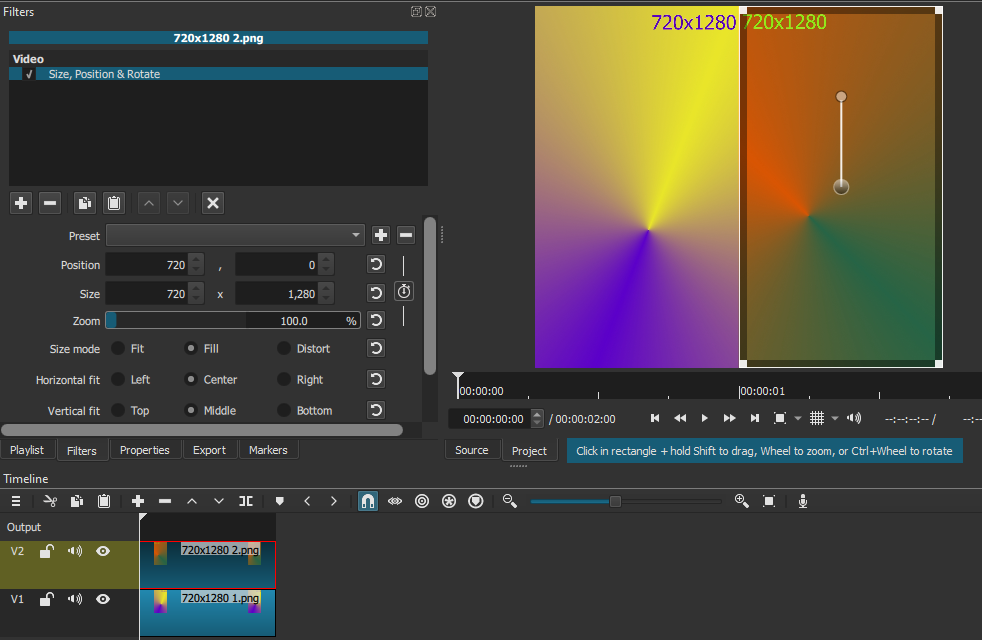
If you want a side-by-side video this is what you need to do.
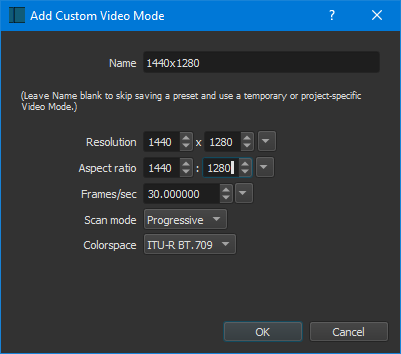
Step 1: Create a custom Video Mode to 1440x1280.
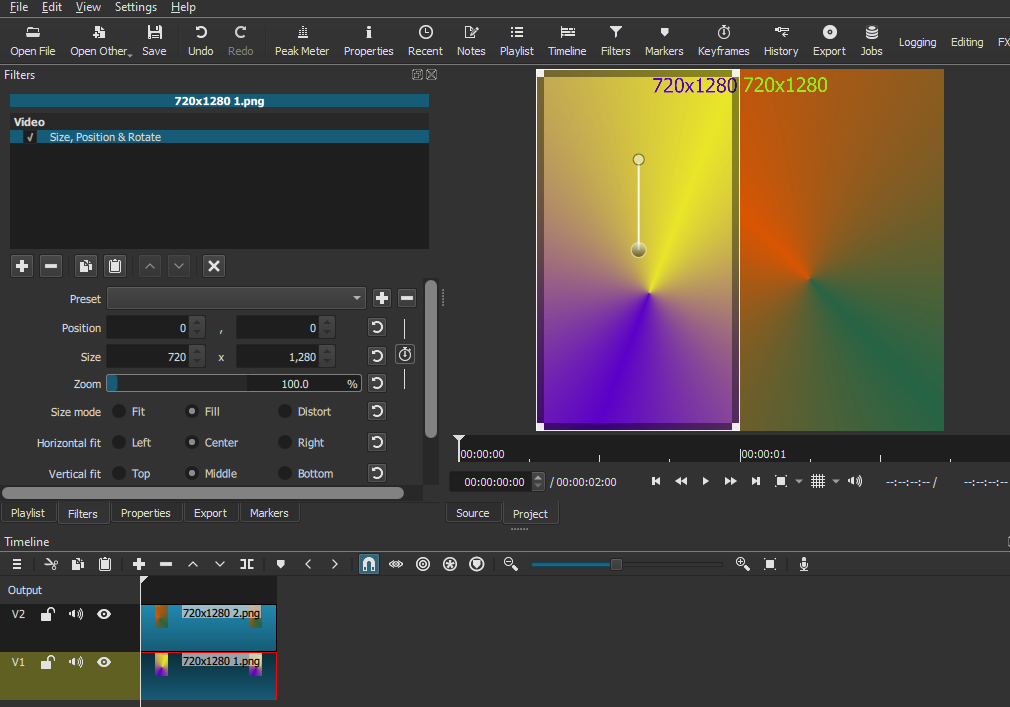
Step 2: Open your first clip in Shotcut, then place it on the Timeline. This will create V1.
Apply Size, Position & Rotate filter. Change Position to 0, 0 for the Left side.
Step 3: Create a new Video Track. Place your second clip on V2.
Apply Size, Position & Rotate filter. Change Position to 720, 0 for the right side.