Dear Forum, I finally discovered the zoom function  It’s right below the player. It’s helpful for things like aligning elements with pixel-perfect precision.
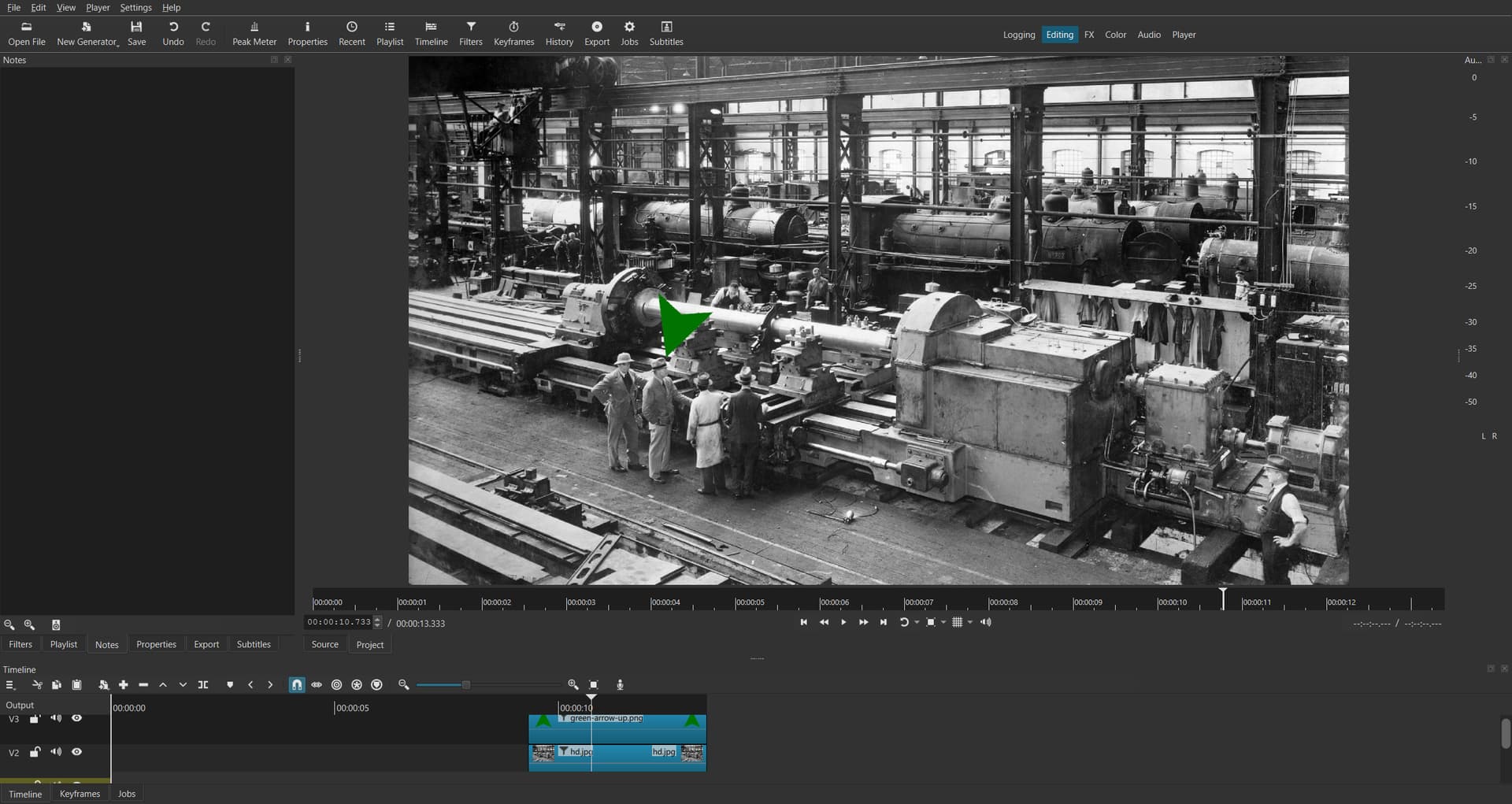
Standard-view “fill”
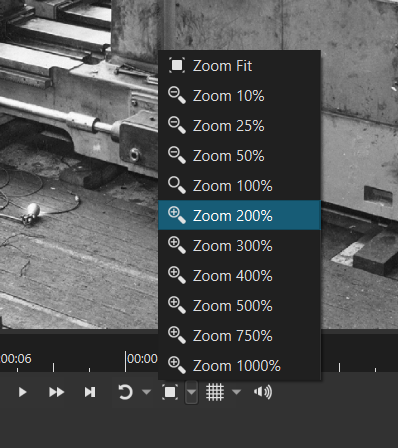
Choose you desired magnifying-level
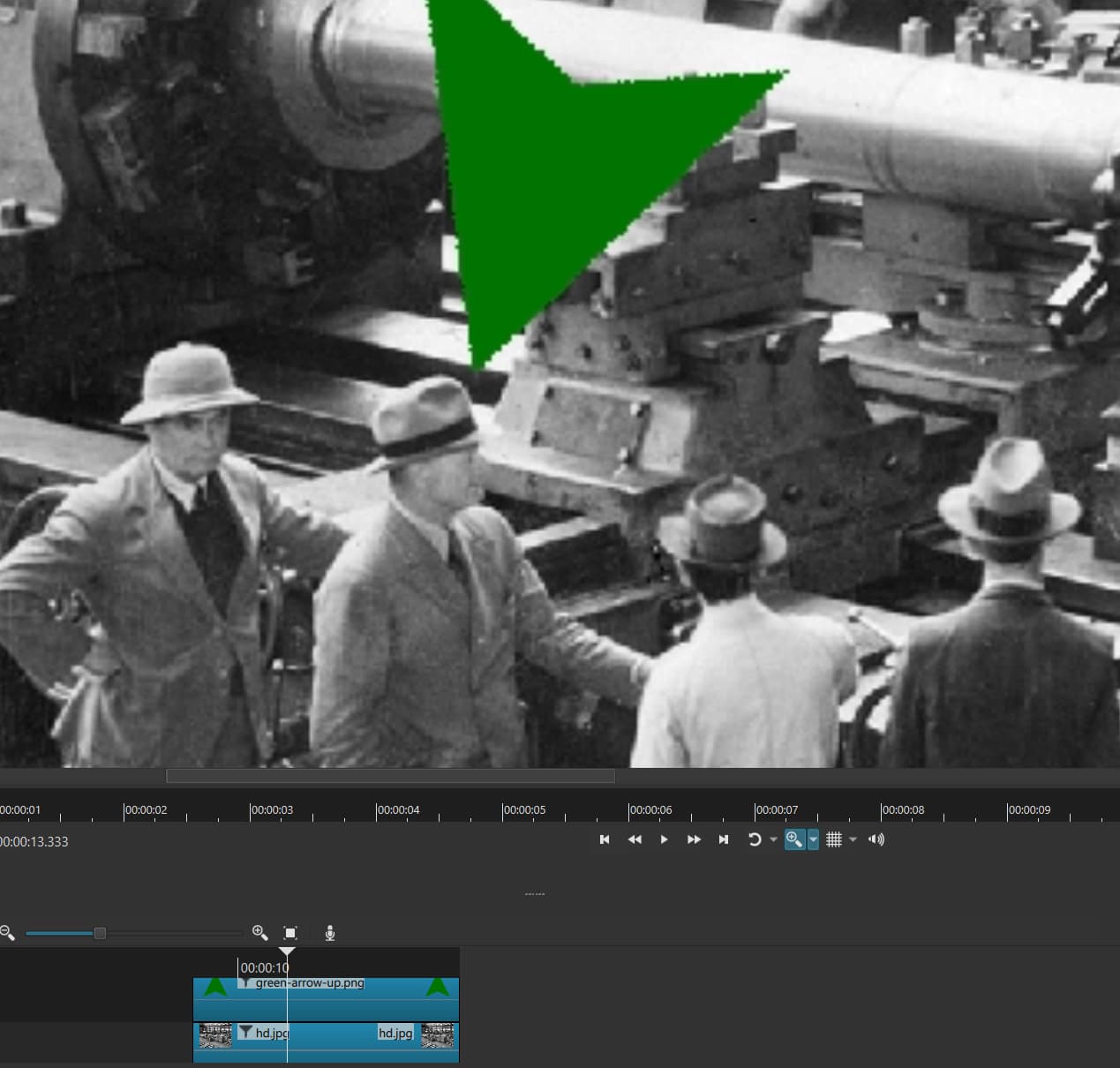
You can scroll to relevant area and make pixel-perfect alignments.
I’m embarrassed I’d been so blind. Google and forum searches for “zooming in” only turned up posts about using the “Size and Position” filter, not about zooming in on the player itself, like using a magnifying glass. Thanks to @MusicalBox, whose tutorial video on subtitles casually used the magnifying glass. Here is another topic for magnifying i’ve found right now, where Dan also explains this.
Still lots to learn in Shotcut.
Best, Florian