Can you please help me here guys how to make this,
I believe there’s a way in Glaxnimate
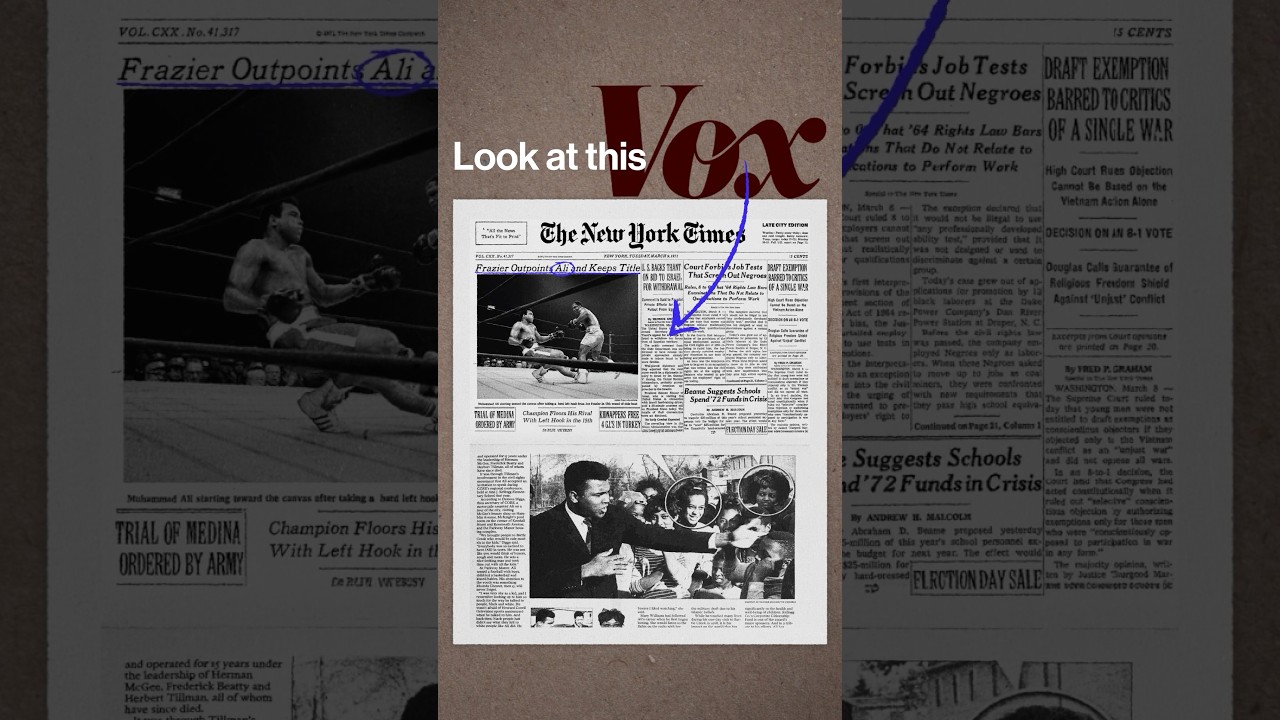
Can you please help me here guys how to make this,
I believe there’s a way in Glaxnimate
Honestly, i wouldn’t dive to deep into Glaxnimate. Glaxnimate is for beginners in animation, but - in my little experience - very limited. Even tho i love the integration in Shotcut - it is such a pleasure to use Glaxniamte out of Shotcut (clip lenght, for example).
Maybe you can reach your goal with Natron. I haven’t used it, but it looks powerful to me. Otherwise Blender would also do the trick, but it’s maybe an overkill for starters.
Natron
Good luck
Glaxnimate has trim path used to animate the drawing of lines and shapes from beginning to end, but it does not have filters to create the disturbance or turbulence effect along the edges. I cannot think of any filter in Shotcut to emulate the random edge effect.
I gave this a try and the closest I can come up with Shotcut and Glaxnimate involves these steps:
Not the same as the original shown in the video, but maybe that will be enough for you.
Hi @TLR_Pictures I see the “wiggly” effect I think you mean on the blue oval - is that what you are trying to achieve? It reminds me of a post I made a while ago. Maybe you could this a technique?
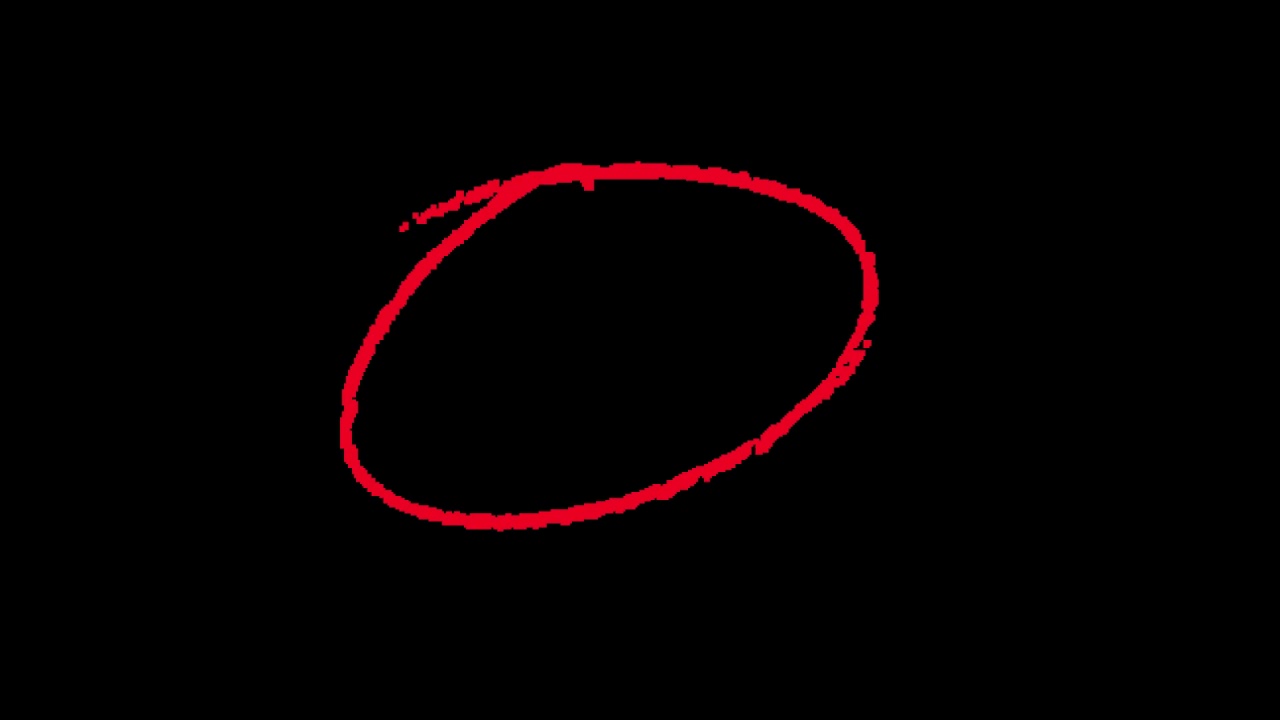
I also posted a short video on YouTube featuring a revealing pencil-drawn oval. The idea is that you remove the black background with the ChromaKey filter. Maybe this could be adapted too?
Hi @TLR_Pictures ,
I had mixed success with the wobbliness of the oval drawn line. Here’s what I did:

Result:
It’s not too bad, but the wobbliness is a bit too predictable. I could make it better by using 4 or 5 tracks, not 3, and randomising the cut-out frames. Or maybe I could experiment with a “shake” filter.
Exported result:
Also, I just realised you “wiggles” are a bit slower than I thought: