I have watched many videos and followed them; I also tried different ways and downloaded different models but in vain. I am sure there is a bug inside the subtitle feature. It does not create auto subtitles when you want to make subtitle for a video. Of course, there are other ways to create subtitles but that are for 1 or two frames, now imagine you have a video of 30, 40 mins and above, it is so tiresome to create manual subtitles. Please fix it.
It works if you use a build that we make. It has a runtime dependency on whisper.cpp that we include, but maybe not on your Linux distro package. We did not release a 26.1.31 version, which is why I guess you are using a Linux package.
Clarification: I am using Windows 11. Sorry for any typo but I used the previous version released in Jan 2026 and I changed the version to latest one that is released in Feb 2026 (26.2.26).
You said, “Build that we make”, would you please mention it? and I would appreciate if you guided me step by step.
I had done exactly the same but did it again to be 200% sure.
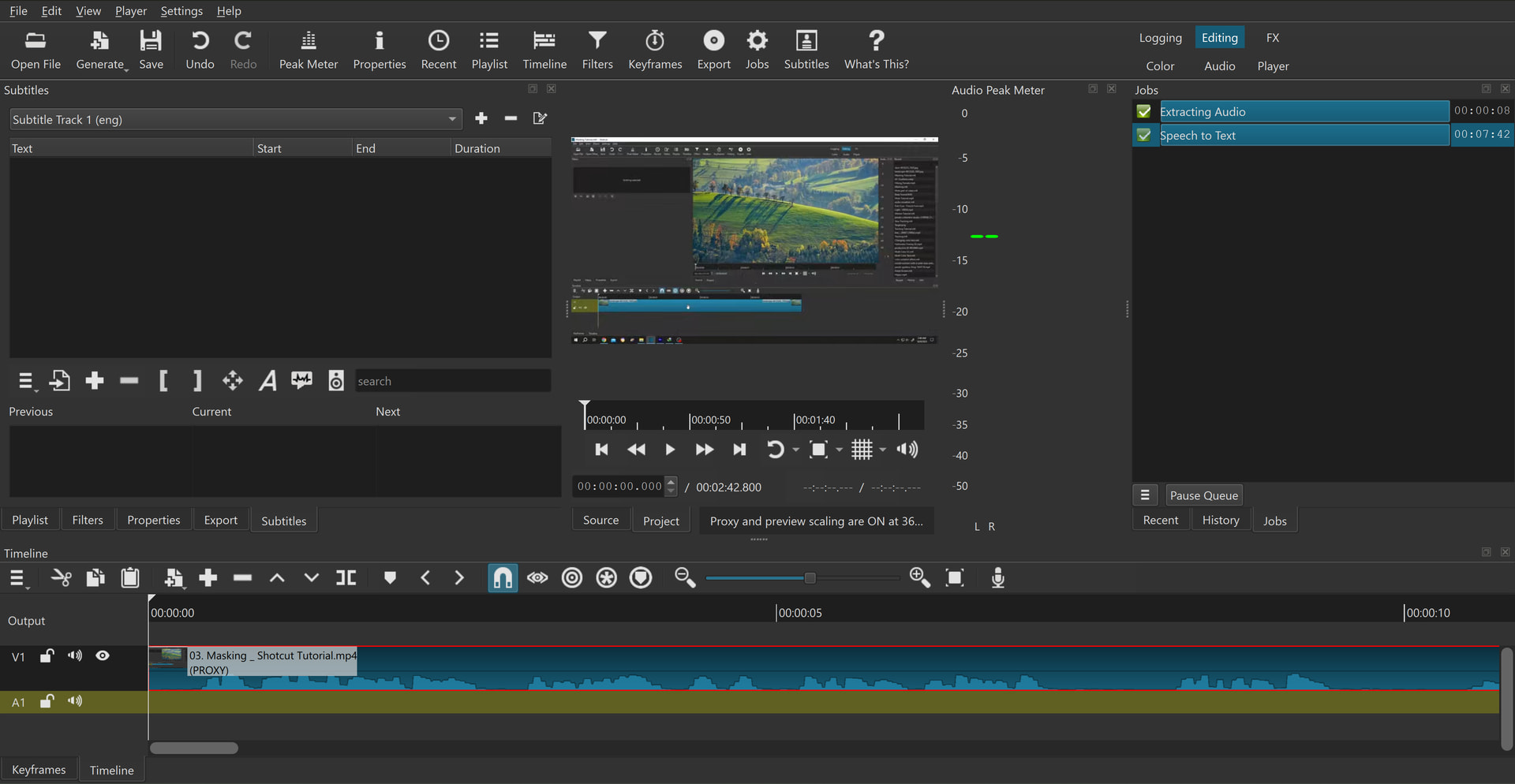
I selected my video, clicked subtitle and created a new subtitle track, clicked the Detect Speech, 2 jobs completed yet it gave me nothing,
I have attached the log file and a SS to show it won’t work! It only appears in logfile that I have attached and saved in a txt format.
You didn’t need to create a subtitle track. When you did “Detect Speech” it created a new subtitle track. Change your Subtitle Track to “Track 2” and you will see the generated subtitles. You can delete Track 1.
Hello community. I have the same problem as Faheem Farhan: I can’t subtitle the audio of a video. I followed the steps described here and elsewhere and nothing gives me error. My pc is a sony vaio allin one, with windows 10 pro by 64 bits.
Use both the portable version and the installable version, which you download from the official website.
Start the program.
I upload the video file that is in.mkv. I tried both ways, that is, I converted the file to mp4 and left it in original format.
Drag the video to the timeline or edit.
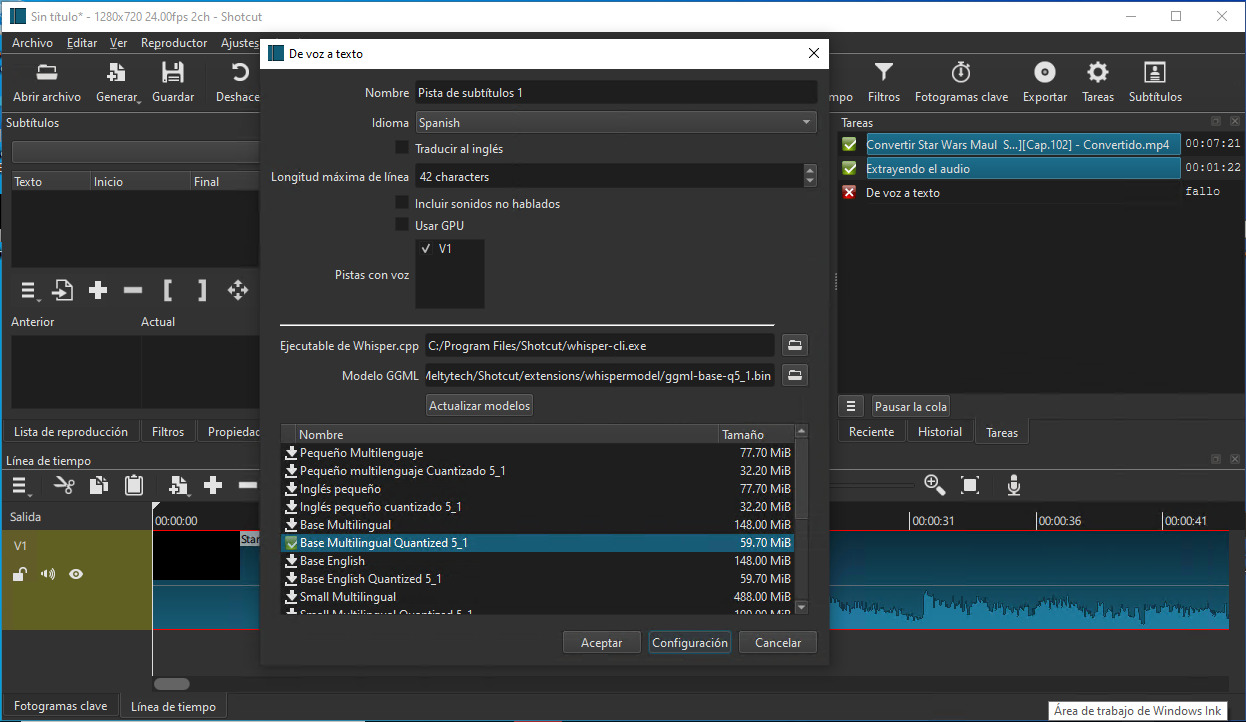
Tap on subtitles, within it select in the menu from voice to text, language I put it in Spanish, do not translate to English, track name track 1, without GPU since my pc does not have a good graphics card. Not including spoken sounds
. 5) Download the whisper model from the drop-down list, I tested using several base and medium models.
Convert the audio correctly. The audio is extracted correctly. But in the last step it gives an error it does not transcribe !! If anyone could help me from now on, thank you very much.
Thank you for trying to help me. In point 5 specify that you deal with multiple models, use the medium, the base etc etc.
Comment on some of this, but complement. My pc is an all-in-one Sony Vaio, with windows 10 pro for 64 bits. 16 gigs of DDR3 RAM Intel i7 3610 QM 2.3 GHZ CPU 4 REAL NUCLEI. 2 GIG GRAPHICS CARD DEDICATED N VIDEA G FORCE.
I reiterate as my card is mid-range with little dedicated memory, I used during configuration to test with GPU on and with gpu off. And it didn’t work !!