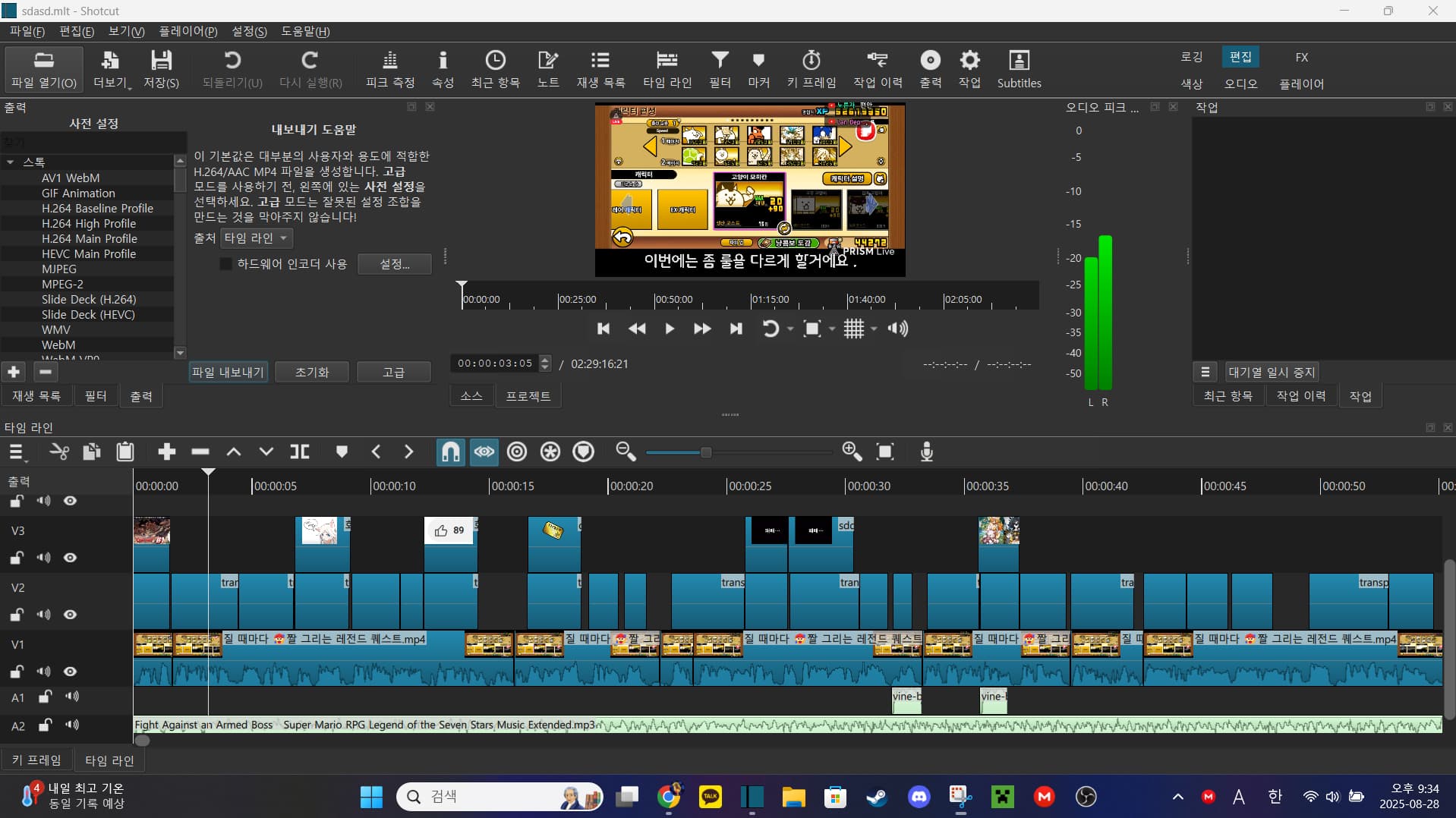
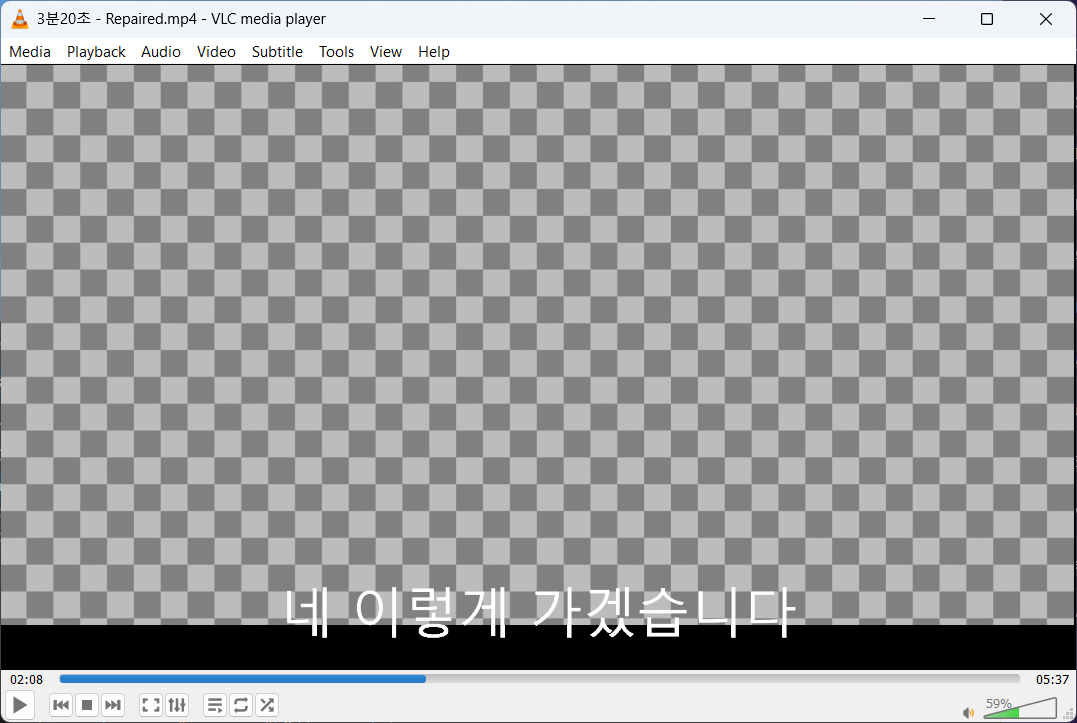
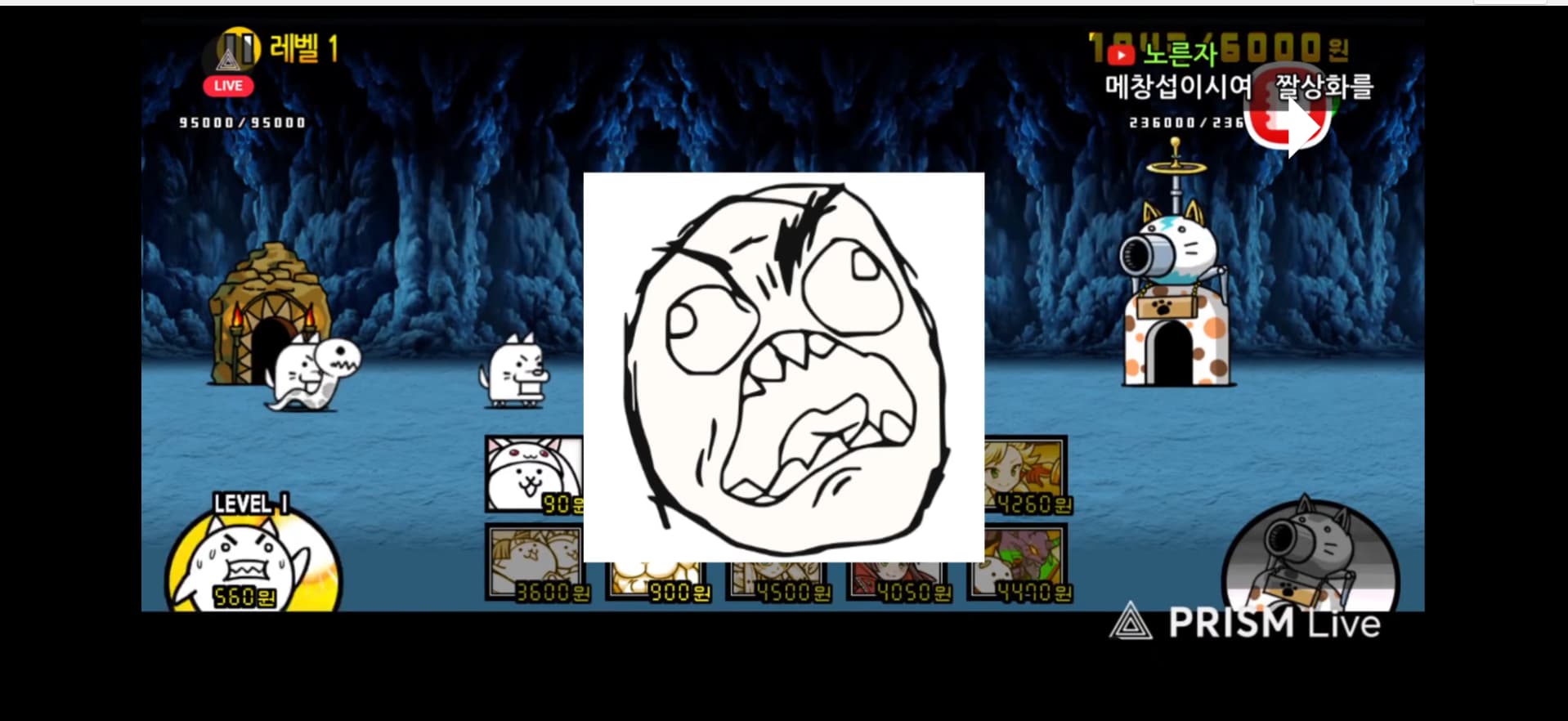
If I put subtitles on the timeline and export the video, none of the subtitles on the timeline in the video will pop up. Please tell me how to solve this
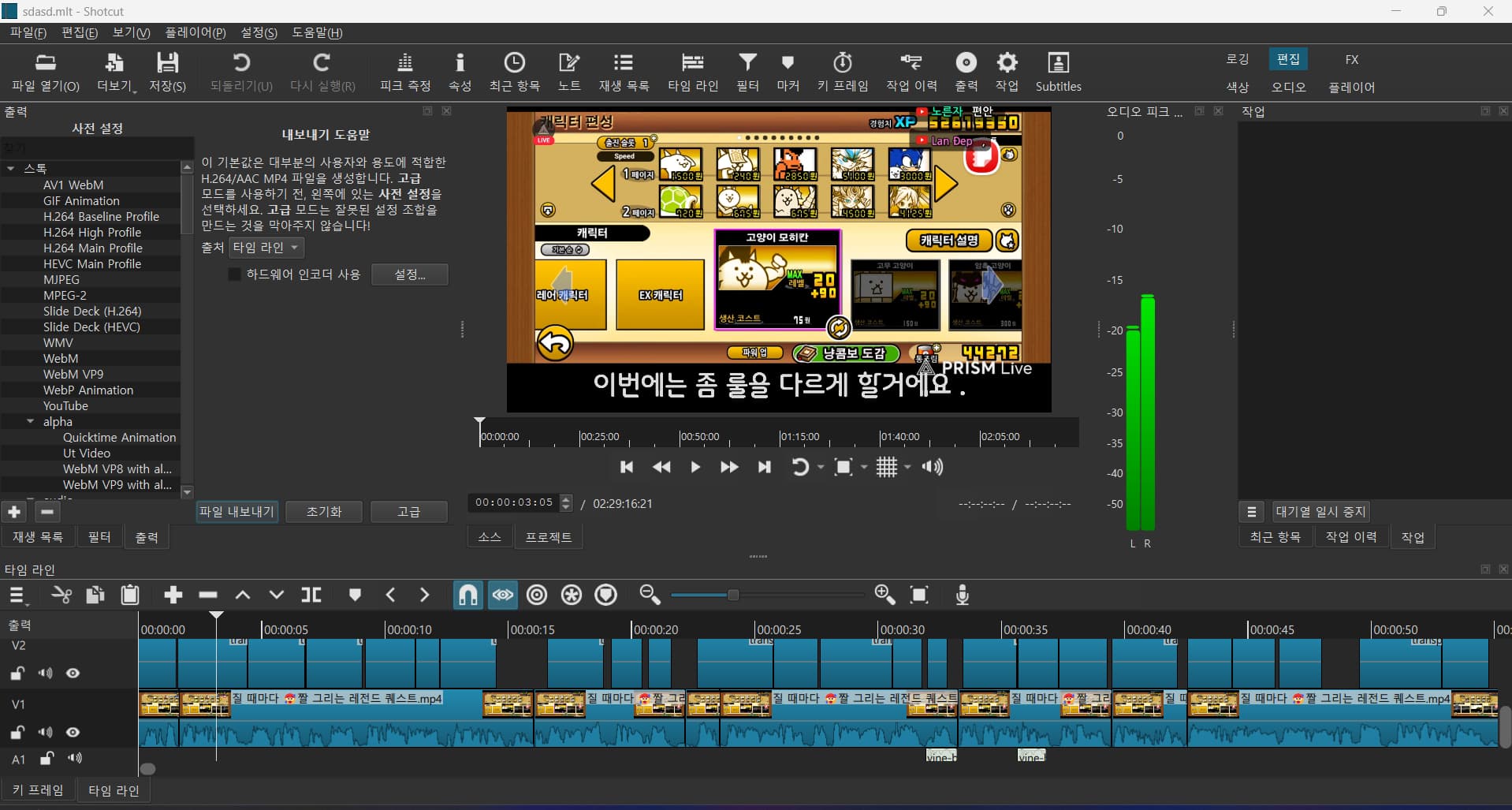
The one in v2 is subtitled
If I put subtitles on the timeline and export the video, none of the subtitles on the timeline in the video will pop up. Please tell me how to solve this
Shotcut does not automatically pass through subtitles that are embedded in clips on the timeline. It can only output subtitles that have been added to a subtitle track.
See the instructions here:
If you want to reuse the subtitles from your clips, Shotcut has a feature to extract the subtitles from the clip into a “.srt” file. You can then import those subtitles into the subtitle track.
It looks like they generated text clips from the subtitles onto track V2, but they did not render in the export. Maybe it is a unicode bug.
Please attach a project file with this problem into a reply here.
3분20초.mlt (358.3 KB) This is the file and And can’t you use the subtitles on the timeline?
I opened your video in the latest version 25.08 on Windows and exported and it worked for me. I did not try to substitute my own video because I did not want to look for one that is over 2.5 hours long!
So, I am not sure what is wrong. I used the default export settings.
You wrote “pop up.” I read that as simply appearing in the exported file’s video. However, maybe you are asking how to make an animation when they appear. 
How to make subtitles bounce

Hi Dan, I like the subtle “double bounce” on those subtitles. Any chance of sharing the effect as a filter-set TXT file? I could make use of that. Thanks!
It is just 2 keyframes with the first one a bounce keyframe type. The size values are based on this file’s unusual aspect ratio so will not be useful to share. It is basically, animating size from 0 to 100% with a bounce keyframe but fiddling a bit with position and using Size mode = Fit.
OK, thanks Dan, it helps knowing you used the bounce keyframe type. I’ll figure it out. Nice effect.
This topic was automatically closed after 90 days. New replies are no longer allowed.