Hi
last year I had posted a question concerning the audio quality of the direct commentary function, i.e. clicking on the mike-symbol and then record.
I was ok with the quality, given that I am only commenting things, but today I installed the version 26.2.26, and the result sounds like everything is being compressed more. There are a lot of artifacts which sound even like a misguided noise-canceling function.
Do others hear the same phenomenon or is it just on my Windows PC?
I might add that - also today - there were some driver updates, however, I have taken to using a separate audio program to record the comments and then insert the audio file into Shotcut.
The audo program does not face any issues when recording.
Did you rule out the USB mic / drivers as the source of the noise cancellation artifacting by recording a test track in another application like audacity?
It’s a Røde USB mini, and it doesn’t come with extra drivers. The mike works well with Magix Samplitude music studio (which I’m currently using to avoid the artifacts).
Are you using a build we provided? The function simply uses ffmpeg CLI to record to a .opus file. That should default to using libopus if the build includes that, which ours do. Otherwise, the inbuilt opus encoder in ffmpeg is inferior.
Please use the terminology the English UI uses if possible so more people understand you. It is Timeline > Record Audio. I changed the subject on this thread.
It almost sounds as if someone was breathing behind me, and in-between there is absolutely no noise, which leads me to the idea of either noise-canceling or a very strong compression.
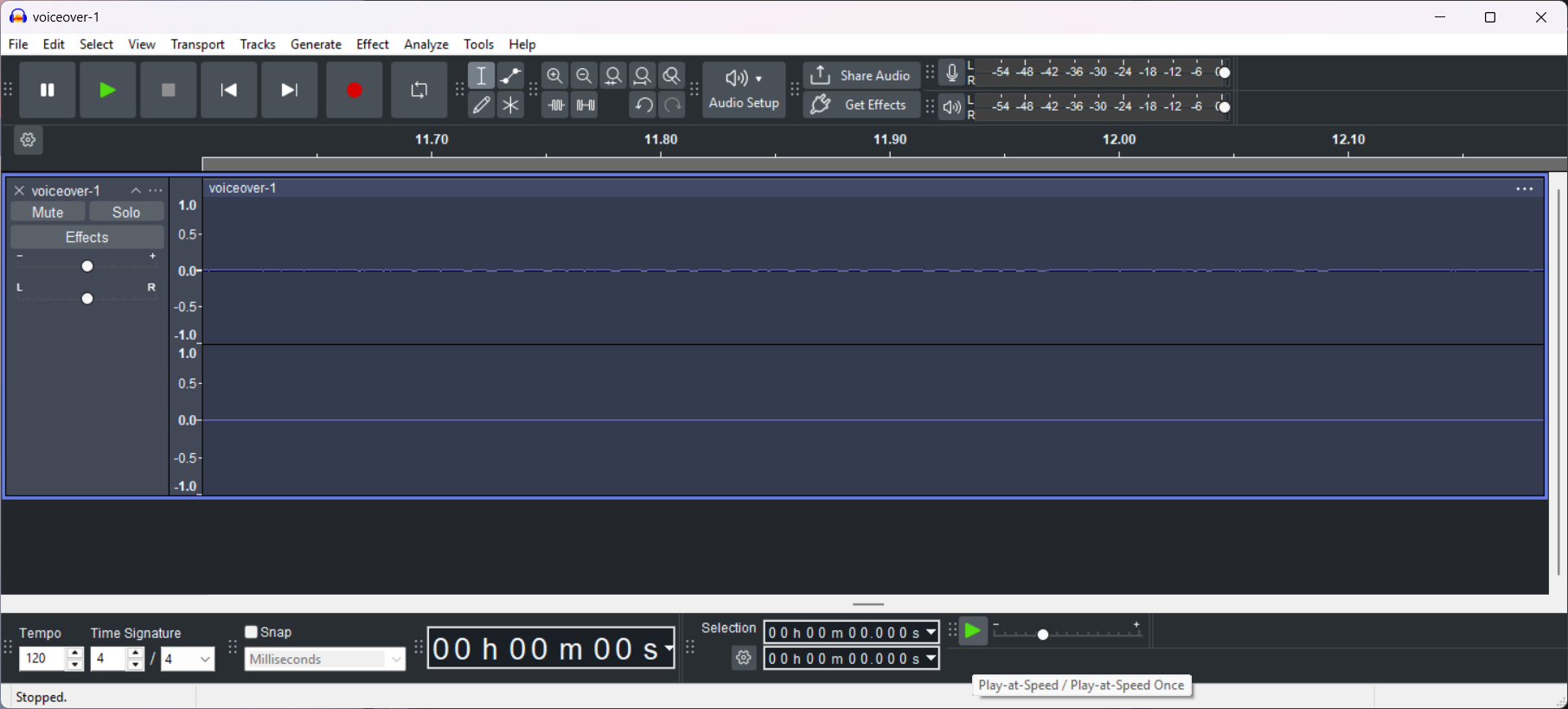
Of course, it is heavily data-compressed; that is Opus. However, Opus has special encoding flags for like a silence gate that is not being used here, and Audacity shows some noise in the silence, for example
One needs to opt into the -application voip ffmpeg flag to get this gate, which Shotcut does not.
However, I do hear some unpleasant things with your file. I am going to switch the next version to use FLAC instead since it is lossless compressed and natively supported by Audacity as well as many other tools such as Samplitude.