I can really see how useful it can be to propagate all the tracks, for example, when increasing the size of a part/clip or a transition, you don’t have to move one by one the clips that are further ahead in the timeline.
Personally, I feel comfortable just using the magnet and placing the cursor on the timeline.
The purpose of the “x” shortcut is to remove blank space without having to drag/cover it with the mouse.
I was working on a project and had all the propagate buttons enabled except for the markers. I accidentally left the “propagate all tracks” button enabled.
I have two video tracks at the top and two at the bottom, while the ones in the middle are hidden. So, being so far ahead in the project timeline, I didn’t notice the effect.
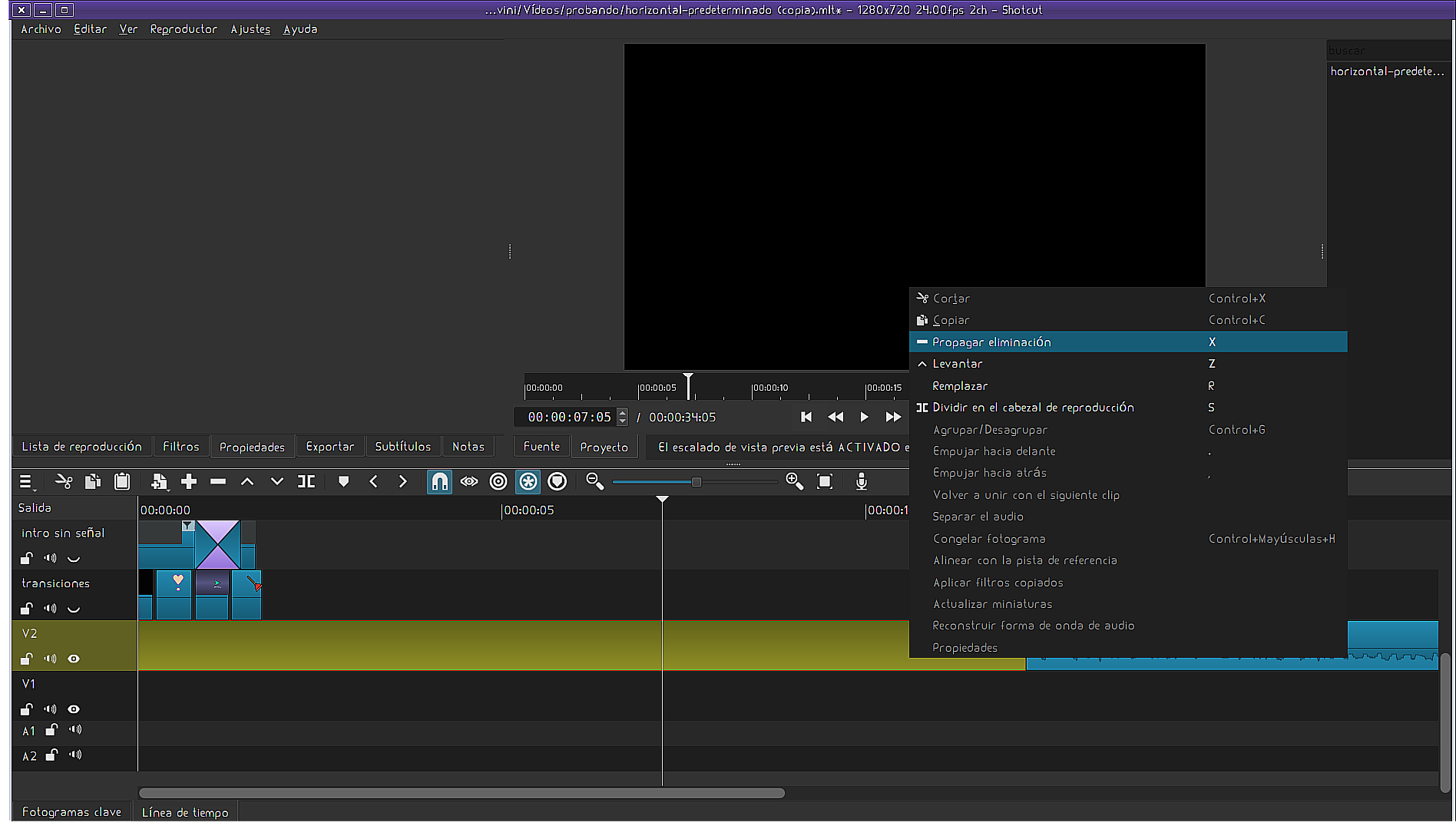
 It seems “obvious.”