howdy folks, i’m new here and also to Shotcut. i have an issue that i can’t find an answer to, hence this post.
i use Shotcut to make music videos. nothing spectacular, just simple audio track and a picture. now, when i started using Shotcut all i had to do was add an audio track with the music and a video track with the picture. when i exported the video the picture was on the whole screen (as shown below) -
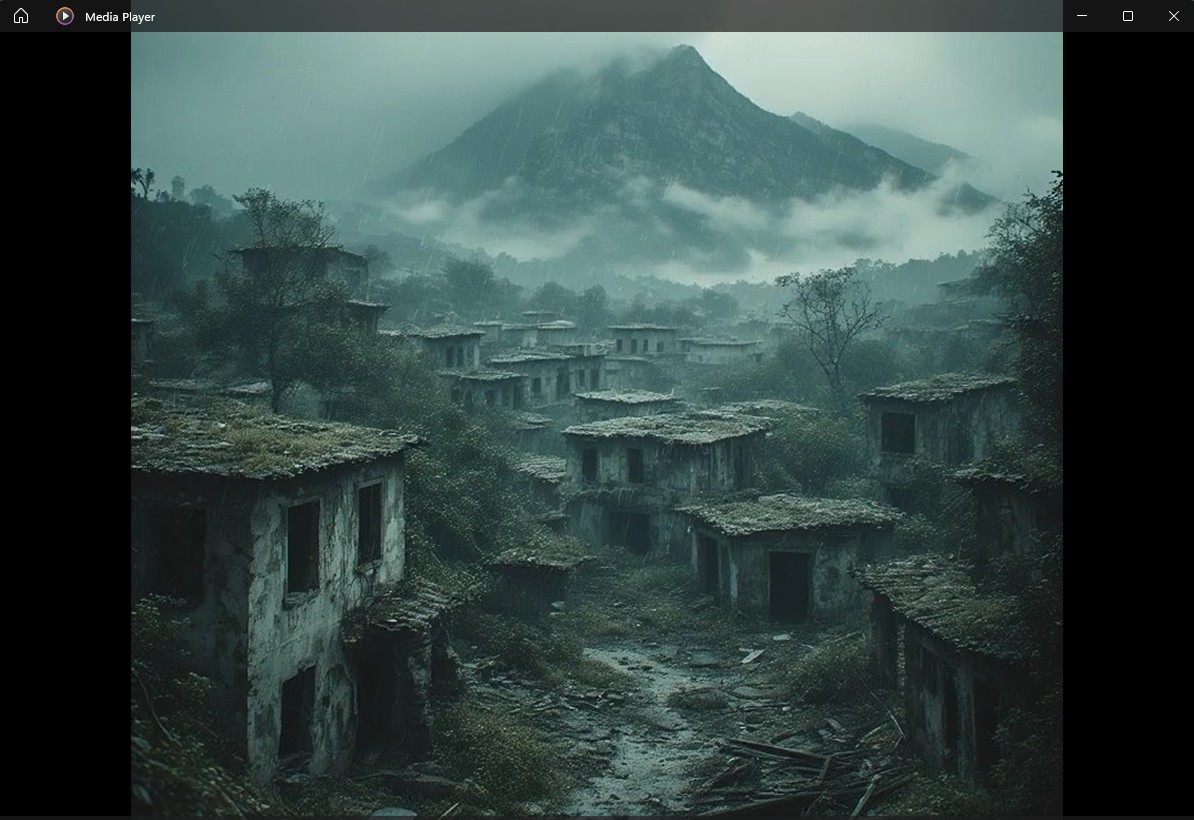
but now, even though i follow the exact same procedure it doesn’t -
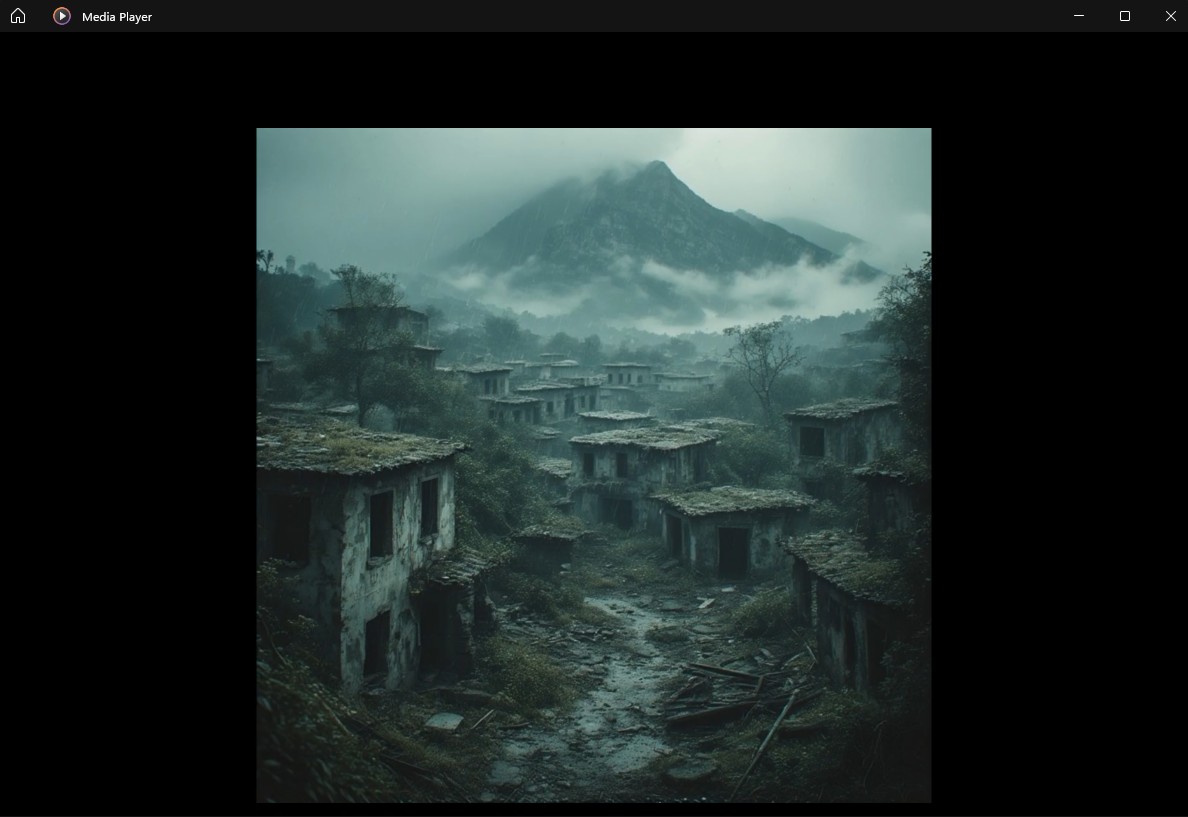
now, i tried to search the forums and there were some suggestions (not regarding the exact same issue), like resizing the video and so on, but nothing seems to solve my problem. could anyone suggest a solution? i need the picture to take up the whole screen again.
any and all help will be much appreciated. many thanks.