Win 11
25.08.16
Rendering using HEVC codec produces highly oversaturated output, that doesn’t match the preview. Change to h.264 fixes the issue. I believe that’s a regression since version 25.07.26.
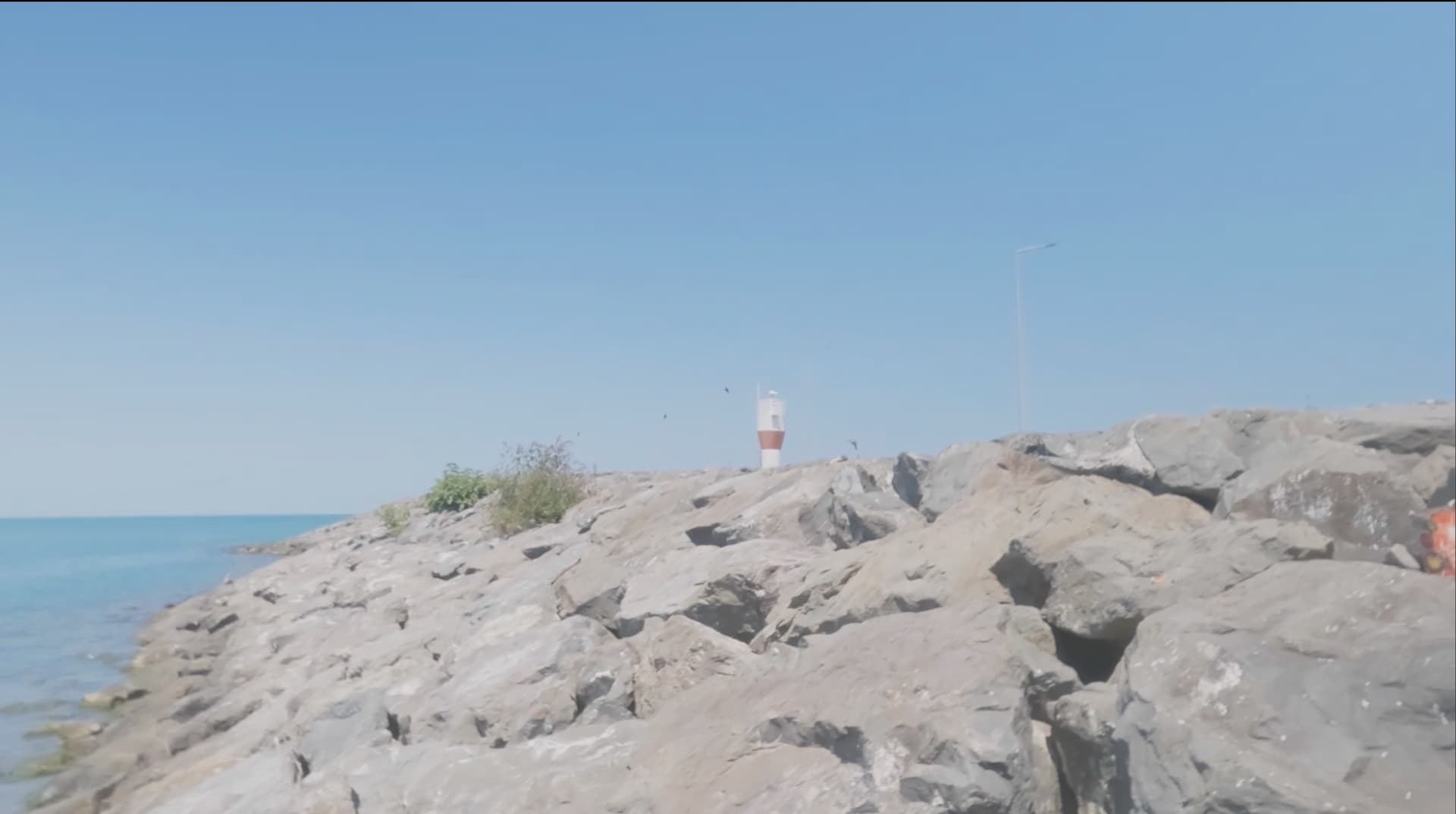
HEVC:
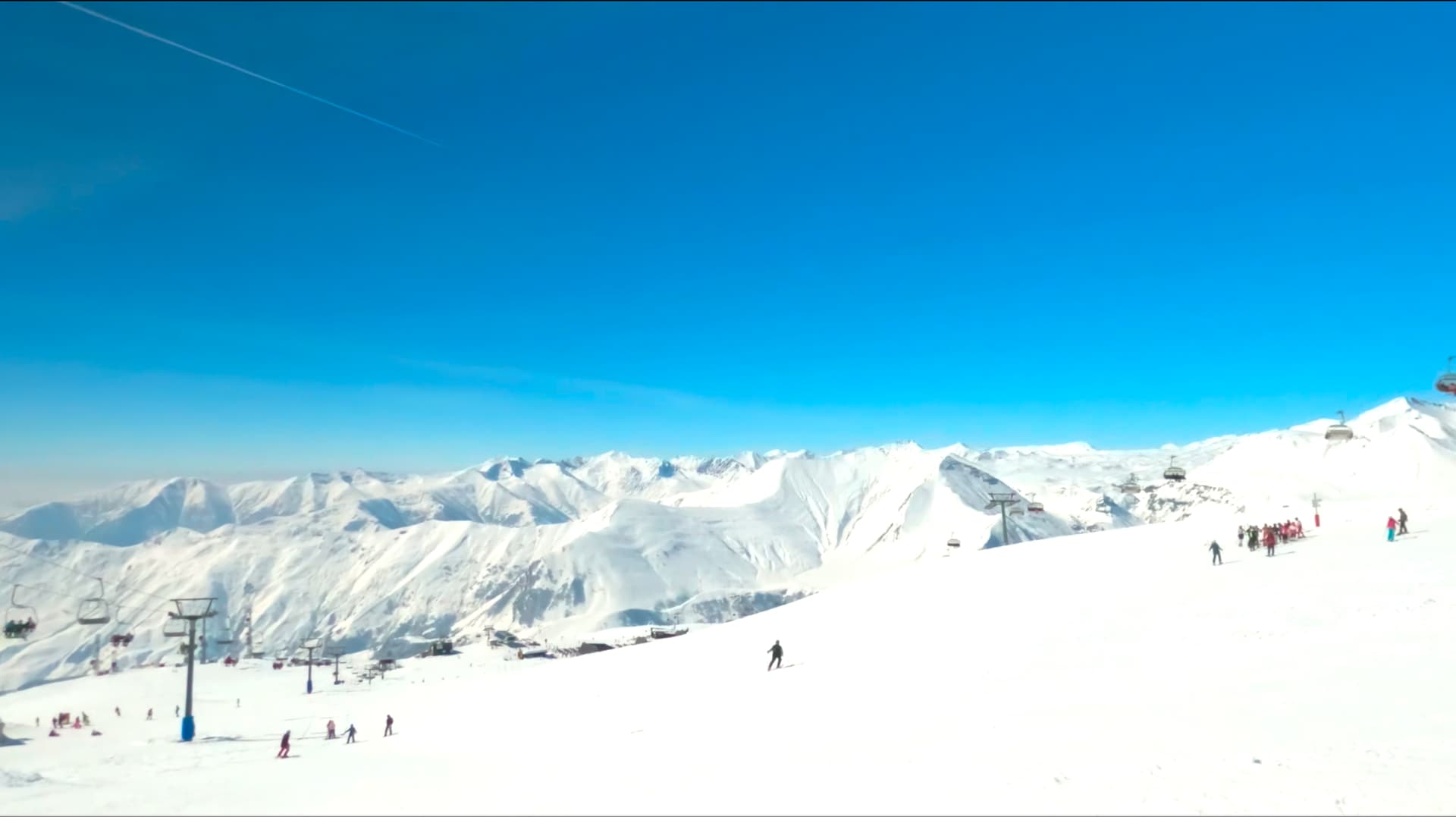
h.264:
Win 11
25.08.16
Rendering using HEVC codec produces highly oversaturated output, that doesn’t match the preview. Change to h.264 fixes the issue. I believe that’s a regression since version 25.07.26.
HEVC:
Which one? x265, hevc_amf, hevc_nvenc, hevc_qsv
I did not reproduce it using x265 or hevc_nvenc with the HEVC Main Profile export preset.
What are the properties of the source? I used Rec. 709 with limited range for both source and export.
Well took some time but figured out the cause. Sorry for misleading original info: that isn’t codec thing. Happens when rendering 709 clip with video mode set to 2020 color space and using 8bit codec. Actually even 2020 clip rendered with 8bit codecs show the same issue, while in a lesser degree.
I understand this is improper setup - maybe incompatible codecs should be disabled in 2020 video mode?
And, related – the release notes say:
Added BT.2020 color space support to the preview.
Would you please elaborate? At least on a laptop with HDR screen the preview still looks Rec.709 SDR to me, the scopes are 0-255 range and so on.
Also, HDR clips get heavily compressed.
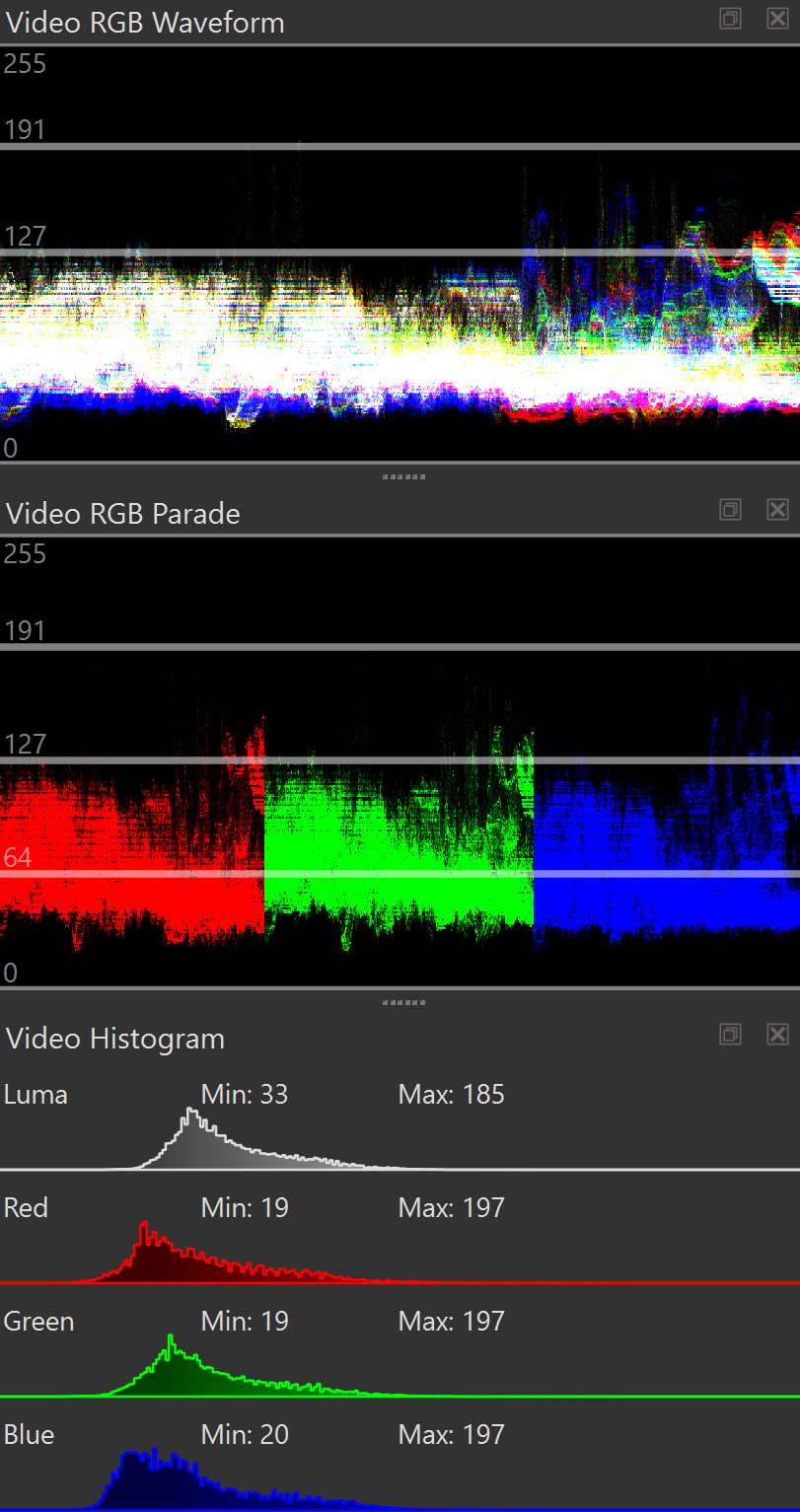
Here are video scopes for a clip LUT converted into 709 SDR:
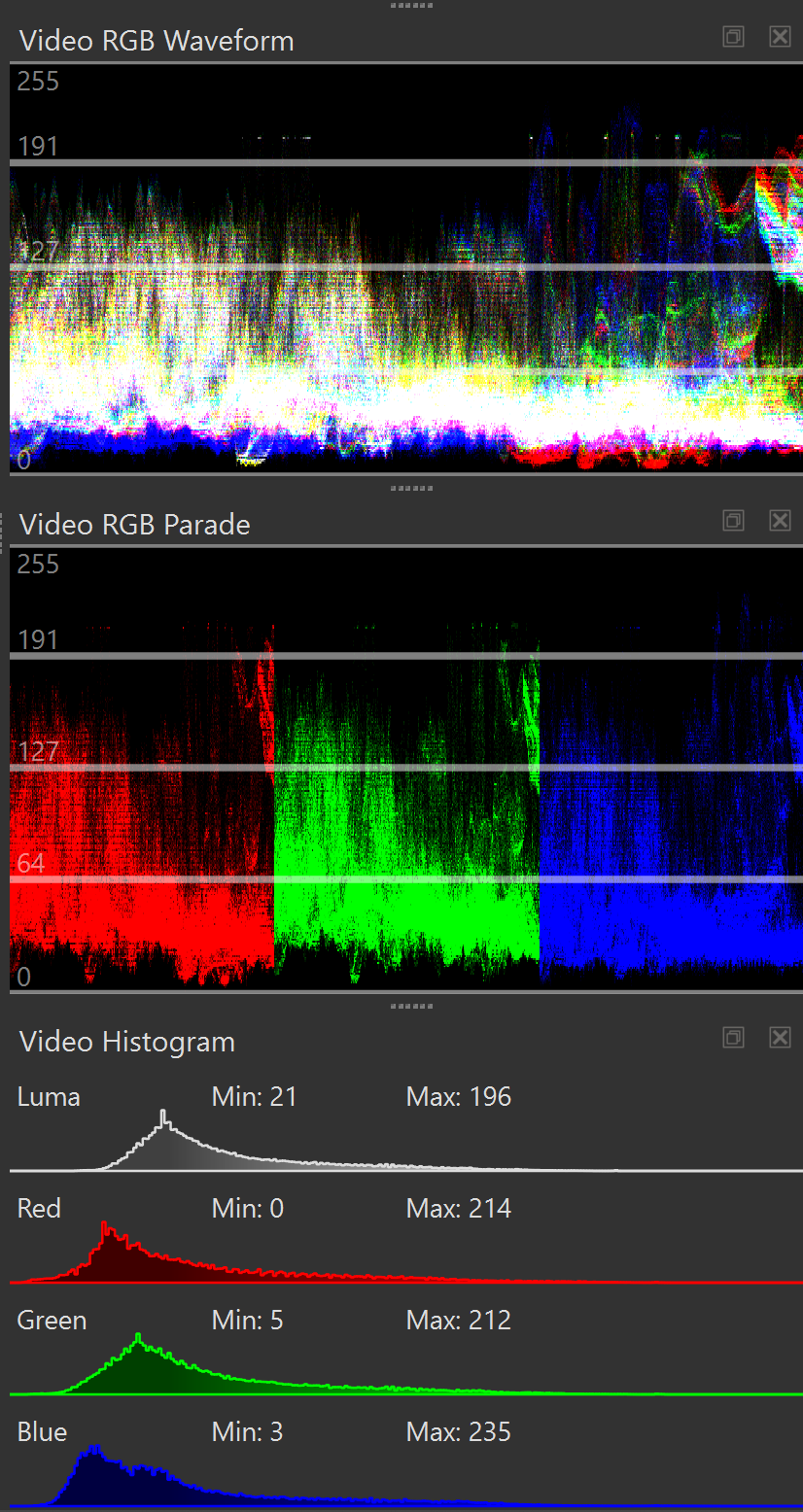
Same clip using LUT conversion to 2020:
Even though HDR usually uses BT.2020, that color space alone does not specify or require HDR. The release notes do not say HDR! It only added the BT.2020 RGB coefficients for the shaders for the color primaries only. It was added for correctness: previously, if the colorspace was set to 2020, it was still using Rec. 709 matrix coefficients.
The BT.2020 colorspace was added in Shotcut 25.03 to support a HLG HDR workflow with Blackmagic Design external monitoring or pass-through editing (i.e. no effects). In either case, the HLG transfer function was designed to be decently viewable on a SDR display (if not ideal as it depends on camera’s exposure and color science), which is all that Shotcut embedded preview provides today; but it still better to use the correct coefficients for BT.2020 in that case!
Faced the same issue again – and this time certainly not codec is guilty.
With levels plugin added to the chain, saturation gets unexpectedly boosted:
Here is the same file rendered with no levels plugin, normal saturation:
Filters:
<?xml version="1.0" encoding="utf-8"?>
<mlt LC_NUMERIC="C" in="00:00:00.000" out="00:09:59.960" parent="producer0" root=""
    version="7.33.0">
    <producer id="producer0" in="00:00:00.000" out="00:09:59.960">
        <property name="length">15000</property>
        <property name="eof">pause</property>
        <property name="resource">black</property>
        <property name="aspect_ratio">1</property>
        <property name="mlt_service">color</property>
        <property name="shotcut:filtersClipboard">1</property>
        <filter id="filter4" out="00:03:35.520">
            <property name="mlt_service">avfilter.lut3d</property>
            <property name="av.interp">trilinear</property>
            <property name="av.file">LUT/GP-Tune_LUTs/ProtuneFlat/WIDE/HDR/Protune_WIDE_+3.0EV_to_Rec2020_HLG-1000nit_Full.cube
            </property>
        </filter>
        <filter id="filter0" out="00:03:35.520">
            <property name="version">0.4</property>
            <property name="mlt_service">frei0r.levels</property>
            <property name="threads">0</property>
            <property name="0">0.3</property>
            <property name="1">0</property>
            <property name="2">0.815294</property>
            <property name="3">0.165</property>
            <property name="4">0</property>
            <property name="5">1</property>
            <property name="6">0</property>
            <property name="7">0.3</property>
            <property name="shotcut:animIn">0</property>
            <property name="shotcut:animOut">0</property>
        </filter>
    </producer>
</mlt>
Codec:
vtag=hvc1
preset=medium
vprofile=main10
mlt_image_format=yuv444p10
pix_fmt=p010le
movflags=+faststart
color_primaries=bt2020
color_trc=arib-std-b67
colorspace=2020
load_plugin=hevc_hw
channel_layout=auto
f=mp4
acodec=aac
channels=2
ar=48000
ab=256k
vbr=constrained
vcodec=hevc_qsv
qscale=29
g=125
bf=3
width=3840
height=2160
aspect=1.77778
progressive=1
top_field_first=2
deinterlacer=bwdif
rescale=bilinear
frame_rate_num=25
frame_rate_den=1
color_range=pc
threads=7
Except levels filter, everything is the same in both renders.
Levels is an 8-bit RGB filter. It is going to adversely affect things, and trying to do anything regarding color without a preview is foolish. Even in the next version with 10-bit linear color processing on the CPU that filter is not tagged #10bit and will not be in the near future since the frei0r plugin framework inherently 8-bit RGB. What you are doing is not supported as I already mentioned in the docs:
Thanks @shotcut, noted.