When importing clips to the timeline, they are added at higher dimensions than their recorded resolution; Shotcut automatically matches them to the selected video mode. If I add clips that are under the video mode resolution, I have to fix it for each one by adding a size filter and changing it back.
Having to copy and paste filters to clips when added every time gets cumbersome. I would like to suggest the option of allowing clip importing at their recorded resolutions so that they aren’t automatically stretched to fit the video mode. This way, people can add video clips of varying sizes and not have to go through the extra steps of manually changing sizes for each one. Instead, the filter step would only be needed if they wanted the clip to appear at a size other than its native one.
I think this will be an unpopular suggestion. But I am interested to hear what the community says.
Can you expand further on how this would work so we can understand your use case better?
For example, if the Video Mode is set to 1920x1080, and you import a video that is 1280x720, you are saying that you want the imported video to NOT fill the screen. So how should it appear? Should it be centered with a black border all around it? Or maybe it should be in the upper left with black bars on the right and bottom to fill the rest of the space?
Can you expand further on how this would work so we can understand your use case better?
Sure. Let’s suppose I set video mode to 1920x1080 and import a 1280x960 video. The video could be centered with its bounding box at the same size (960), just as it would appear in a media player set to 1x window scale. This could be a toggle somewhere in the settings so that it wouldn’t interfere with the workflows of people who prefer having their video sizes matched to the video mode. The way I imagine it there wouldn’t be any letterboxing or pillarboxing in the timeline (I know adding to the Source player will produce pillarboxing at other aspect ratios).
In my workflows I regularly record from sources that vary in aspect ratio and resolution, and at varying integer scales. I like to fit them within a 1920x1080 project while having space beyond the clips for backgrounds and other supporting elements. I also do this because want to avoid the introduced blur that comes as a result of changing a video’s resolution from integer scale, so as to maximize visual quality.
I’m not suggesting the removal of the current behavior, but rather the addition of importing a video at its recorded resolution as a separate option. It helps greatly for older media that was designed around smaller dimensions and non widescreen aspect ratios.
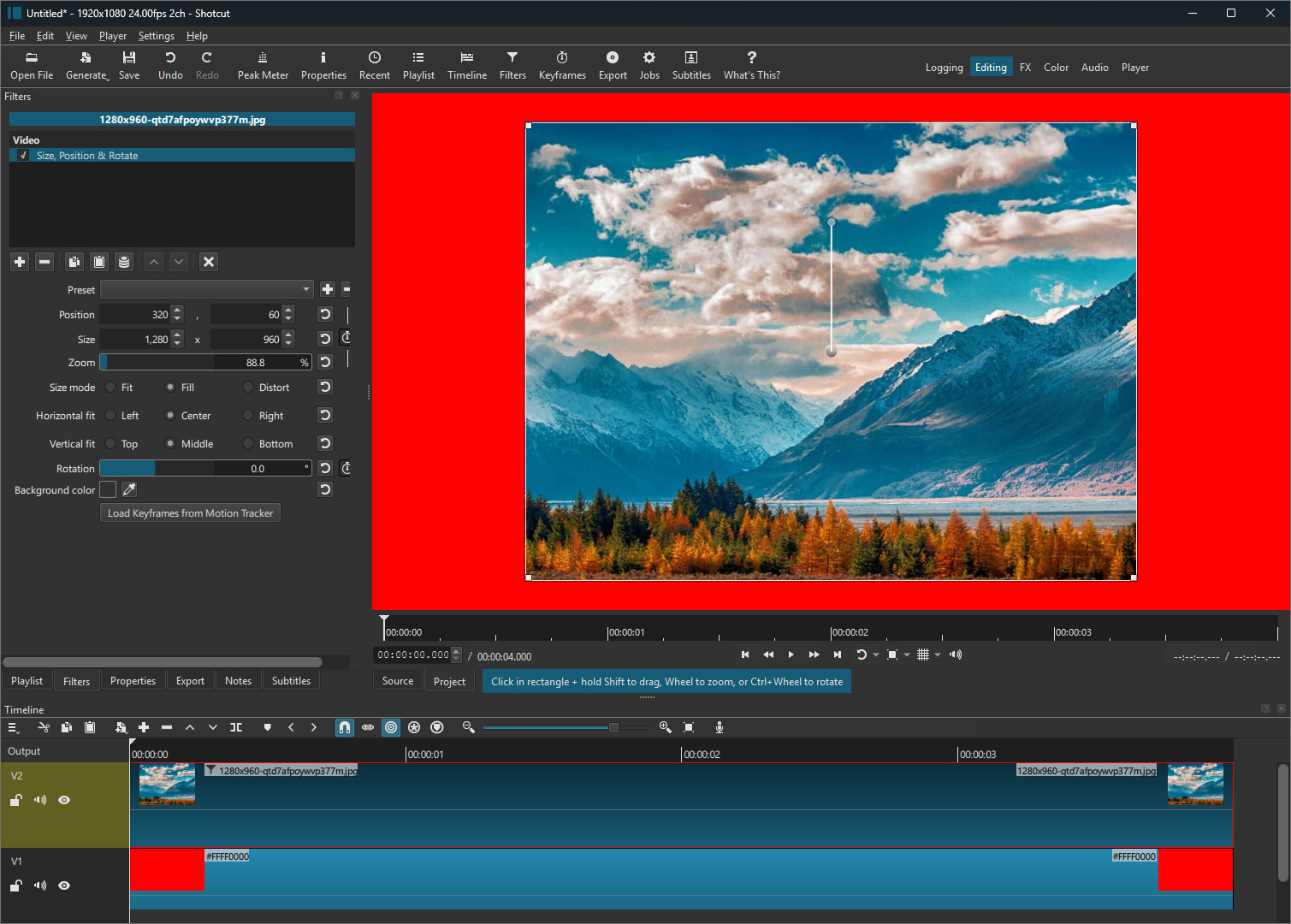
There would most certainly be both letterboxing and pillarboxing in your example. 1280 is 640 pixels smaller than 1920. If centered, there would be 320 pixels on left, and 320 pixels on right. 960 is 120 pixels smaller than 1080. If centered, there would be 60 pixels on top, and 60 pixels on bottom. So there would be a black frame around the clip (postage stamp).
Here is a screenshot to show exactly what it would look like (simulated using SPR filter). I put a red color on the bottom track to show the postage stamp border that is created. Is this the behavior you are looking for?
There would most certainly be both letterboxing and pillarboxing in your example.
Sorry, I should clarify. There wouldn’t be any within the bounding box of the clip itself, as it appears in your screenshot (none there).
I put a red color on the bottom track to show the postage stamp border that is created. Is this the behavior you are looking for?
Yes exactly. In my case I put a background on that bottom track so the area outside the clip isn’t just a solid color void, and use that space for supporting details so that they don’t overlay on top of the clip itself.
Is it safe to assume every imported video is the same size (or at least the same aspect ratio)?
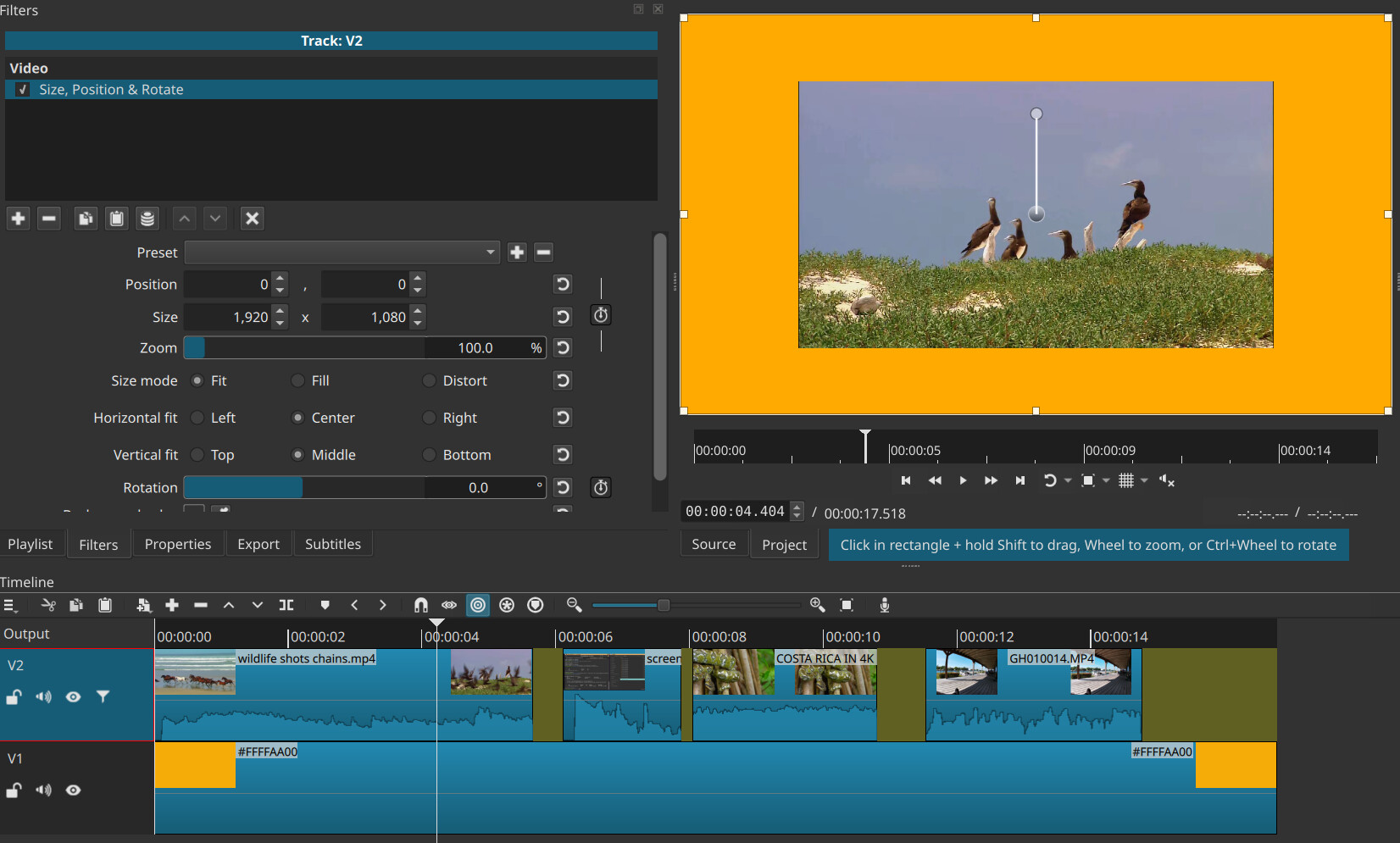
If so, what about putting all the videos on the same track, then putting a SPR filter on the track head to shrink all clips and provide the border space? This would be one filter instead of a dedicated filter for every clip.
If all imported videos are not the same aspect ratio, how is it guaranteed a border will be visible?
Change the Size mode of Size, Position & Rotate to Fit. Fit means it will only downscale to fit inside the rectangle.
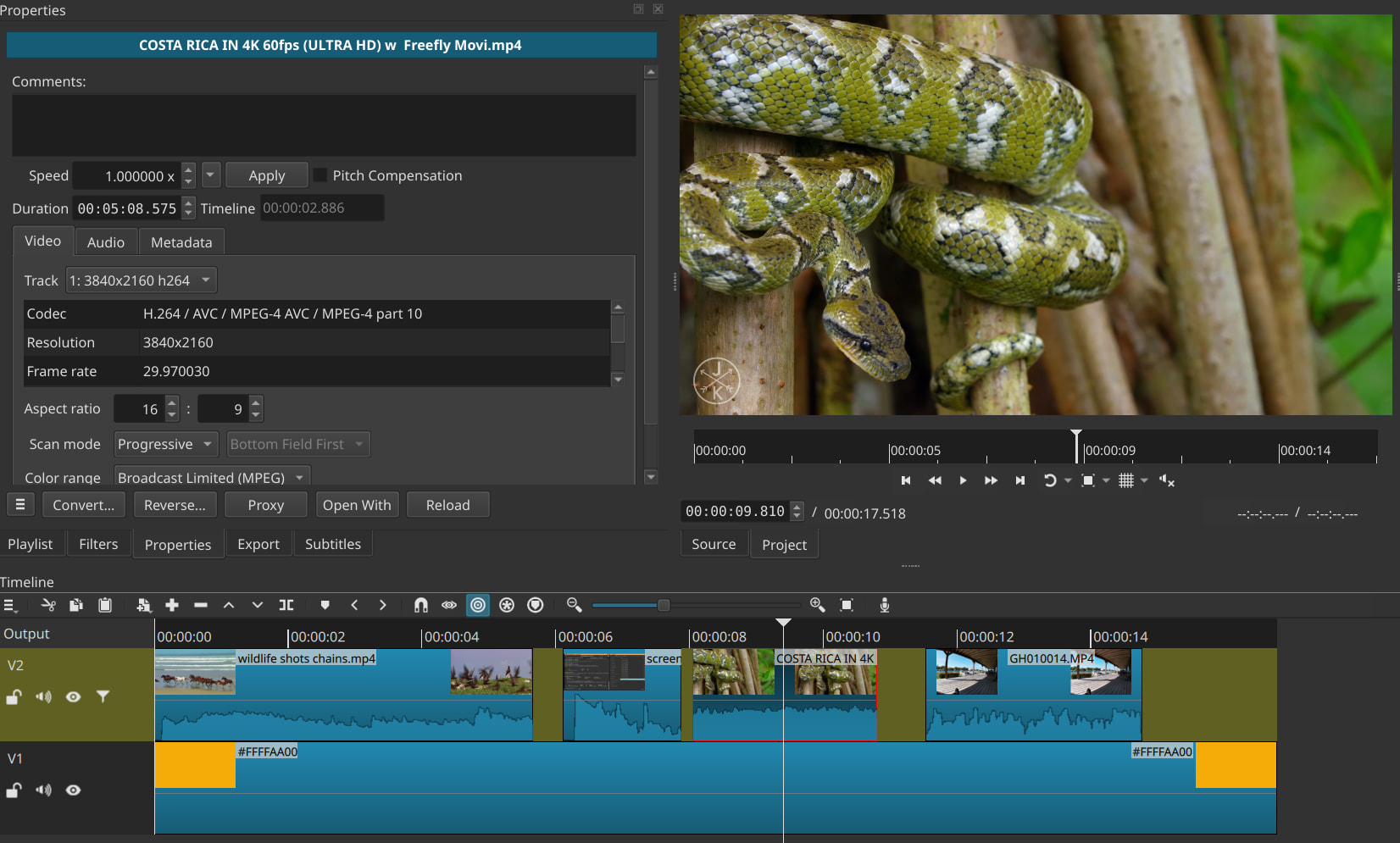
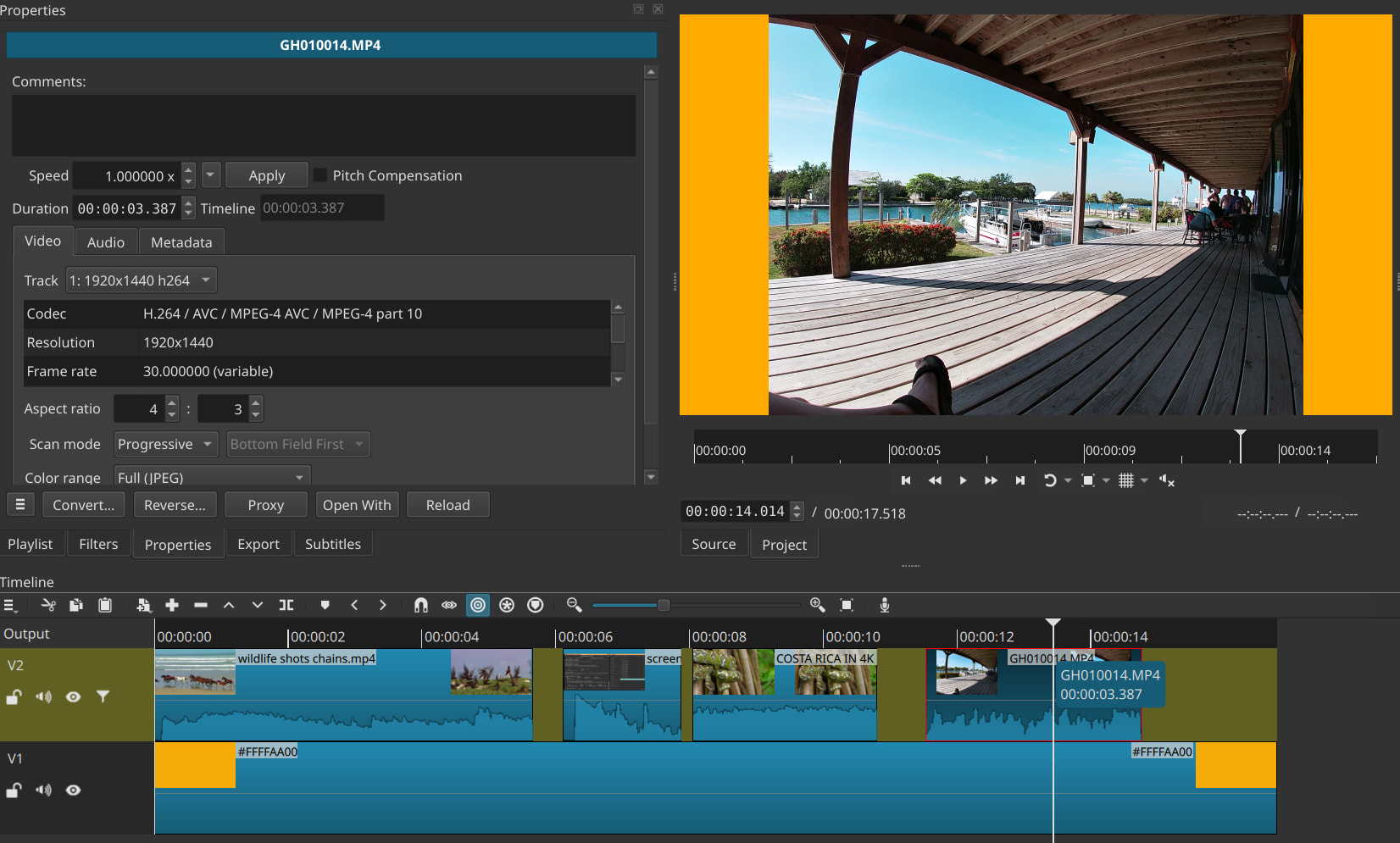
The clip shown is 1280x720. Here is 4K down-scaled to fit within:
I tried this, but sadly I run into a number of problems. For one, I’m not able to use keyframes on clips individually when I do this. I could use the track-wide SPR keyframes at different points in the timeline, but then I have issues with the video not zooming correctly unless I choose Fill instead of Fit for the size mode. If I choose Fill, the clip adopts the project aspect ratio (16:9) and locks it that way, rather than keeping its own. If I leave it on Fit, then the clip can’t zoom in further (because it wants to fit the entire thing in the frame).
If I have the track-wide SPR filter active and then add a clip-specific SPR filter specifically for keyframes, I run into weirdness such as zooming in not making the clip encompass the whole frame, it instead gets cropped. Essentially this method causes too many problems for my use case. It’s also not necessarily the case that every clip would be the same aspect ratio (although they happen to be for some of my projects).
What if the base SPR filter in Fit mode was applied to all clips individually using the feature below with multi-select, and then overrides could be made per clip afterwards?