Neon Flux HTML template

Neon Flux (Video).txt (3.6 KB)

To install, from within Shotcut, choose menu Settings > App Data Directory > Show. It should open a file manager; go into folders presets / scrollAreaWidgetContents. (I just noticed the bad name for this folder :frowning: ) Copy this file into there and rename it to remove the .txt

Copyright (c) 2025 by Thomas Trinca (https://codepen.io/Trinca/pen/NrvpWa)

3 Likes

Thanks

3 Likes

That’s great, @shotcut. Thanks for this resource!

Nice demo. @PaulusMaximus !

1 Like

This is fun! :+1:

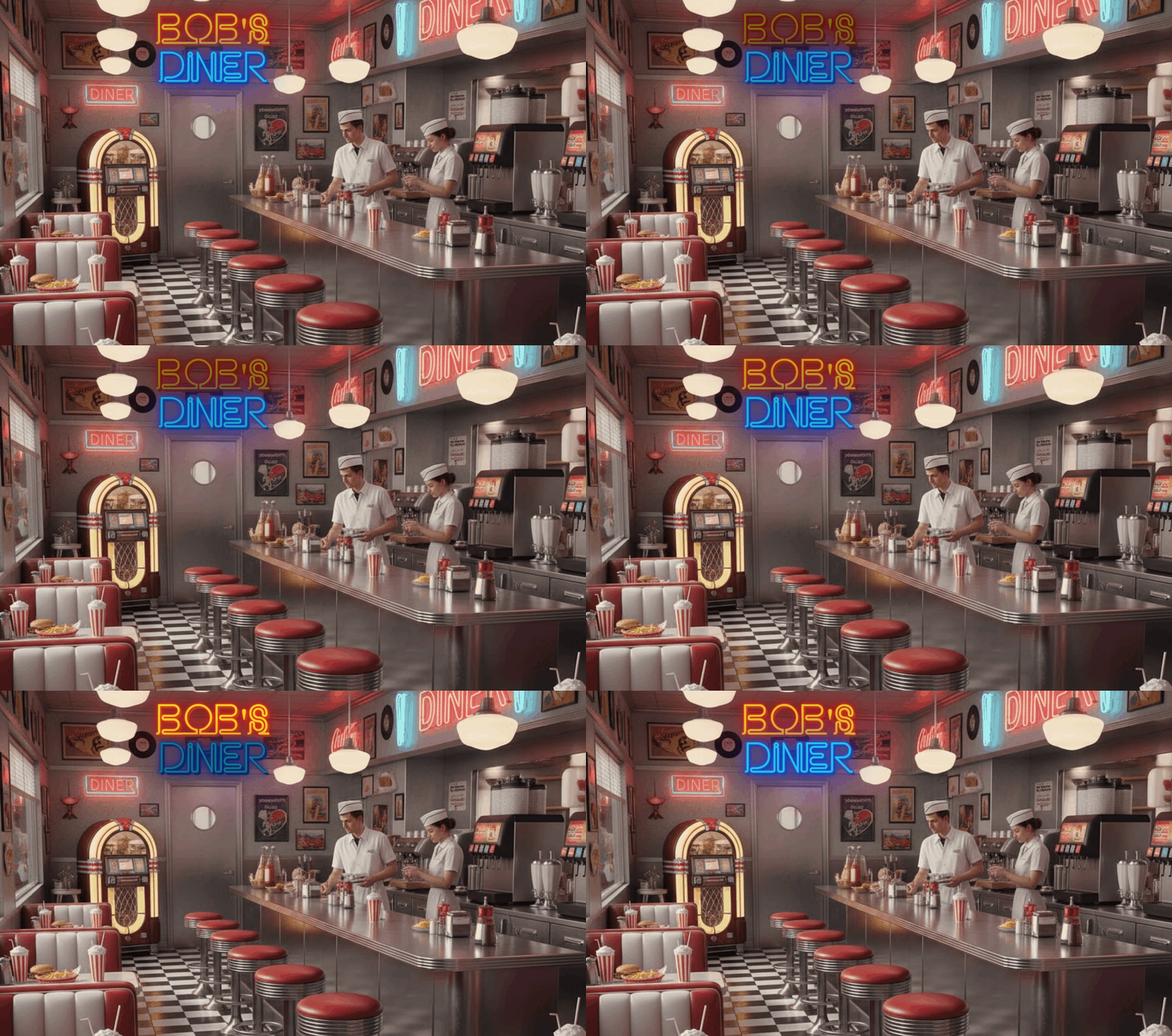
Bobs diner

2 Likes

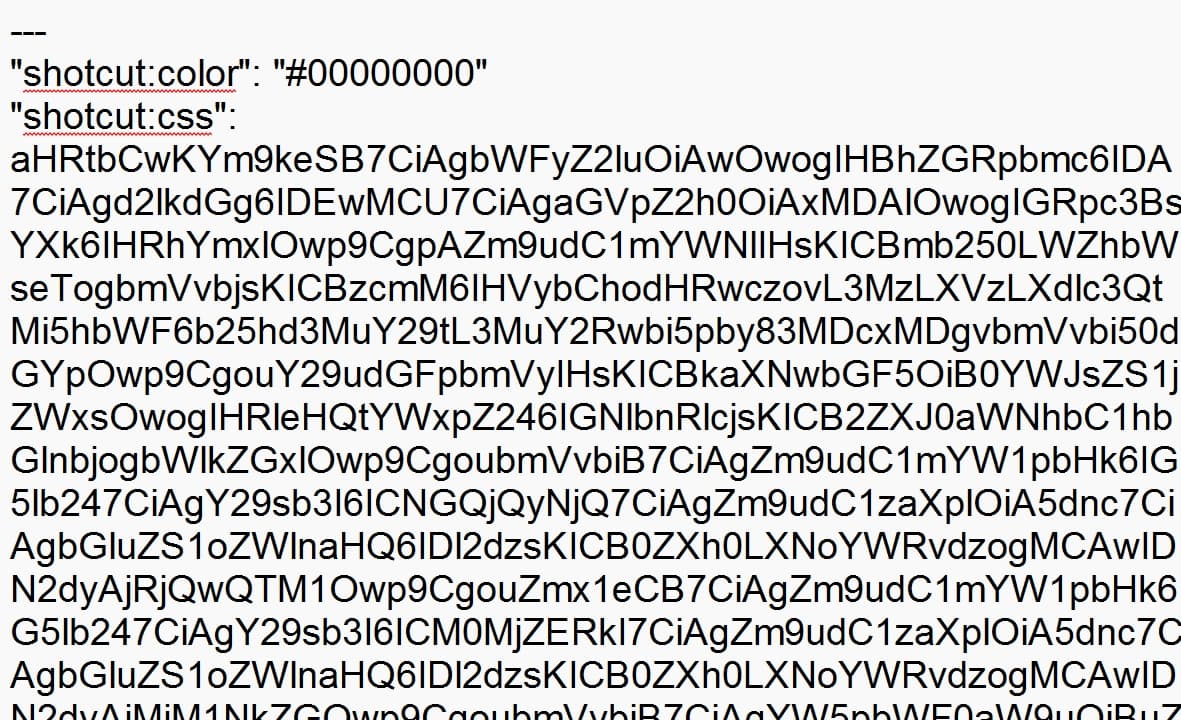
@shotcut Dan, I’m just curious because the TXT file has no HTML/CSS code in it, just a long bunch of gibberish. How does it work I wonder?

Choose the preset and expand the sections to see the code: Body & CSS. Link to the original codepen at the bottom of the body HTML, The text must be encoded to be put into a preset.

1 Like

That is amazing - I would be interested to learn how to encode the CSS/HTML into a format which the filter can decipher. I had in mind the idea to make a preset myself using another Codepen text effect but don’t know where to start.

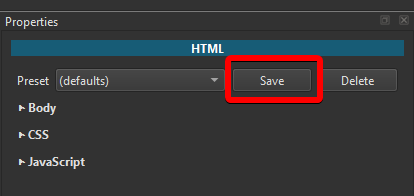
When you save a Preset, Shotcut automatically do the encoding.

I also experimented with a text effect from Codepen yesterday.
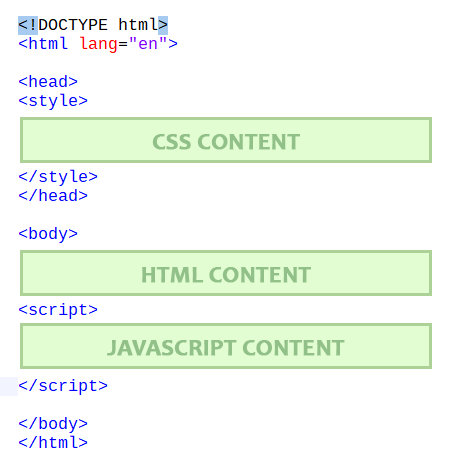
I made this HTML template page where I can paste the Codepen HTML, CSS and JavaScript content:

This allows to edit and preview the Codepen text effect
When you’re done editing, you can bring the HTML, CSS and JavaScript parts in a Shotcut Preset, test it and save it.

Note: The AVI file generated by Shotcut have a frame rate of 15fps. For that reason (I think) the effects will run faster in Shotcut than in the HTML previews.

If you’re interested in my HTML template, here it is:
IMG-VID-from-HTML-template.zip (290 Bytes)

1 Like

You don’t manually encode the preset file. Use the UI. Copy and paste text into the different sections. Save it as a preset.

1 Like

That’s great, @musicalbox. I will look into it, and thanks for the template. Downloaded.

Cool, thanks @shotcut. I’ll give it a go sometime…

1 Like

At @jonray, I hope we’re not working on the same Codepen effect :grimacing:
Here’s the one I’ve been testing as a new preset:

chrome_wqVdcfPtoL

2 Likes

It’s OK, I haven’t looked yet! That effect is cool! :+1:

1 Like

I tried it - with partial success.

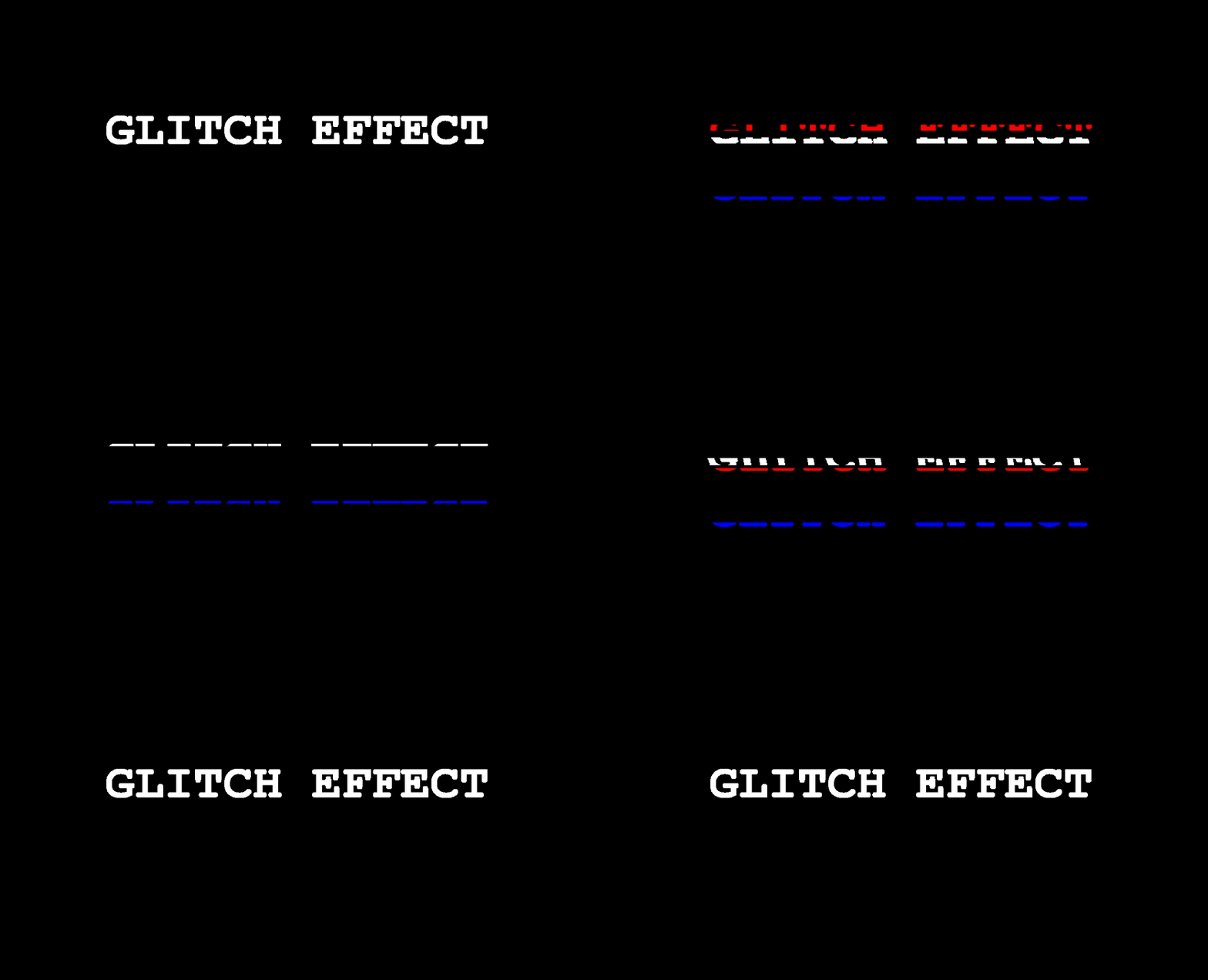
The effect is good:

Glitch effect 01JR

I got the code from

https://codepen.io/ash1198/pen/KwpOwLY

(Code author: Ashish Ranjan)

.. and put the BODY (HTML), CSS and JS into @musicalbox’s barebones template.

Then opened “Image/Video from HTML” in SC, and copied the Body, CSS and JS into the UI.

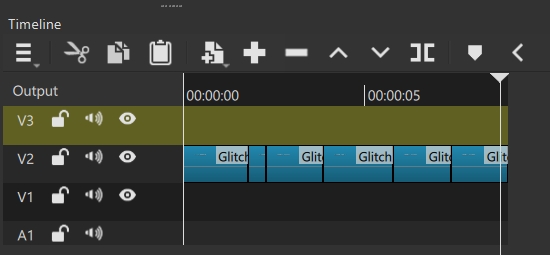
Tried it - it worked, although I had to do some editing of the imported AVI to get an artistic repetition of the Glitch effect:

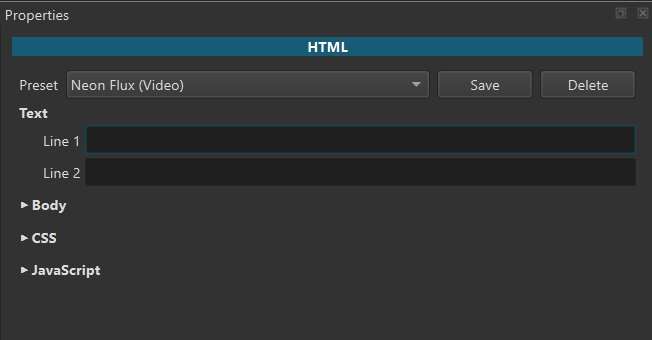
Great. But what I can’t understand is how to get the two text fields that appear on the UI of the Neon Flux effect UI:

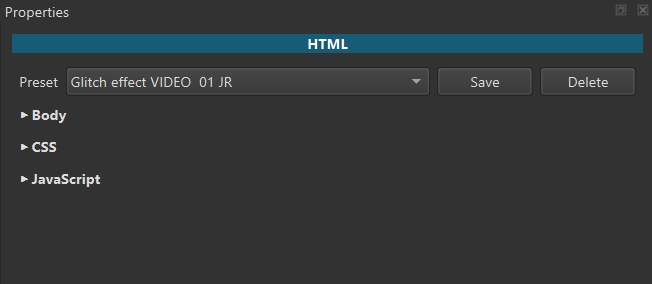
Mine came out without them:

To change the text I would have to change it in the “Body” of the HTML.

Here’s the encoded preset if anyone would like to try it:

Glitch effect VIDEO 01 JR.txt (4.5 KB)

That is a nice one @MusicalBox I have not yet come across when I was collecting more recently:

https://codepen.io/laura-falendysz/pen/ZEgjPVQ
https://codepen.io/dustindwayne/pen/OJKoOLx
https://codepen.io/mitul-intellial/pen/oNKPNqw
https://codepen.io/Colt4D5/pen/bGXQyYd
https://codepen.io/ghaste/pen/zYgmdbE
https://codepen.io/adrirosa/pen/GRVwrLM
https://codepen.io/shivani0805/pen/XWvyZda
https://codepen.io/vanessako/pen/poMQNOr
https://codepen.io/kirstenallen/pen/BaXGRJo
https://codepen.io/mrBreadMaker/pen/jOgQwXe
https://codepen.io/TechInitz/pen/Jjgeybb
https://codepen.io/thebabydino/pen/yLmxePV
https://codepen.io/thebabydino/pen/bGybXVj
https://codepen.io/josetxu/pen/QWeZJxV
https://codepen.io/matthewmorete/pen/MWNBLPz
https://codepen.io/mandymichael/pen/zYbPavV
https://codepen.io/matt-cannon/pen/QWeBexK
https://codepen.io/argyleink/pen/KwVyGQZ

Have fun! And please if you make a preset to share, make a new topic in Resources with the HTML and title tags.

1 Like

Take this HTML part of a fictional Codepen effect for example

<div class="effect-container">
  <div class="glitch-text">
    <sp>TEXT</p>
</div>

To activate an editable text field in Shotcut, use this instead:

<div class="effect-container">
  <div class="glitch-text">
    <p>%1</p>
</div>

If there are 2 lines of text, the second one will use %2

<div class="effect-container">
  <div class="glitch-text">
    <p>%1</p>
    <p>%2</p>
</div>

If there are 3 lines of text, the third one will use %3 … and so on

1 Like

It’s that one: https://codepen.io/Sonick/pen/AwXJdM

Maybe a dumb question, but how do we add tags on a forum topic?

Perfect answer! Thanks. I’m just curious to know how you knew that - is there some documentation I missed somewhere?

PS I presume you made a very small error in your text snippet above:

<div class="effect-container">   
<div class="glitch-text">     
<sp>TEXT</p> </div>

which should be:

<div class="effect-container">   
<div class="glitch-text">     
<p>TEXT</p> </div>

Just mentioning it for clarity!

1 Like

That might only be available to admins. It can be inconvenient for me to see the ordinary user view. When composing or editing the topic I see the “optional tags” field

1 Like

Yes, probably just for admins. Here’s what I see:

Just some more clarification:

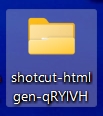
When I hit SAVE, it gave me a newly- generated folder:

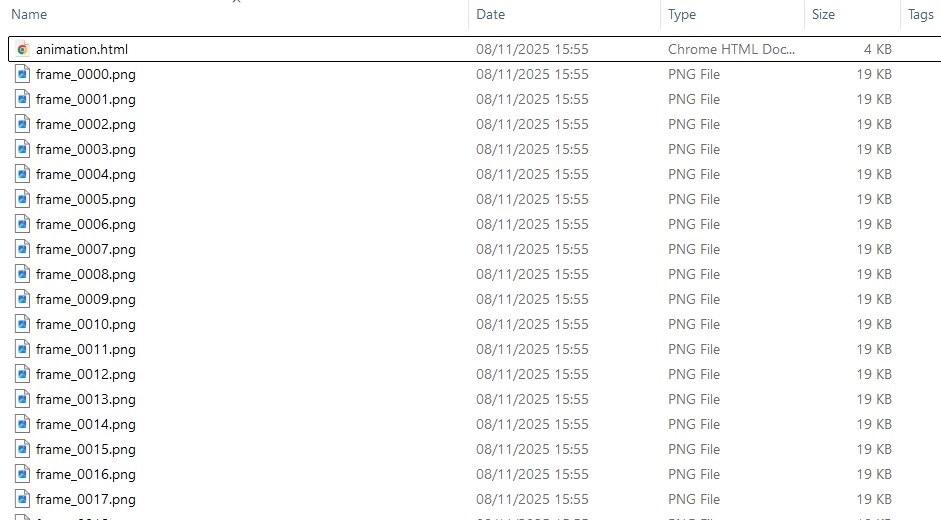
inside is a HTML file named animation.html, plus 150 png images (one for each frame)!

The HTML file was basically the same as the original HTML (unencoded), with an added line of HTML:

instead of

 <body>

SO - to share the preset, I would not use this HTML, but I would copy the file (encoded) from the folder presets / scrollAreaWidgetContents (in Show App data) and add the extension .txt.

Is all this correct?