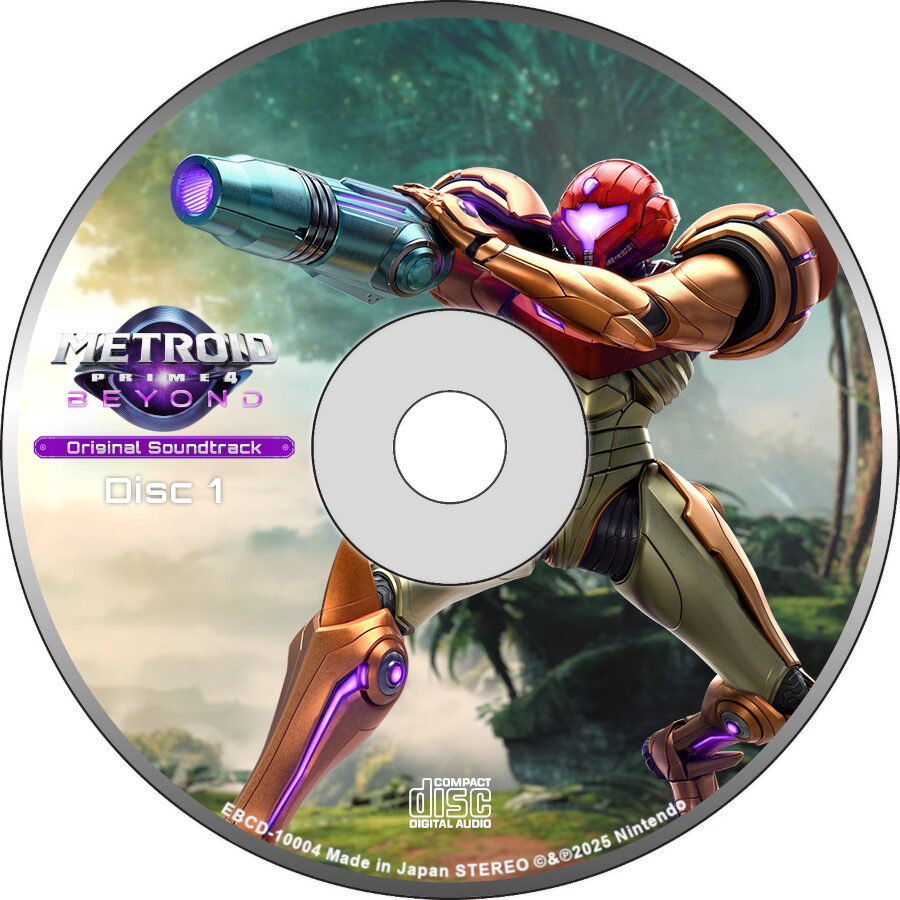
I’m doing a video for a Metroid Prime 4 OST remaster, and I made custom CDs that spin in the video when music is playing. Problem is for reasons beyond my comprhension, the CD art shoots past the disc template when loaded into shotcut. This is a PNG file compressed into a single layer so I don’t even understand how this is possible. What do I do?
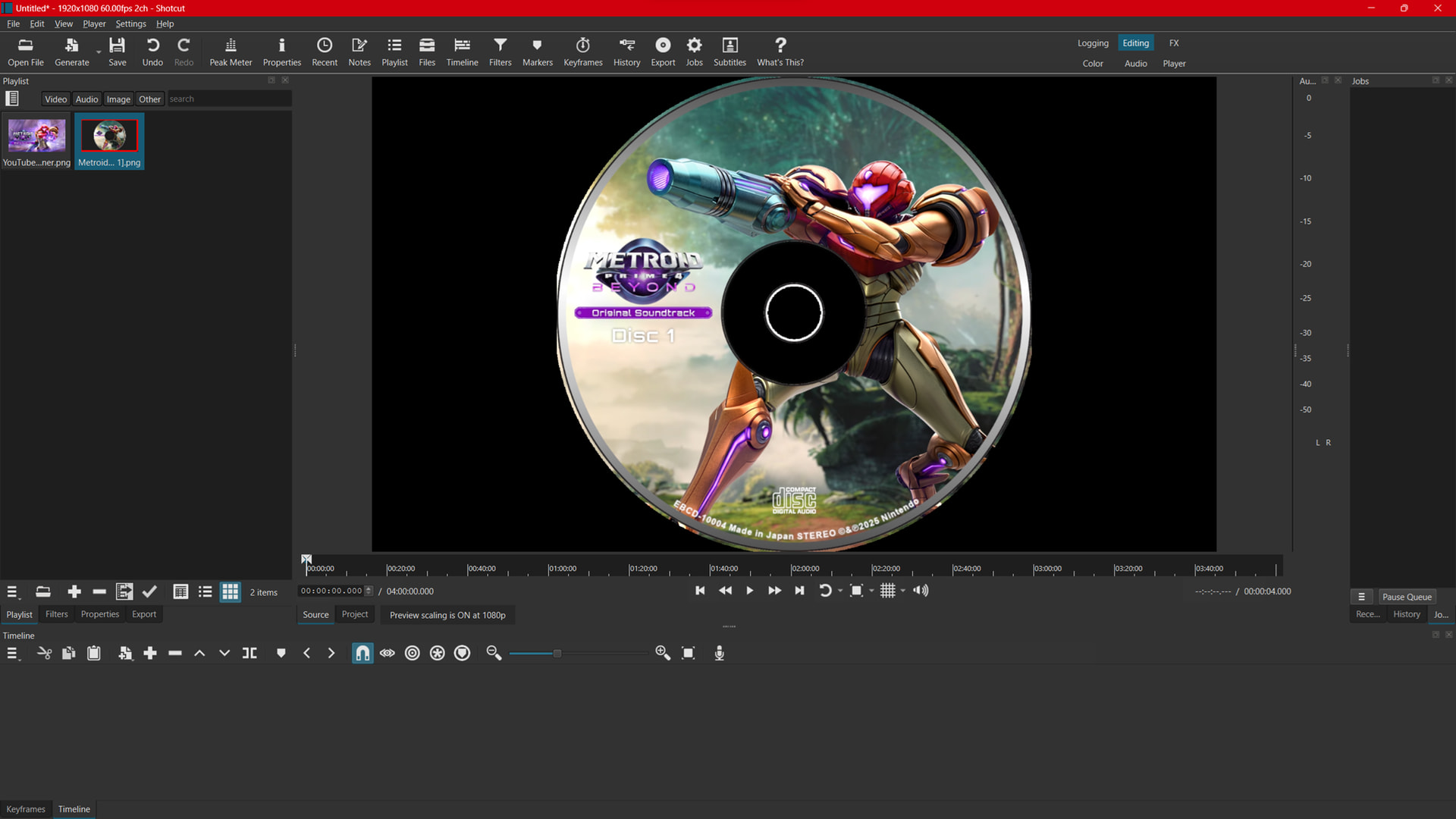
My guess your PNG is stored in a way that retains layers somehow and shotcut messes some elements up. Try to look into the png options when you save it, I don’t really know what to look for, maybe some of the progressive mode or something like that.
The safe bet is to export it as .jpg and load that in Shotcut.
add the Alpha Channel: View with the Black Background option.