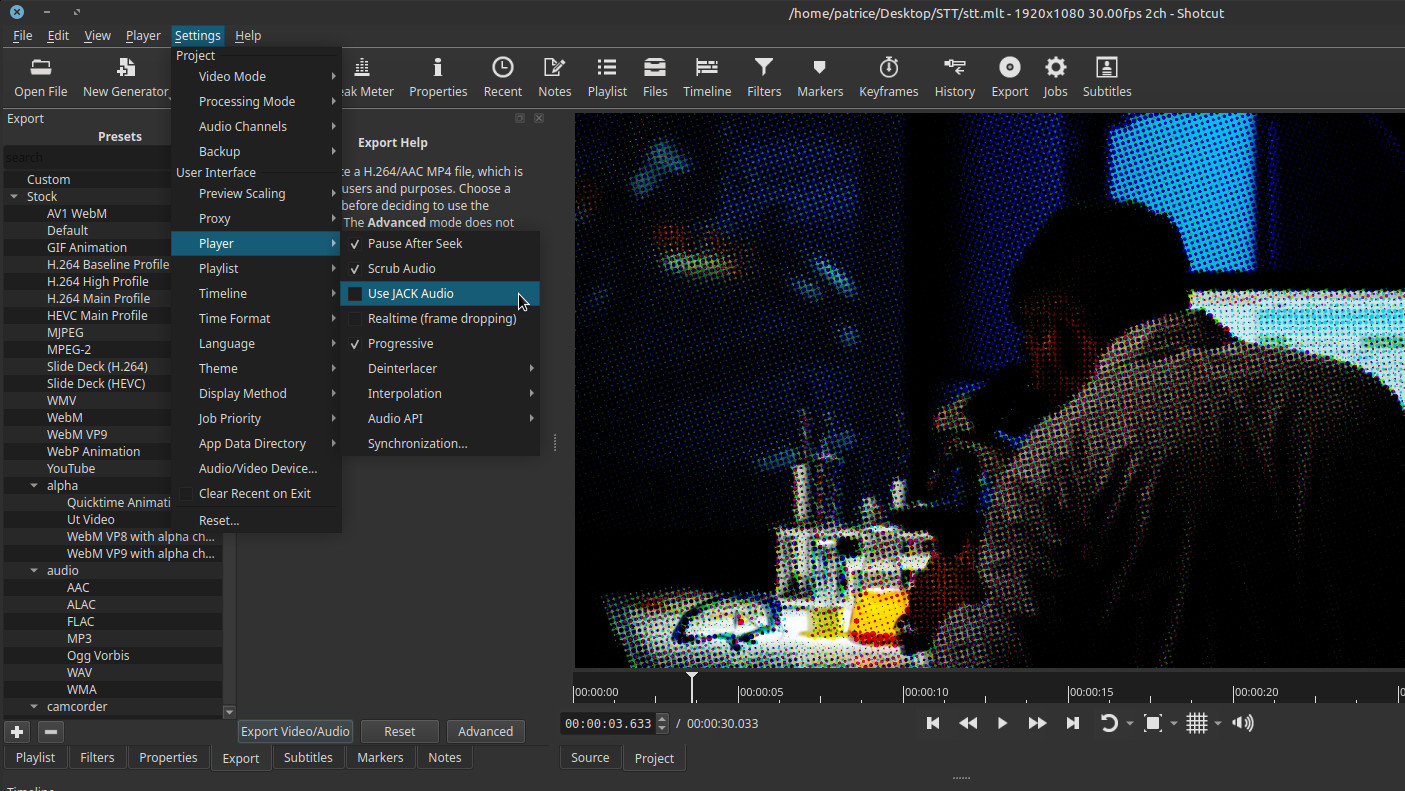
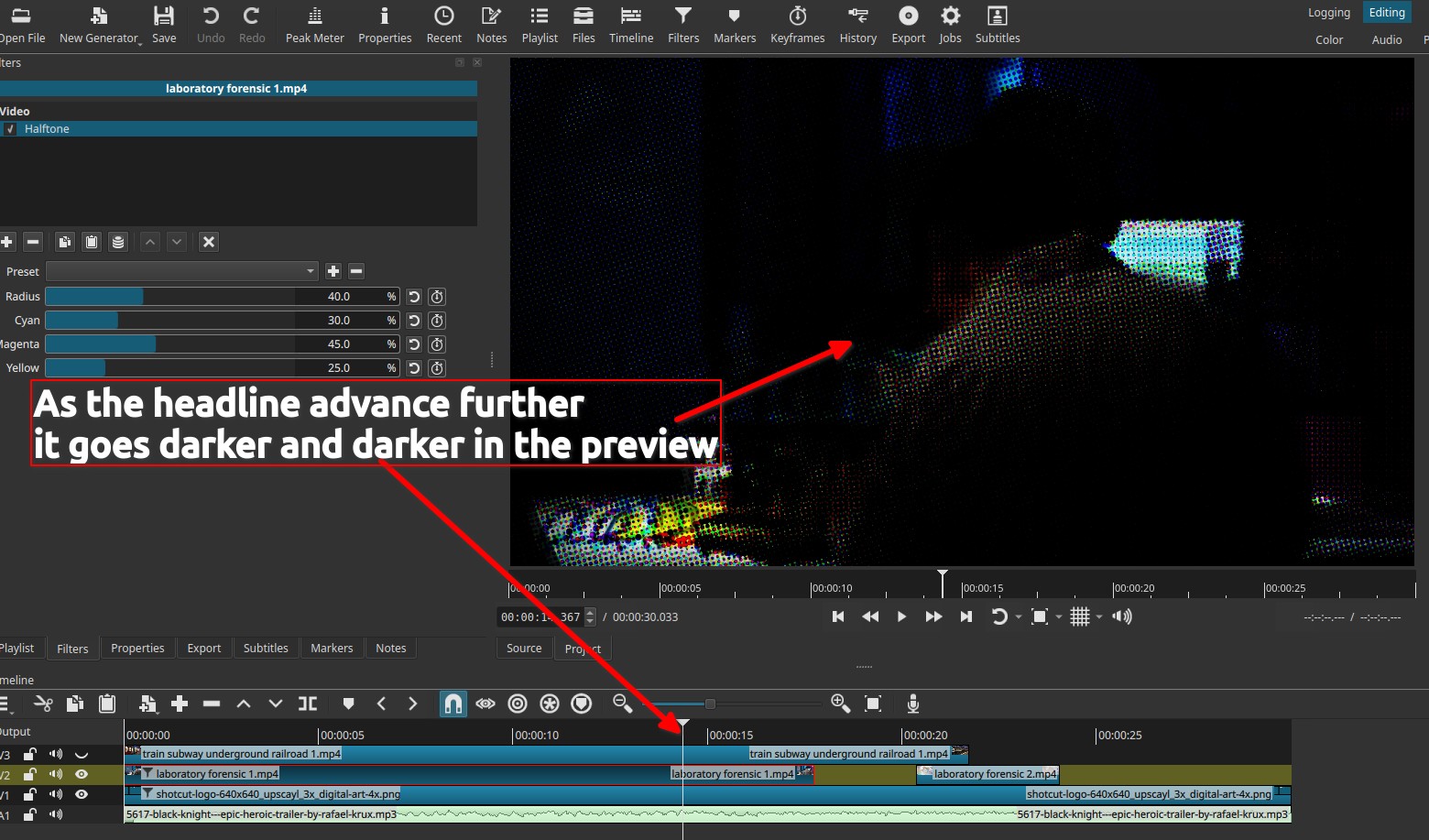
After export (Default), I don’t have the same colors, not the same effect, not the same pattern.
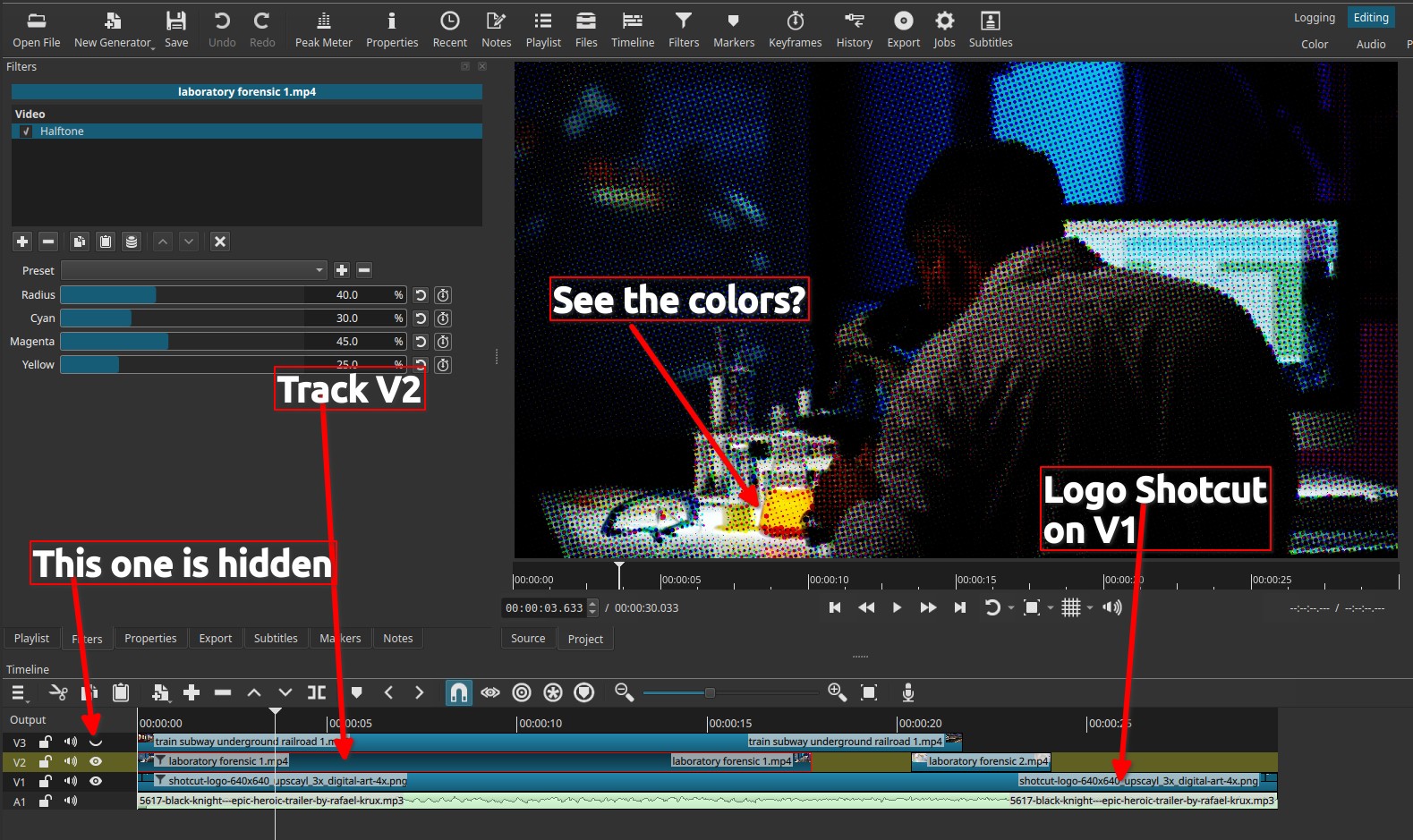
Also when the Halftone filter is applied on the track V2 (for instance), in the preview I see an “almost correct” effect applied to the track V2 only, but when exported, it is mixed with the track below (V1), like the filter is acting as a mask between track V2 and track V1
What is your operating system?
OS: Linux Mint 22.3 x86_64
Kernel: 6.14.0-37-generic
Resolution: 1920x1080
DE: MATE 1.26.1
WM: Metacity (Marco)
CPU: Intel i5-7400 (4) @ 3.500GHz
GPU: AMD ATI Radeon RX 580 2048SP
Memory: 3867MiB / 23972MiB
Note: I do not use the GPU for any operation
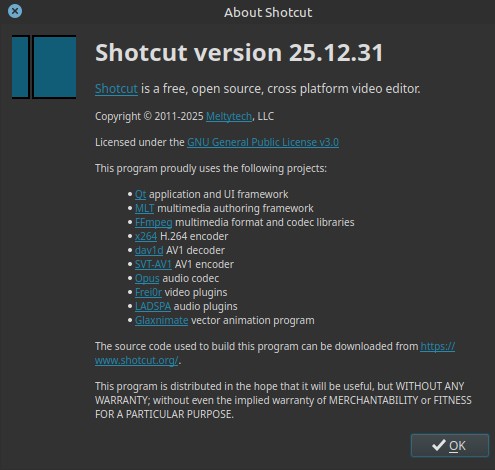
What is your Shotcut version (see Help > About Shotcut)?
AppImage directly downloaded from Shotcut.org website
Result, no more the colors we see on the preview and we can see the Shotcut logo that I did put underneath on the track V1
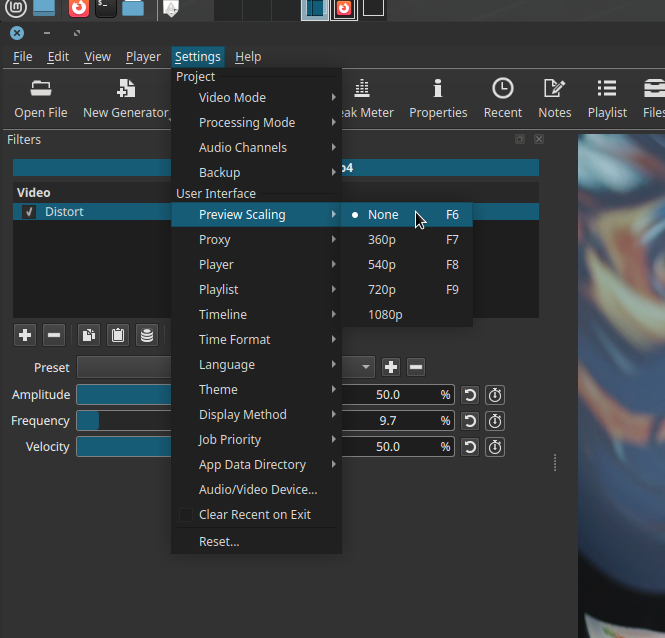
Just in case you want to see my preview player’s settings (I needed to untick “Realtime (frame dropping)” because it’s a very hungry filter and my computer is not young )
Last but not least, I discovered this bug because of the documentation…
Can I continue to write the doc for this filter with the expected result or wait a fix or a configuration problem I may have?
Are you using preview scaling? The “Radius” parameter is one that will give different results depending on the image resolution. So, for example, if you change the video mode of your project to a different resolution, the halftone effect will look different. The same goes for preview scaling.
For the documentation, it might not hurt to add a note that the radius parameter is affected by video mode and preview scaling.
We can leave this marked as a bug. But I think it is unlikely that we will try to do anything about it. The halftone filter comes from the Frei0r effects library. Maybe someday we will find a different halftone algorithm that doesn’t have this sensitivity.
Nope, not at all (sorry), it’s pure original video 1080p from pexels, not even changing the frame rate… if Shotcut ask to do so > I always told him “no”
I can confirm that while testing this I see Halftone is behaving really weird with respect to alpha channel. I have also seen weird things like it making the video darker for each frame until it becomes all black, or previous frames being mixed with the current. Looking at the source:
It is not copying the alpha channel component from input to output.
 )
)