I also found you can format the code using an online tool:
I used
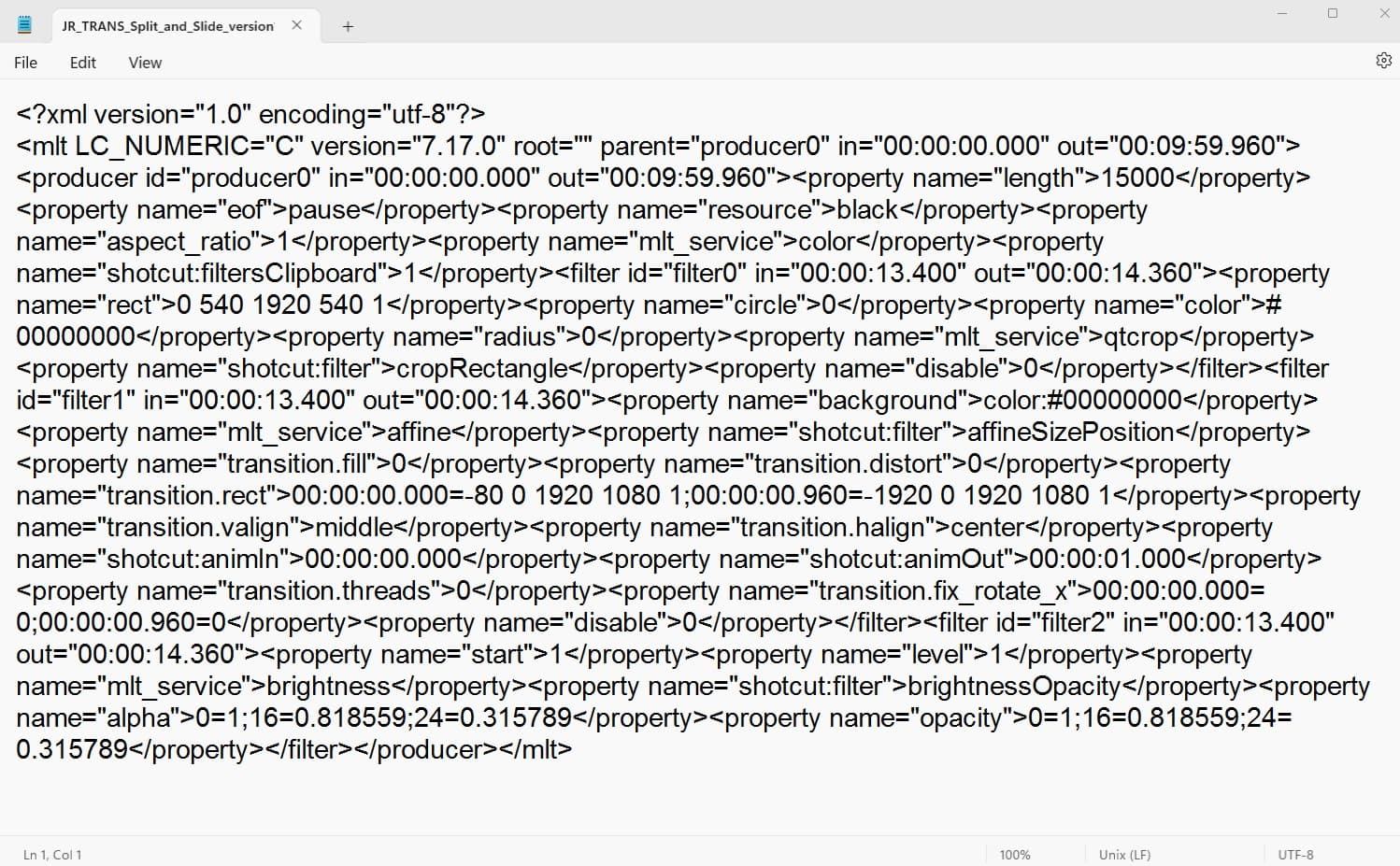
Text before in Notepad:
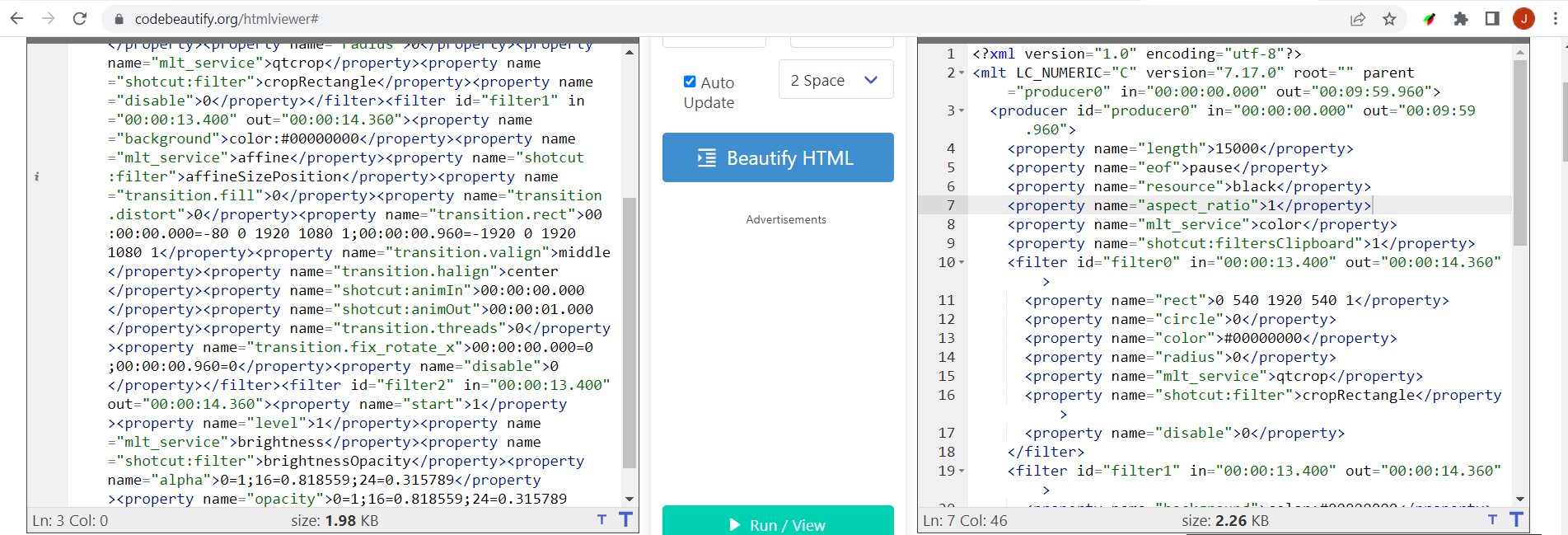
Copy/paste into Code Beautify, select Beautify HTML (although it’s not strictly HTML):
Formatted code:
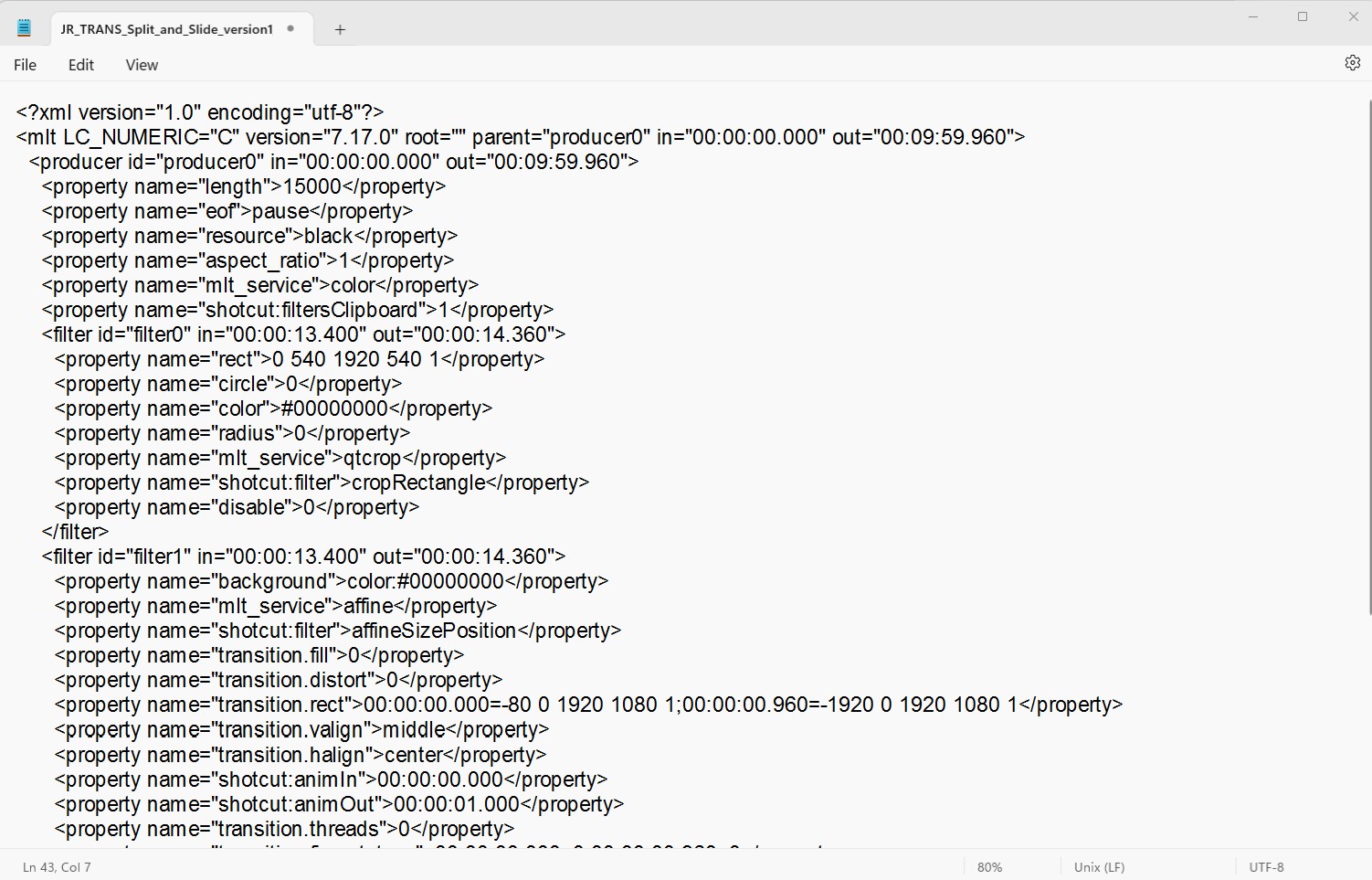
Much easier now to see what’s going on…
I also found you can format the code using an online tool:
I used
Text before in Notepad:
Copy/paste into Code Beautify, select Beautify HTML (although it’s not strictly HTML):
Formatted code:
Much easier now to see what’s going on…
I don’t know either, but I hope it is.
Thanks for the link!
And all this time I was doing it manually. I should have searched for this a long time ago 
Hello,
I dont find in french version…
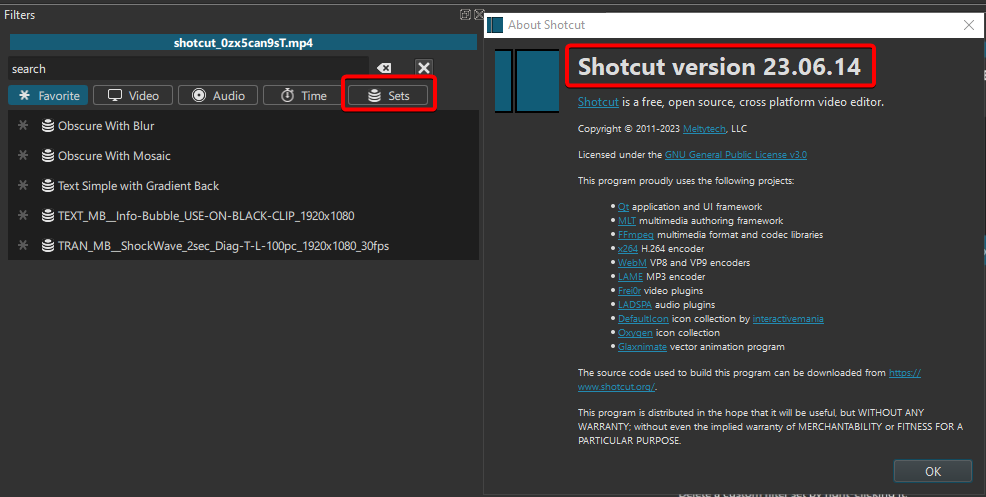
What is your version of Shotcut?
(To find out, go to Help > About Shotcut)
Filter Set is only available on versions 23.05 and up.
Quelle est votre version de Shotcut?
(Pour le savoir, allez dans Aide > A propos de Shotcut)
Filter set est disponible seulement dans les version 23.05 et plus récentes.
Thanks !
Indeed, I have always an old version…
I ll try it later then.
Thanks for all
and for anybody using Visual Studio, that will also auto-format. Tools - Options - XML - Formatting - Align attributes each on a seperate line
When I searched for a way to format lines of codes in Visual Studio Code, I’ve seen a few places where they mention to go to the Tools menu…
Where is it? I don’t see a Tools menu anywhere on my version…
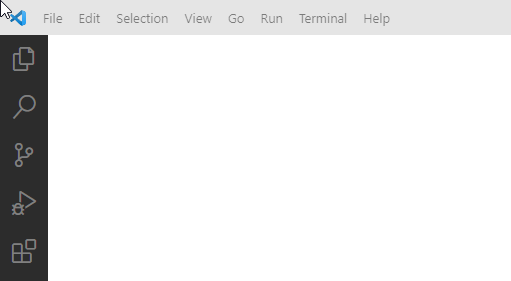
There are two seperate IDE’s Visual Studio xxxx or Visual Studio Code
xxxx = 2015, 2019, 2022, etc
I use that resolution but use 60fps please how do I modify for 60fps . thanks
@Intrepid_Encounters, you can use the 30fps filter set in a 60fps project, but the transition will be shorter.
I just made versions (left to right and right to left) for 1920x1080, 60fps projects.
Whip-Pan_transition_1080p_60fps.zip (1.5 KB)
Note that if you use those 60fps filter sets, you’ll need to make a 40-frame long transition instead of 20.
Using 30fp Filter Set on 60fps project
Using 60fp Filter Set on 60fps project
thanks heaps