Hello, I have a problem while creating automatic subtitles in Czech, and everytime I get error code -1073741515. I use Shotcut Windows portable zip 26.8.1 and Large Mulitlingual (v3) subtitle model. I get the same error with Medium Multilingual. Can anybody please help me fix this error? Thank you.
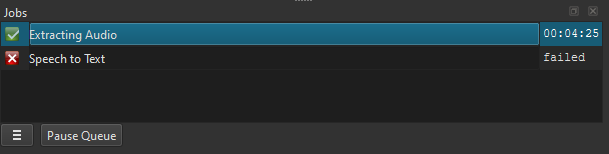
This is a known issue already reported here. Sometimes, it is because you have an old CPU that is not supported, but there might another reason. No developer has been able to reproduce the problem. What is your CPU?
We need to know a lot more about it…
Can you take a screenshot of that error?
I suppose you’re on Windows 11 (please specify your OS)? If so:
What happens if you try to open the Windows Command Prompt and type docker --version? (Does it give an error or say command not found?)
Do you have an active antivirus running that might be blocking Shotcut’s background activities?
Did you tried in English?
Intel Core i5-4590
I have Windows 10 Pro 1909, and it doesn’t find docker as command
I think that should work. I have a similar class machine with Windows 10 that works. I intentionally turned off the GPU option. But if you turn it on and it fails, it automatically tries again without the GPU.
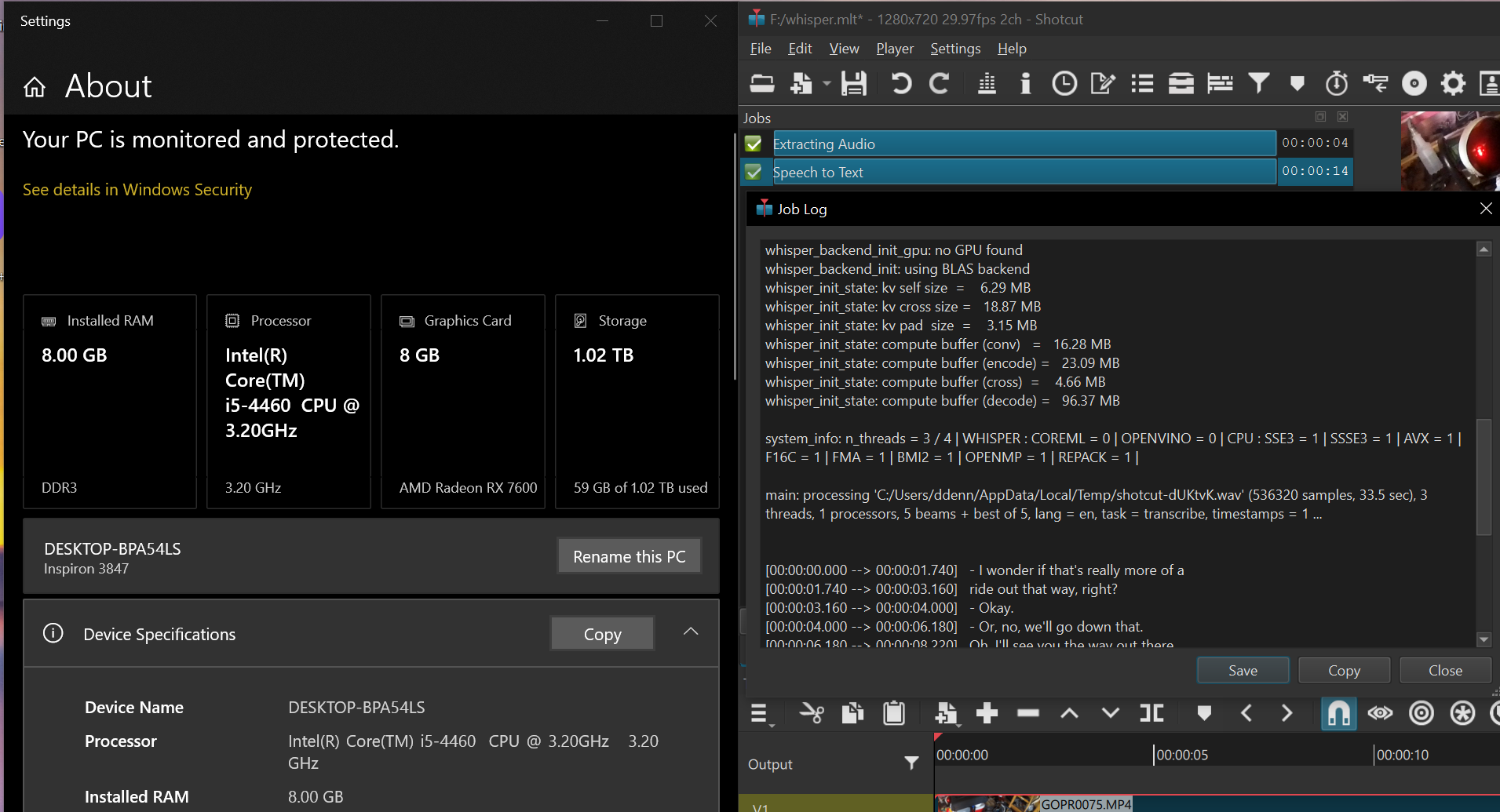
I do not know why it fails for you. If you want to dig into it, you can view the job’s log by right clicking it as I did in the screenshot. You can use an online service as an alternative.
As for the docker issue, that is for Text to Speech, which is different. That requires that you install Docker.