-
What is your operating system? Windows 11 Pro
-
What is your Shotcut version (see Help > About Shotcut)? 26.8.1
-
Can you repeat the problem? If so, what are the steps? (i haven’t tried to because i dont exactly know the issue yet)
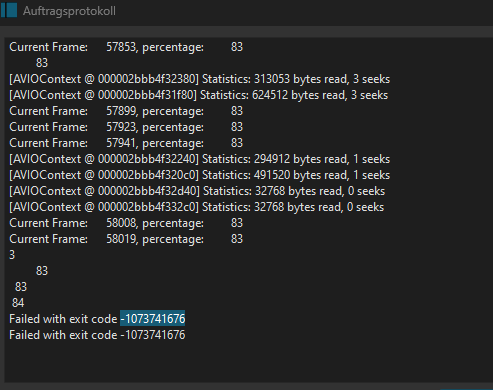
Hi,i wanted to export a video but my export fails. job logs show that the error was … this.
A previous post was answered with “low memory” (I can't Export my Video with this error "Failed with exit code -1073741676"), however, in my export, my task manager never comes even close to going below 12 gb of aviable memory and the gpu memory is also not getting overfilled. Of note is that this post also mentioned that that was not the issue and the post was then automatically closed.
besides that, i was not able to find any info on this error. I’d like to get some help on this error so i can resolve it, though 
also of note: i only recently updated my nvidia display port adapter for OBS studio, maybe that caused something to break. i feel like its better to mention it than not to.
this appears to be a bug to me.
exportlogs - Copy.txt (122.2 KB)
here are the Logs if needed.
The error is consistently happening at the same percentage with the same error.
I have ensured that none of the files are in any way corrupted to cause this error by putting them all in a video file and exporting that, which was successfull.
Try to use a ranged marker to only export the timeline around 84% (you don’t have to be exact, just approximate 80 to 90%) and see if that works with no error.
If you pinpoint the rough area, try to temporarrily disable your filters on that clip and export that portion until it doesn’t error anymore.
When the job fails the row in the panel shows a time code of roughly that time in the timeline where it failed. And that might reveal something odd or challenging. Otherwise, sorry, but I cannot tell you why it failed.
Hm. ill try to show what the fail frame contained.
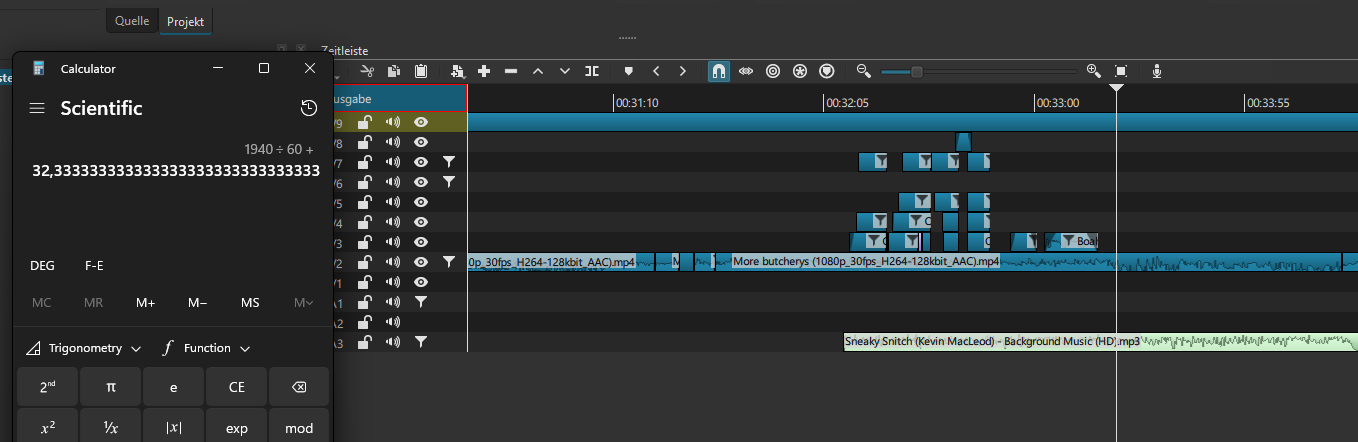
according to my highly scientific calculations, this must be around where the crash happen ed. these are a few jpeg files , 1 png file, …
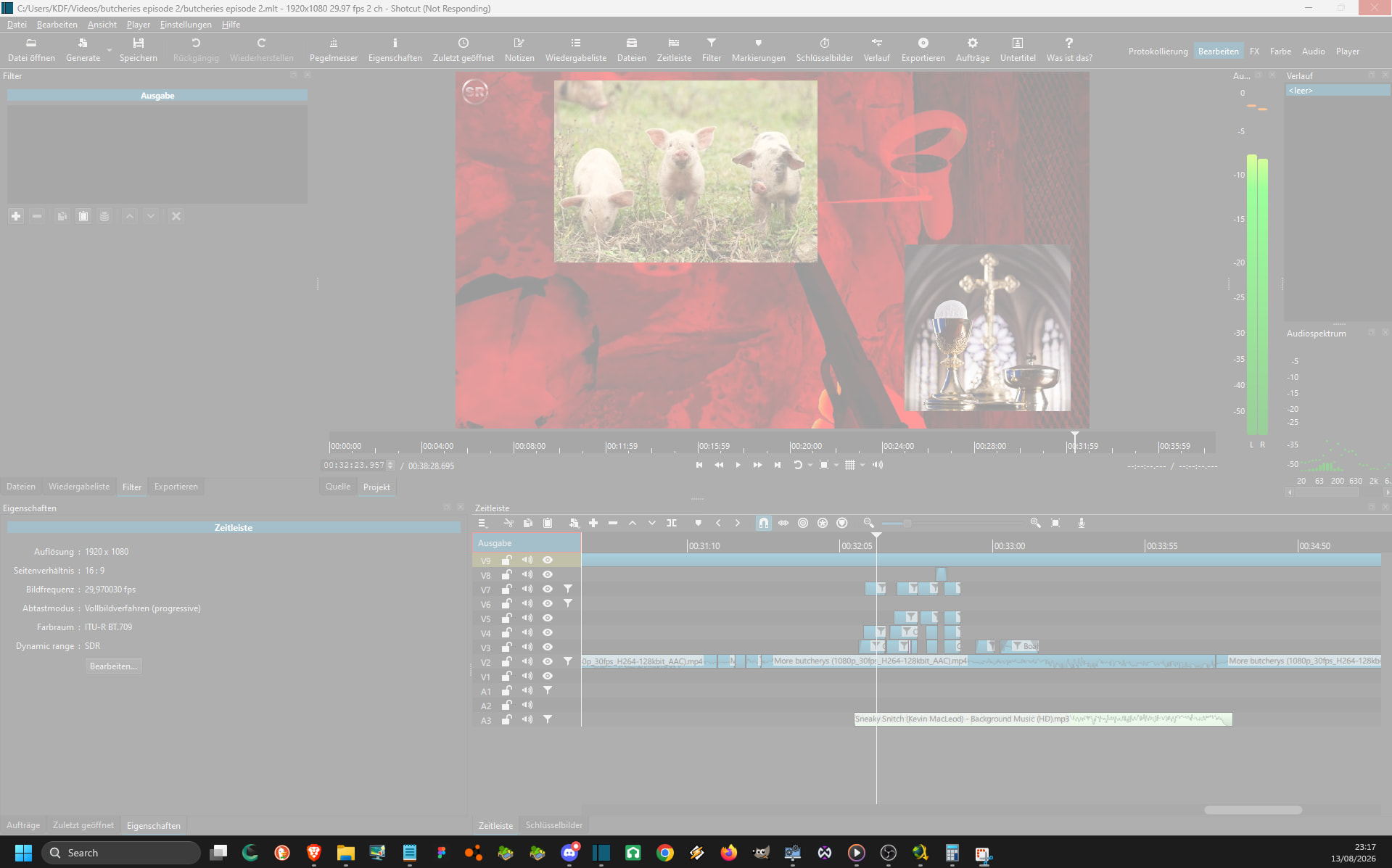
it actually crashed while i was going through the images in the timeline, very interesting. (do not question what videos i edit).
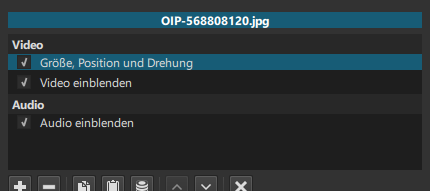
the crash is reproducable. the programm appears to have some issues when doing a transistion between 2 images. both images are in jpg format, both have a “größe, position und drehung” (size, position and rotation) filter active, and the first image has one effect to blend it in.

I removed the transistion and the editor does still crash when i play at the end of the first clip. So the end of this clip causes it to crash.
Strange here is that it did not previously crash when playing, this could be relevant to the issue.
I do not know any more details other than this, but i hope that this is somehow helping indentifying that issue
i didnt even know something like that existed.
I think i was able to get the position anyway. ill start trying to test with what you said tommorow and then ill try to write what i found so such an error could be prevented from happening again.