Does anyone know how to best remove a grain of dust sitting prominently in a blue sky?
On a single picture, I would use a “clone” function, but how can I do it in a video clip (that is relatively static)?
Try the Spot Remover filter.
You can add keyframe to make it follow that grain of dust.
Um… no, I don’t think, that will not do it in general. With this filter it might even get worse as the grain could be stretched and make horizontal and vertical banding, especially on the edge of the horizon (sky-land as land near the filter edges will spread in the sky) 
Like this:
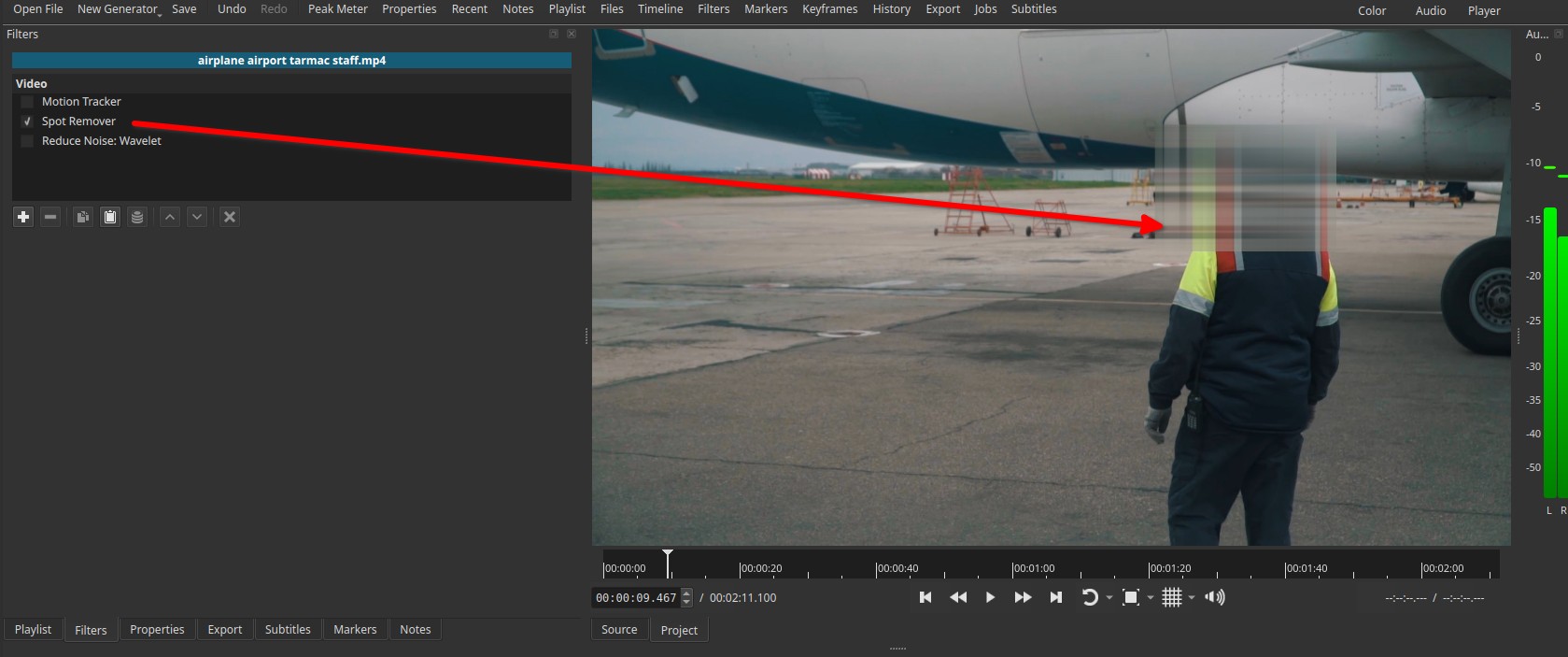
I would use the wavelet decompose > Reduce Noise: Wavelet Video Filter starting with a low percent, it can be like magic.
In all case we need to see a frame or an excerpt of what OP call “noise in the sky”, then we can tell OP what we would do.
I also recommend the sport remover filter. I think it would work particularly well in a sky since it can replace the spot with pixels interpolated from the surrounding sky.
1 Like
Um… Of course it depends on the object.
The original poster said “a grain of dust sitting prominently in a blue sky”
He/she didn’t mention anything about a stretch grain or banding or the horizon.
Based on the information provided, there is a big chance the Spot Remover filter will work just fine.
1 Like
Thanks 
I actually used the spot remover, and it worked like a miracle.
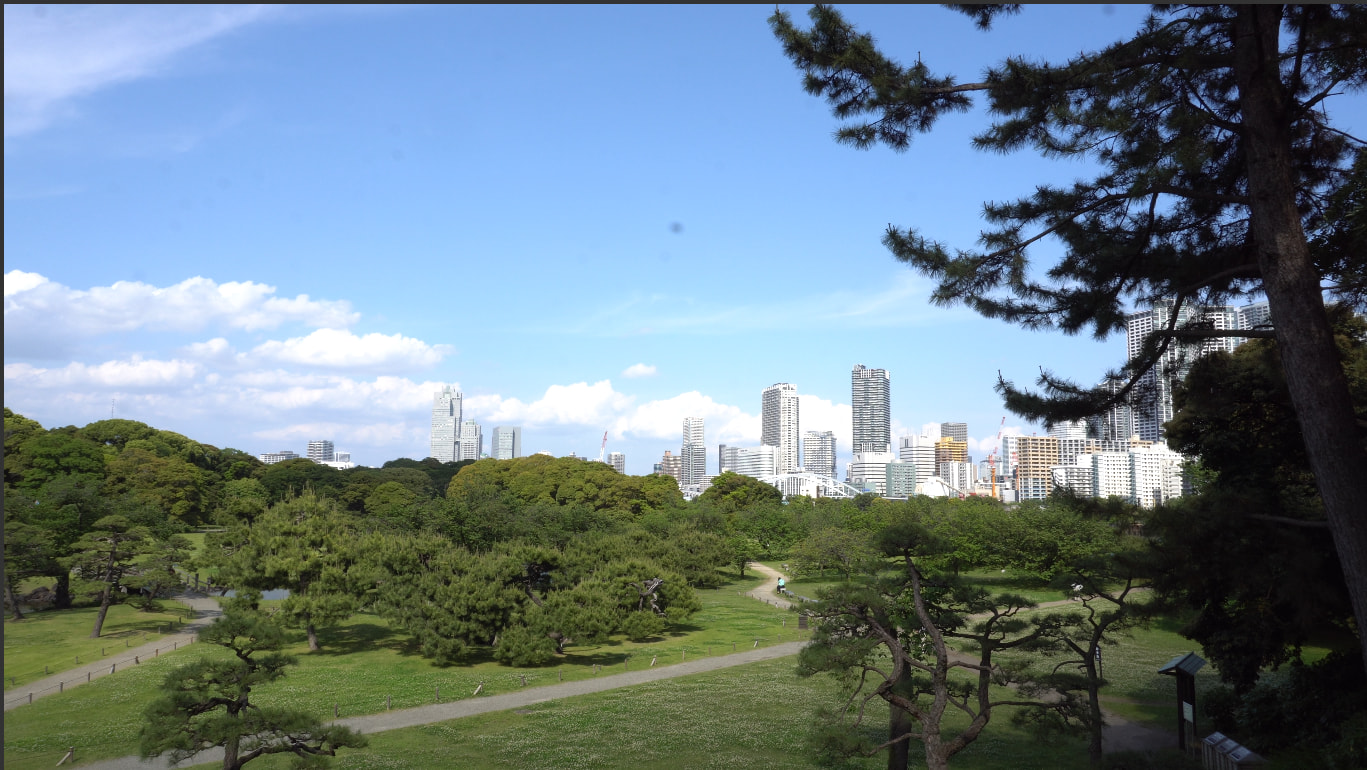
The spot you see in about the middle of the picture has completely gone.
Thank you all.
2 Likes
@Jan3eich Glad you were able to fix your problem.
Ohhhh, I read to fast, my bad 
1 Like