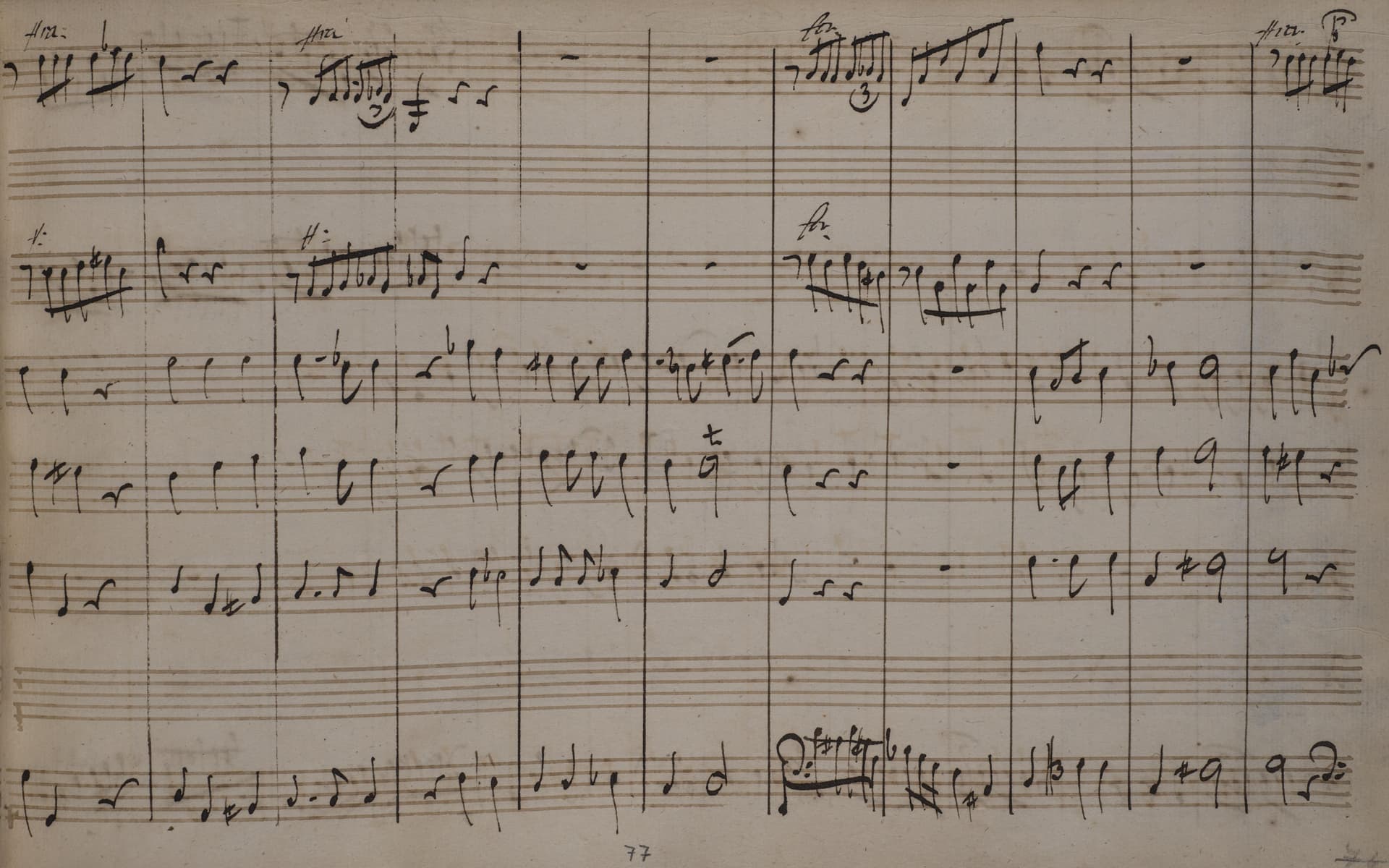
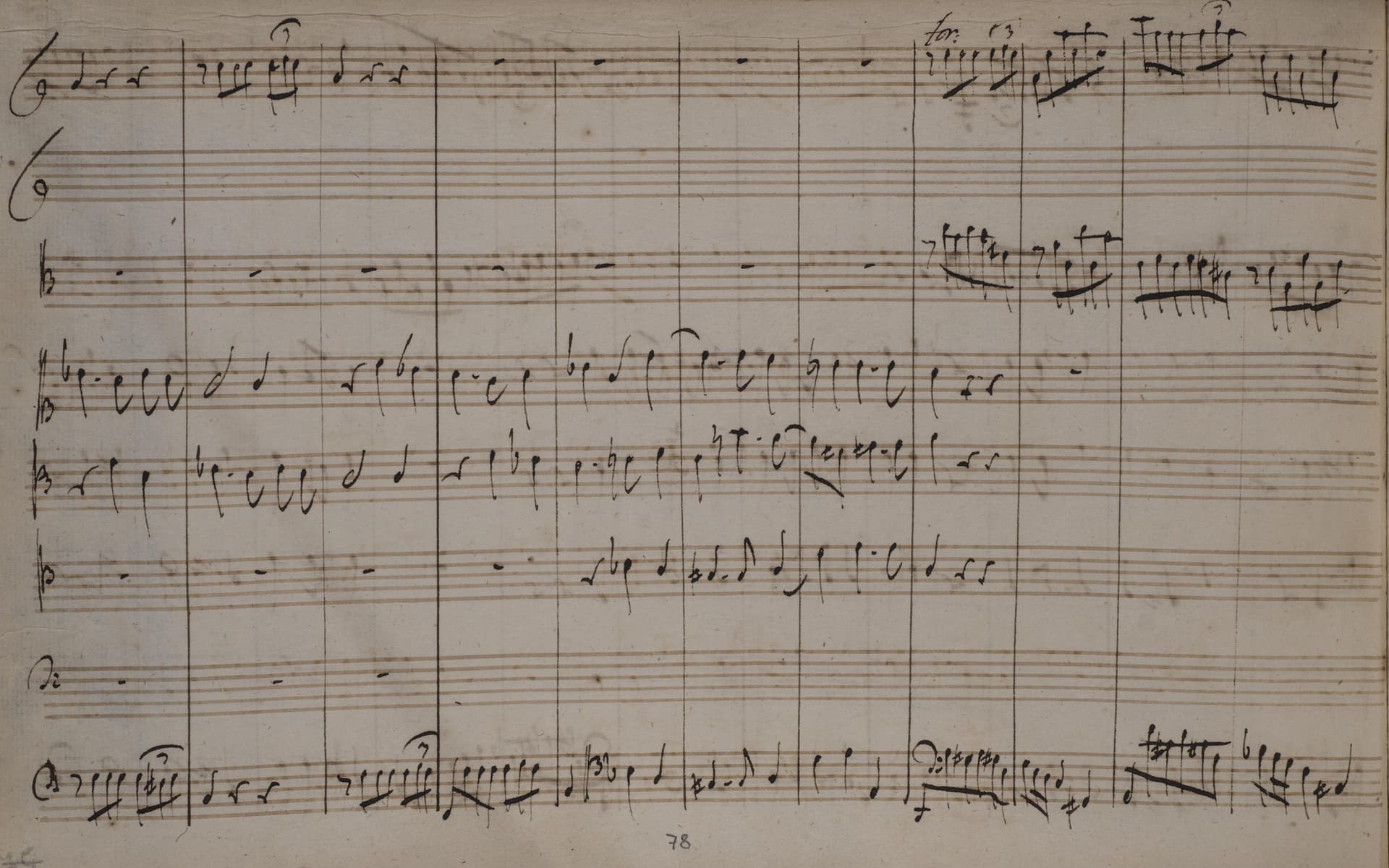
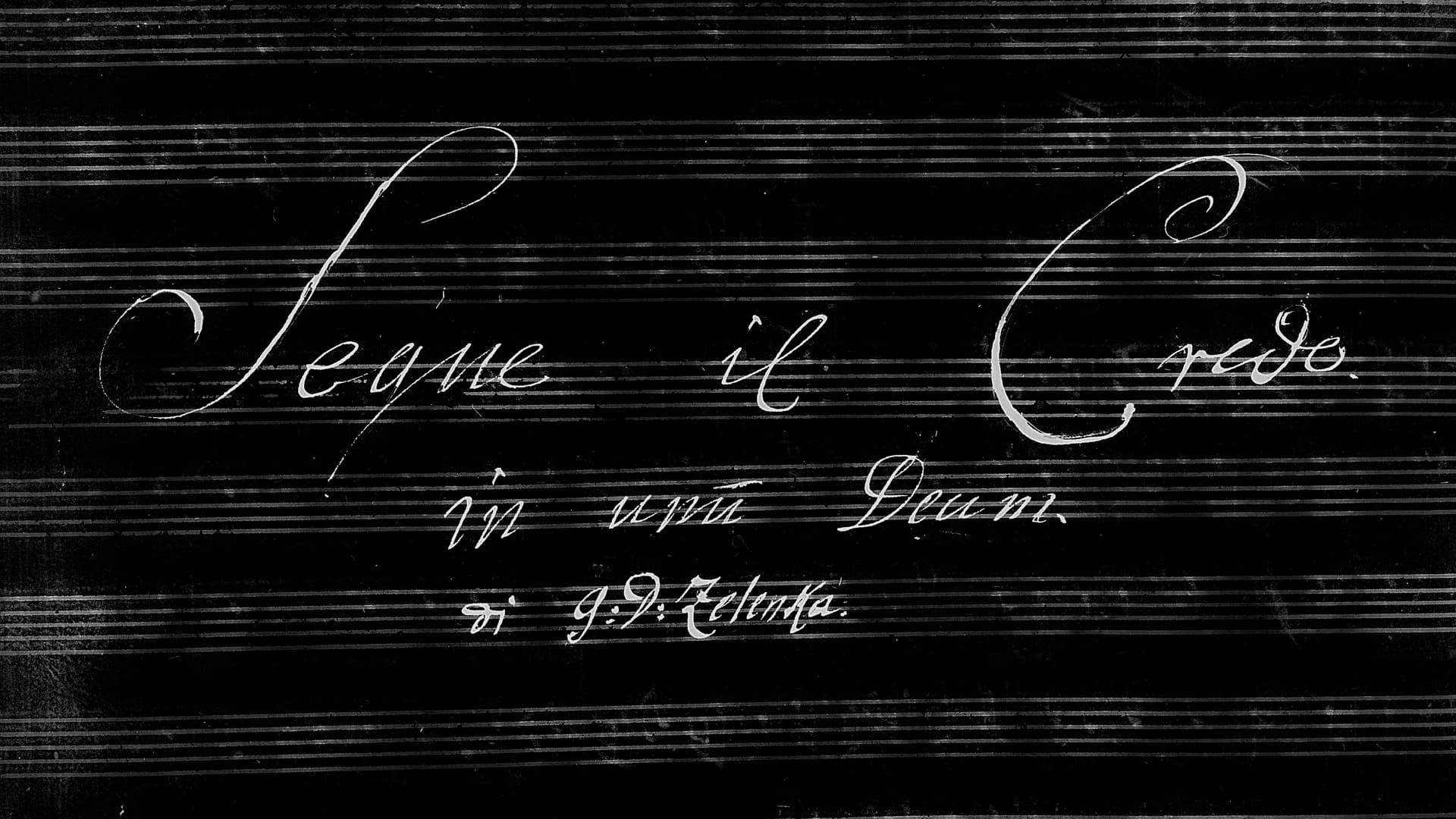
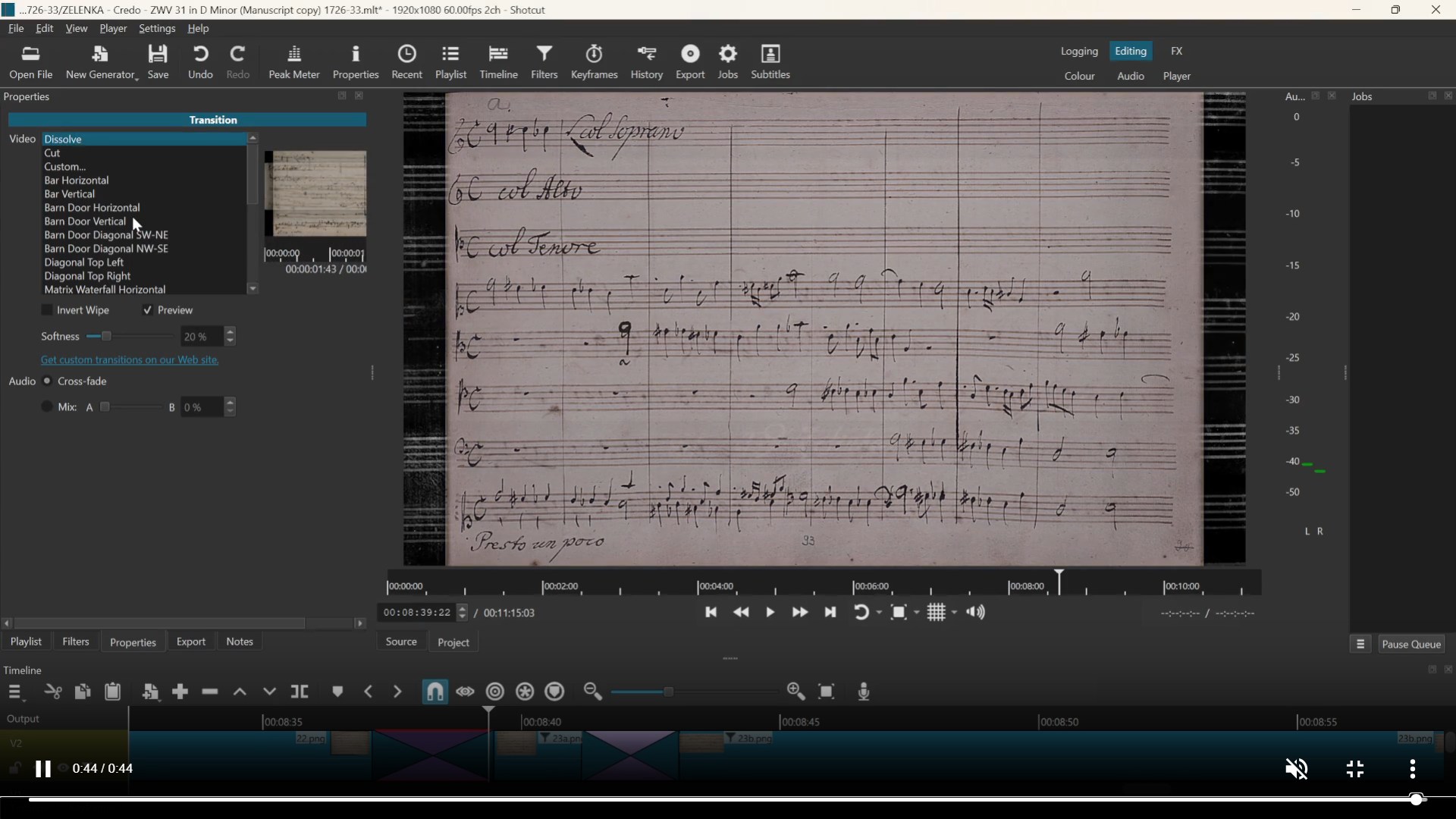
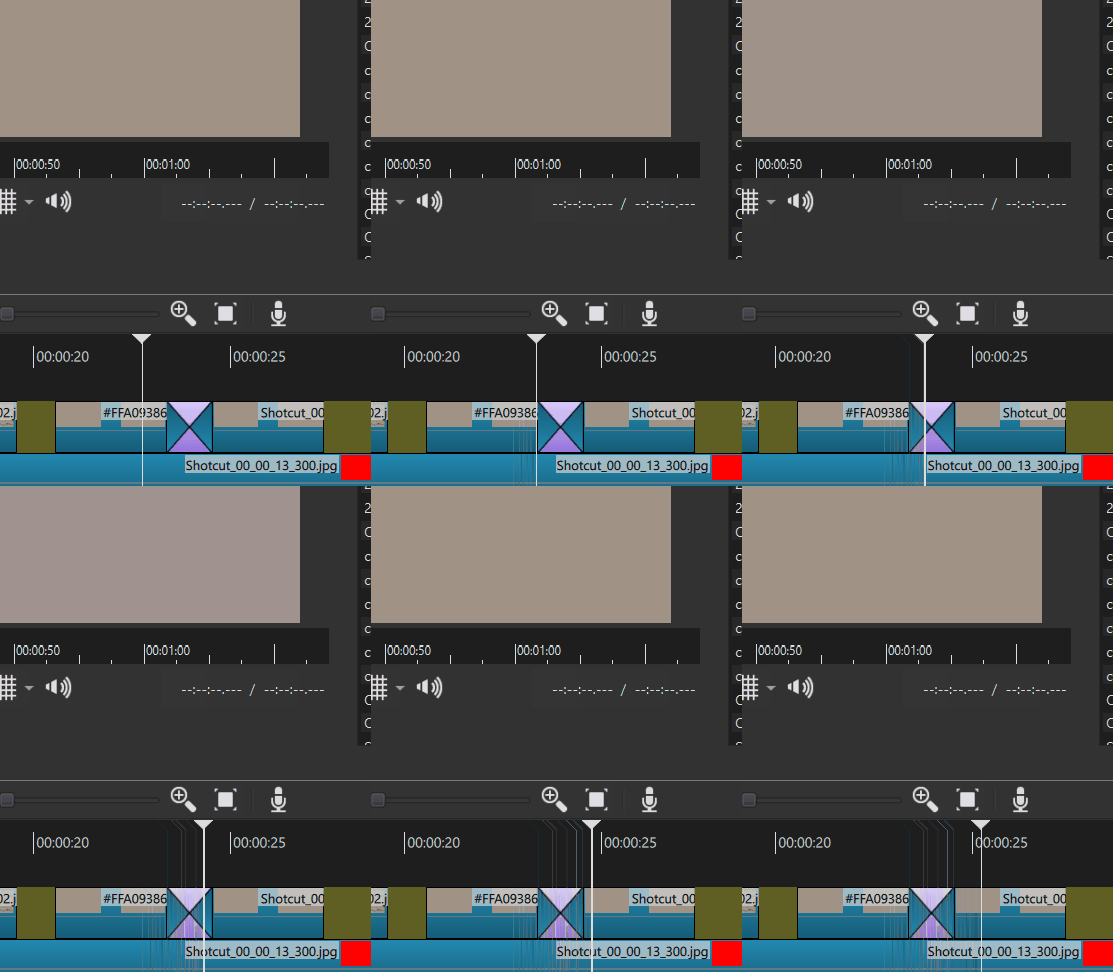
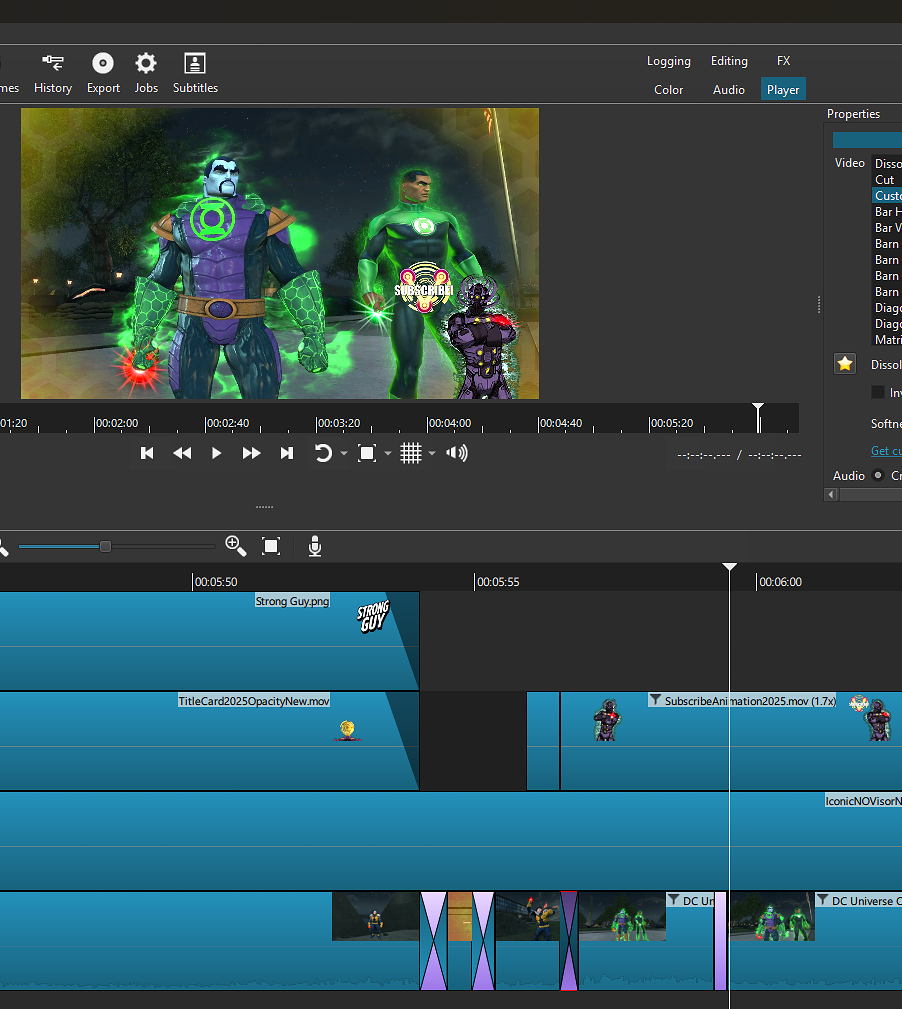
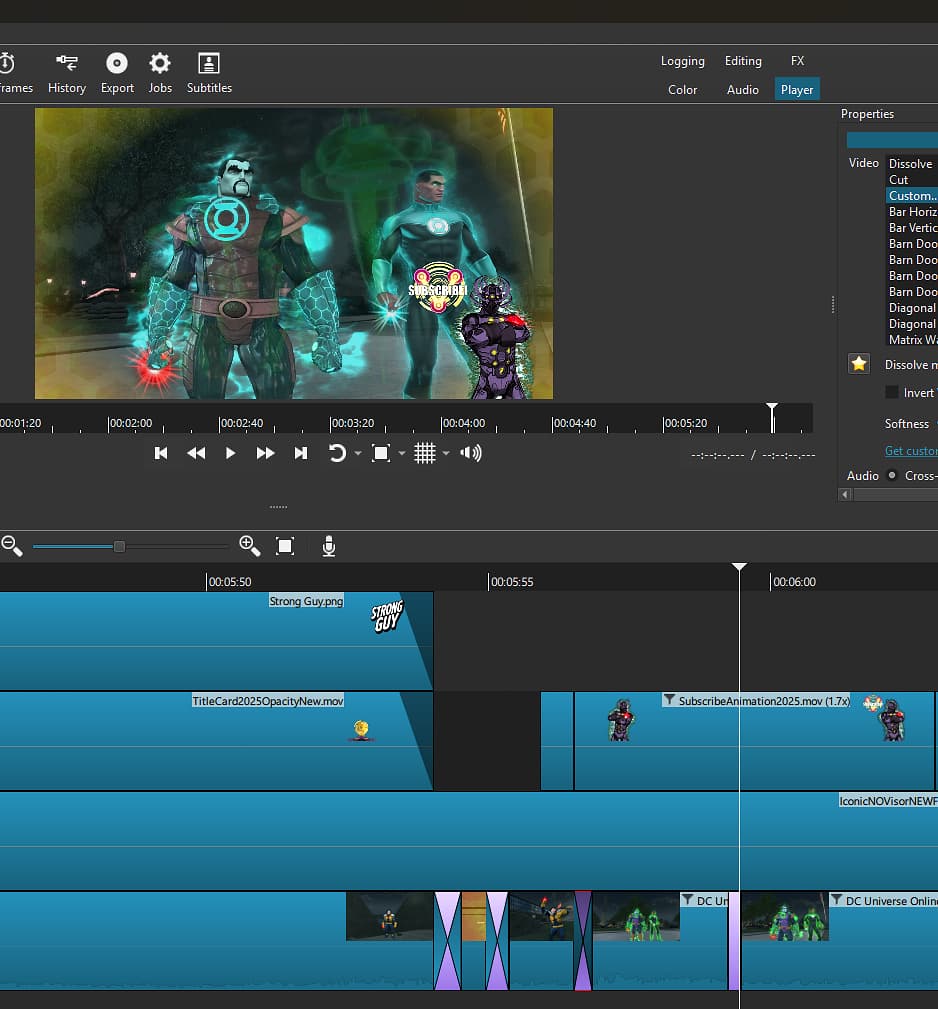
No other transition other than dissolve has this issue, that during a transition using ‘dissolve’ causes the images I use to change color, during the transition.
No idea why, tried using every possible filter / setting to fix it, but the only thing I can come up with is just not using it… which isn’t ideal at all. (The only filters I am using on these images are alpha channel adjust with the blur effect, removing it does not resolve it.)
P.S: This bug happens with any images using the dissolve transition. All .png.
Example:
And here is 2 images you can use to test yourself. Maybe it’s just me, but I doubt it..
It is the same. From your video, I see a purplish tint. Did you watch the other video? It is subtle, not a bright purple. I reproduced it but not with GPU Effects. There was a change to the CPU-based code when the transition input is RGB, which an image is but not a video. It also depends on the filters.
What version of Shotcut are you using and on which OS?
I thought I reproduced previously what was shown in the linked thread with my own photos since they were not provided. However, now I cannot. Next, I tried with your images, and I could not reproduce it either.
Is it enough to simply add these 2 images to a new timeline, and overlap them to make a dissolve transition?
@brian Can you reproduce this? To download his images you need to click one and then click “Original image.”
I made a new video and reproduced the problem - for reference here is the background image I am using which is needed for the issue to happen. Without a background image the dissolve transition works fine.
I did a quick test with 25.11.2 on Linux and I was able to reproduce the problem. As @ineedhelp explained, the background image on a lower track is required to reproduce the problem.
I did some testing and found that a white coloured video does not have this issue:
Also I made a colour clip of exactly your backgound colour (light brown) and the problem was reproduced (as long s there is a background video an a lower track). So I think it is colour-specific.
Until this can be fixed, there is a workaround. I just made some dissolve masks. 4, in fact: 1-second long, 2-seconds, 3-seconds, and 4-seconds long…
Create a dissolve in the normal way by dragging the clips, making the transition duration either 1-second, 2-seconds, 3 or 4-seconds.
Select the transition and hit Properties, then “Custom”. Then select the appropriate-length dissolve mask I provided. Important: set “softness” to 100%.
3. The dissolve should now work as expected.
@ineedhelp - you can now continue making Zelenka videos! (I’m a big fan of your videos, and a YT subscriber!).
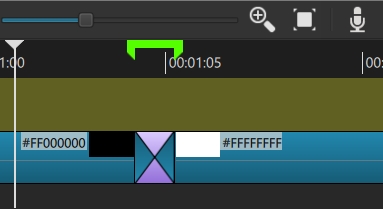
PS How did I make the dissolve masks? Just created a dissolve transition between a black and a white colour clip and exported just the transition:
I may try this later, thanks for the tip. May or may not work, as I have already completed editing the video, and sometimes you can’t adjust the transition length without ruining the continuity of the music / score synchronization. Worth a try though.