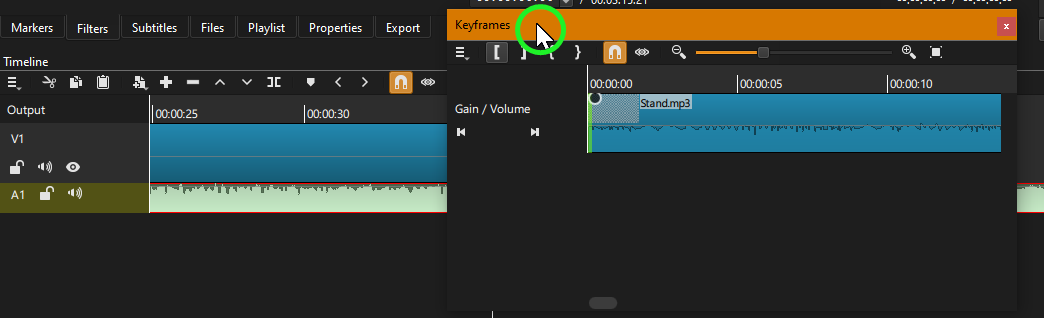
Just grab from the top of the panel. You can have it floating (as shown here), or next to something, or above/below another window. Floating panels are good if you want to have them on multiple screens. When you have a hold of the panel, and you move it around, you can see the choices of placement as you get near the edge of another panel.
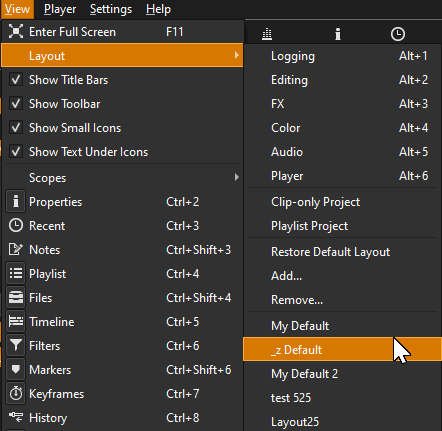
You can name your layout, and revert back to it any time. Which I suggest you do this currently to have a starting point if you are happy with your current layout. That named layout will have the same setup until you save it again. After naming the layout, feel free to totally move all panels and experiment with placement. To reset, just go to Layout and click on the saved name you set.
These are prenamed defaults, until you change them by moving/resizing/adding/deleting panels. Each one can be reset by choosing Restore Default Layout.