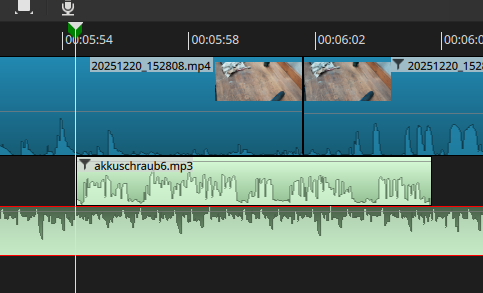
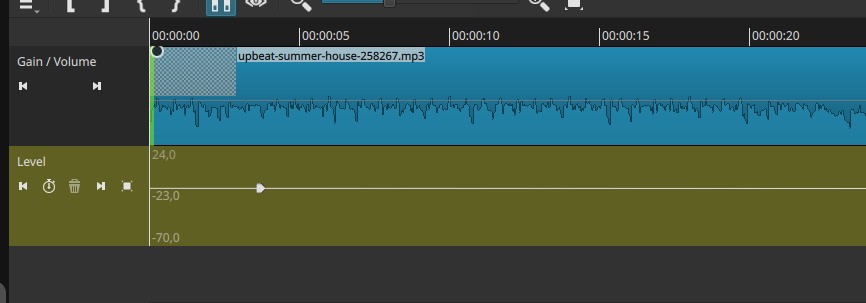
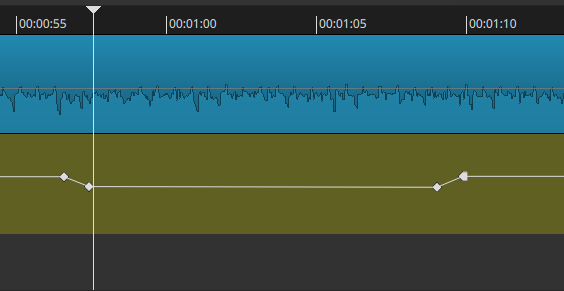
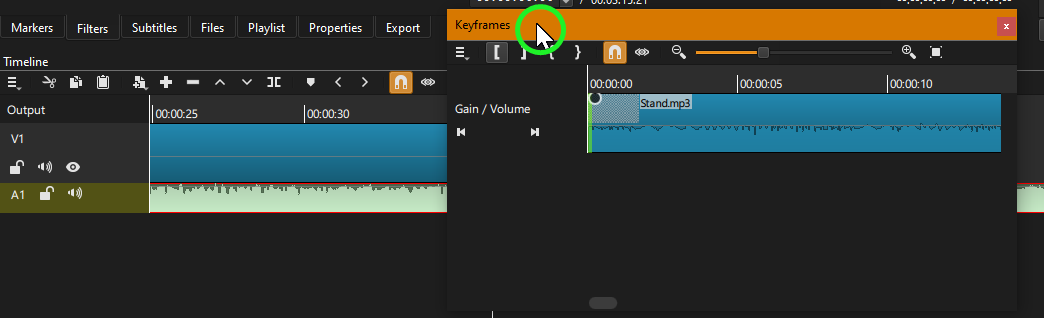
As soon as the voice begins, I want to reduce background music volume.
So I select actual position where voice starts in timeline and change to keyframe tab.
But then I always need to scroll to actual position. Keyframe window always starts at the beginning.
If you have the Timeline beside the Keyframes, everything snaps to the playhead. This might save a bit of time switching back and forth between panels.
Just grab from the top of the panel. You can have it floating (as shown here), or next to something, or above/below another window. Floating panels are good if you want to have them on multiple screens. When you have a hold of the panel, and you move it around, you can see the choices of placement as you get near the edge of another panel.
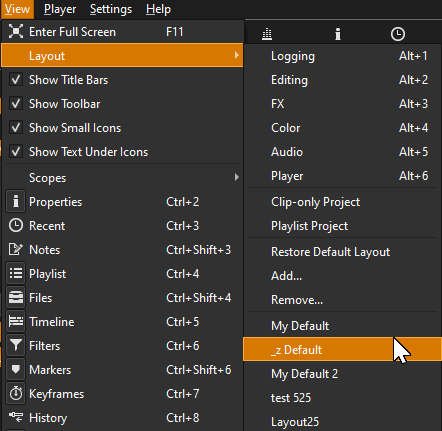
You can name your layout, and revert back to it any time. Which I suggest you do this currently to have a starting point if you are happy with your current layout. That named layout will have the same setup until you save it again. After naming the layout, feel free to totally move all panels and experiment with placement. To reset, just go to Layout and click on the saved name you set.
These are prenamed defaults, until you change them by moving/resizing/adding/deleting panels. Each one can be reset by choosing Restore Default Layout.
I think you answered everything he already knows. To “move it back as tab” is also a simple drag-n-drop. I guess you need to try again and maybe go slower or look closely.
After many tries, I got it now. It was very hard to find out where I need to stop mouse moving. Only after some seconds it changed to the gray marking…. For all other positions like above, left, right etc. the gray marking was coming faster. So I was confused.
Thanks!
And also thanks for your help Hudson555x, I will check the documentation and try different layouts. It sounds very cool. Shotcut has so many features, it is not possible to find out everything in some weeks
My apologies. I did make a short clip showing how to retab, but I got too focused on showing other simple aspects of layouts, I forgot to post the clip. Awesome that you figured it out.