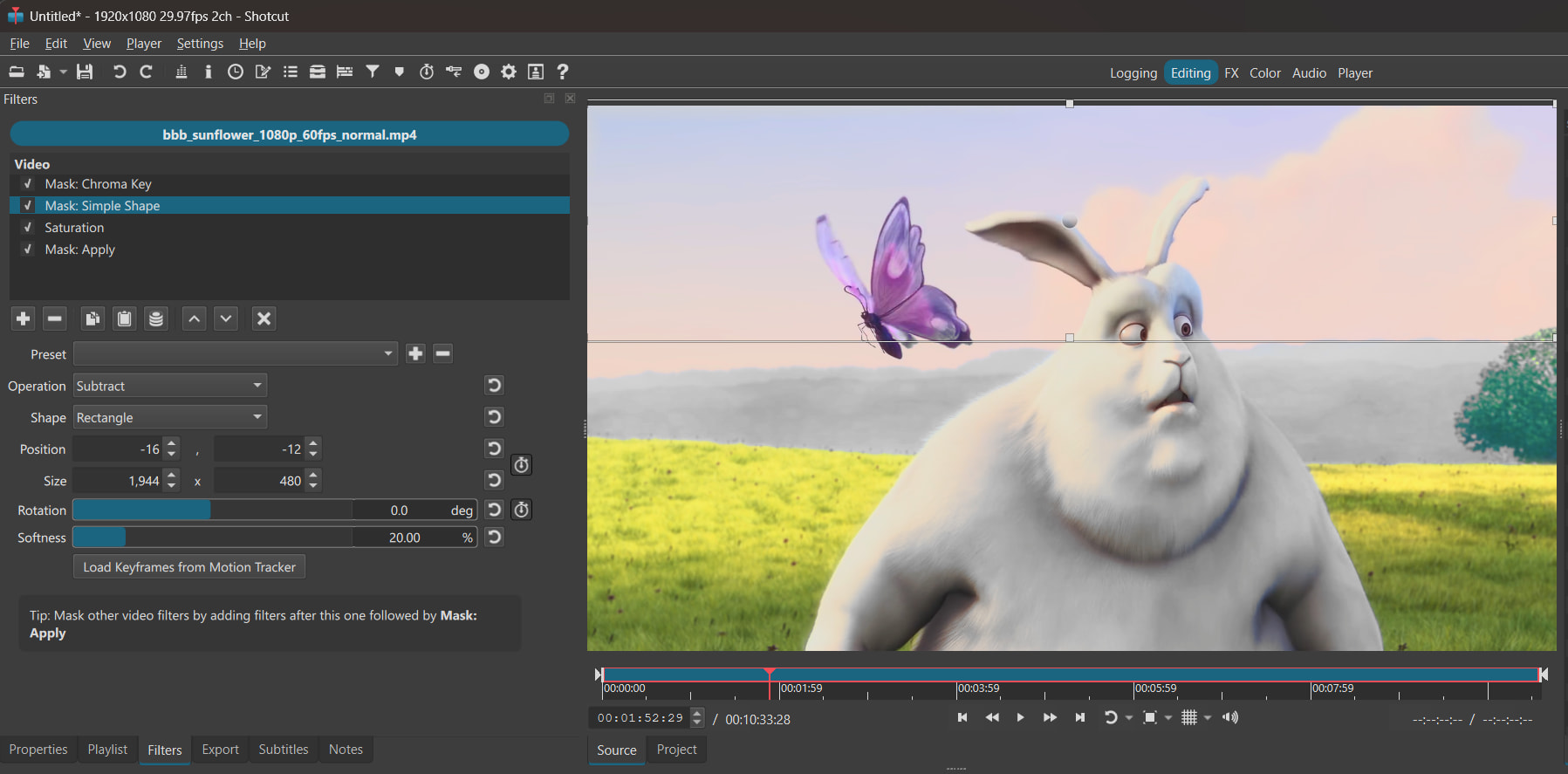
Can also try with Mask: Chroma Key followed by Saturation and Mask: Apply. If additional masking is needed it can be done with Mask: Simple Shapeafter the Mask: Chroma Key but make sure you change its Operation to Subtract
In the below there are like 2 blue areas. Top, the sky, but also just above the green grass, the hills are a shade of blue for whatever reason. I am making them gray but protecting the sky (and the butterfly)