I have a pretty good understanding of photoshop blend modes and I’ve looked at the the various posts and tutorials I can find, but blend modes still seem to do something different than I intend.
(Sorry - I had images for all of these, but new users can only insert one image.)
If I want to set up a bunch of videos in a grid (like a Zoom meeting or virtual choir), I would think that the default “over” setting should work, but all I get is that layer and the one above it. Nothing below it.
I don’t understand why all of the layers are not visible if the blend is set to “over.”
Using “none,” I only get that layer. Nothing above or below.
Using “add” gets this:
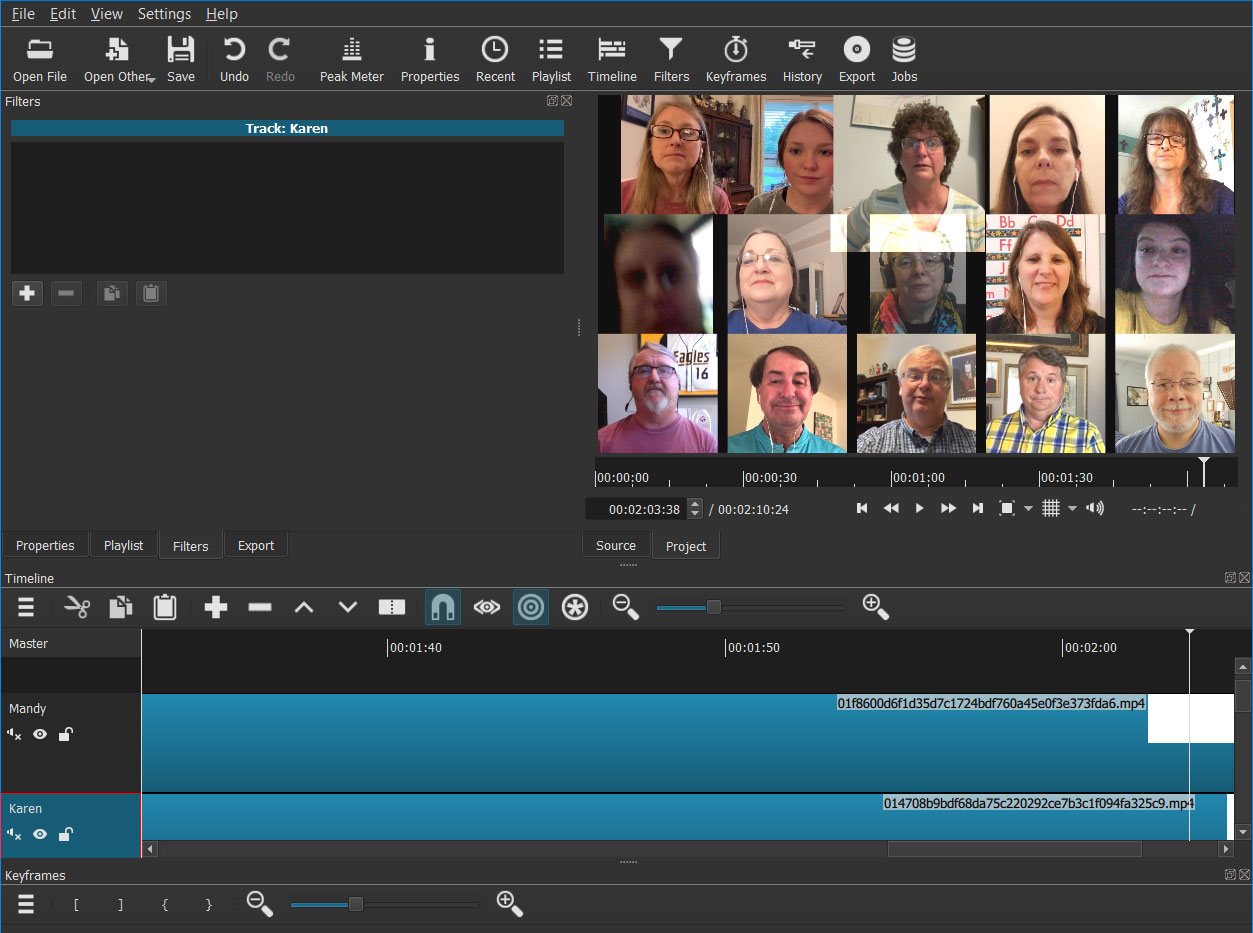
The only way I could make this work was using the “add” blend mode and a crop filter on EVERY clip. This seems like a good workaround, but I don’t think it’s the way it’s supposed to work.
What am I missing?
Somewhat related to this problem: This is anecdotal and I can’t replicate it every time, but sometimes I’ll make a change to one of the lower layers (make it visible or add a filter) and everything above will suddenly appear on all layers. I’m usually so surprised when that happens that I don’t take note of what I just did.