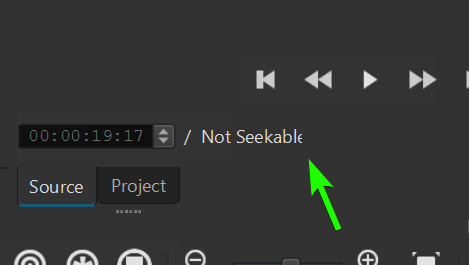
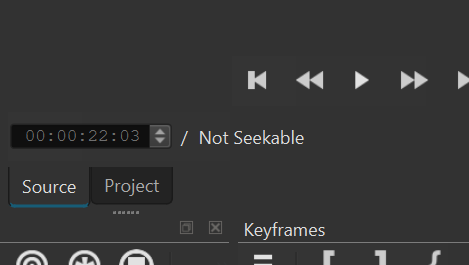
Thanks @SimPaulJack I did manage.
Thanks, but from those links how we download the appimage? I tried to click on every “appimage” it redirect or does nothing
Thanks a lot, I also can confirm (if ever it’s needed) that on Shotcut version 26.9.19 there is no more bug about the auto audio ducking and other properties, it is working flawlessly. 
2 Likes
That wold work, and your example is very clear. But that does not align with the existing patterns we already have in Shotcut - we do not ever HIDE controls that depend on other controls. The UI framework has a different option: DISABLE - which keeps the control visible, but it does not do anything. I’ll play around with some ideas.
Very good point, @brian. I completely understand and see your point.
Good point also. Congratulations on your great work on this feature!
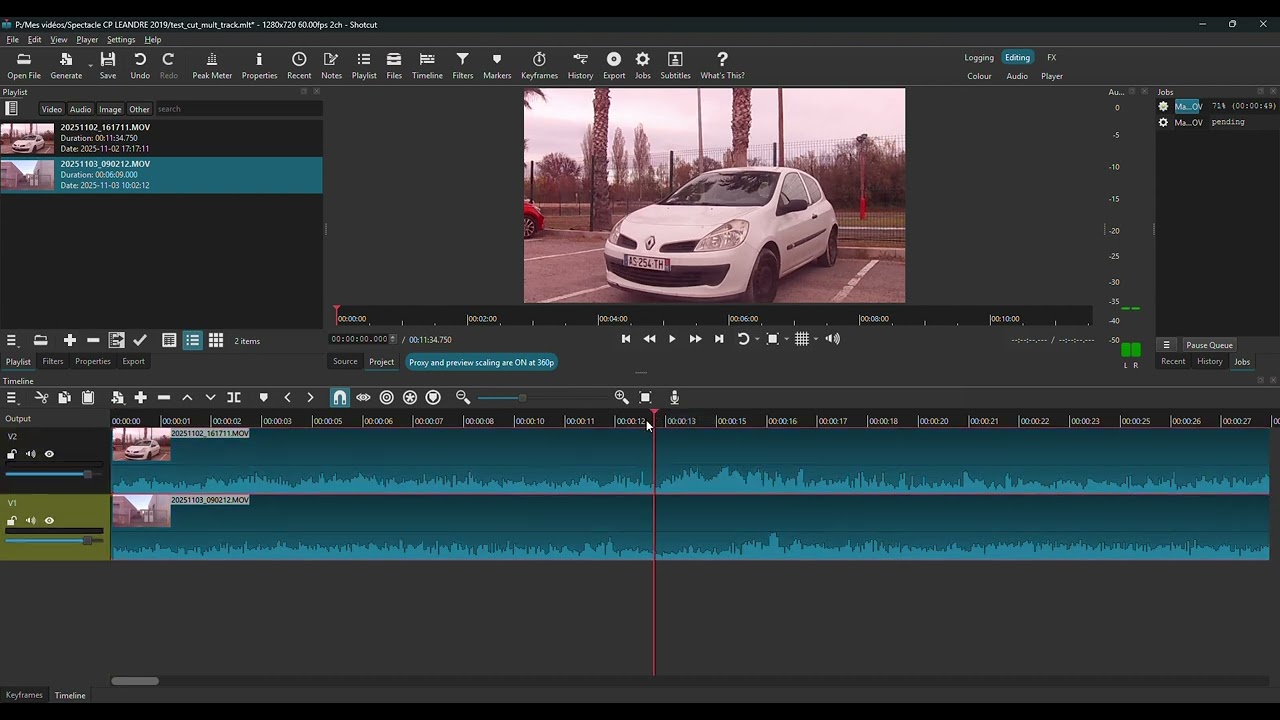
Hi! I found a slight regression in this new version (26.9.6 appImage on Windows64 and 26.9.15 self compiled on linux mint 22.3) regarding the CUT tool (Split at Palyhead). When I select more than one tracks (video + video, video + audio, audio + audio) (ctrl+left mouse click), the tool only cuts the first track. Previously, all the tracks were cut out. Thank you again for this wonderful job !
2 Likes
I confirm, not the same behavior than in 26.6.25, in 26.8.1 (those are appimage I still have), it cuts one clip at a time in the 26.9.15
Previous version behavior (cut 2 selected clips at once) in 26.8.1:
1 Like
Thanks, this is fixed for the release.
4 Likes
Hello
I tried to move video track to up and down … it changes … but the track name keep unchanged …
My example I recorded horizontal and want to get vertical … I added same video with size position and rotate to cover the black bar
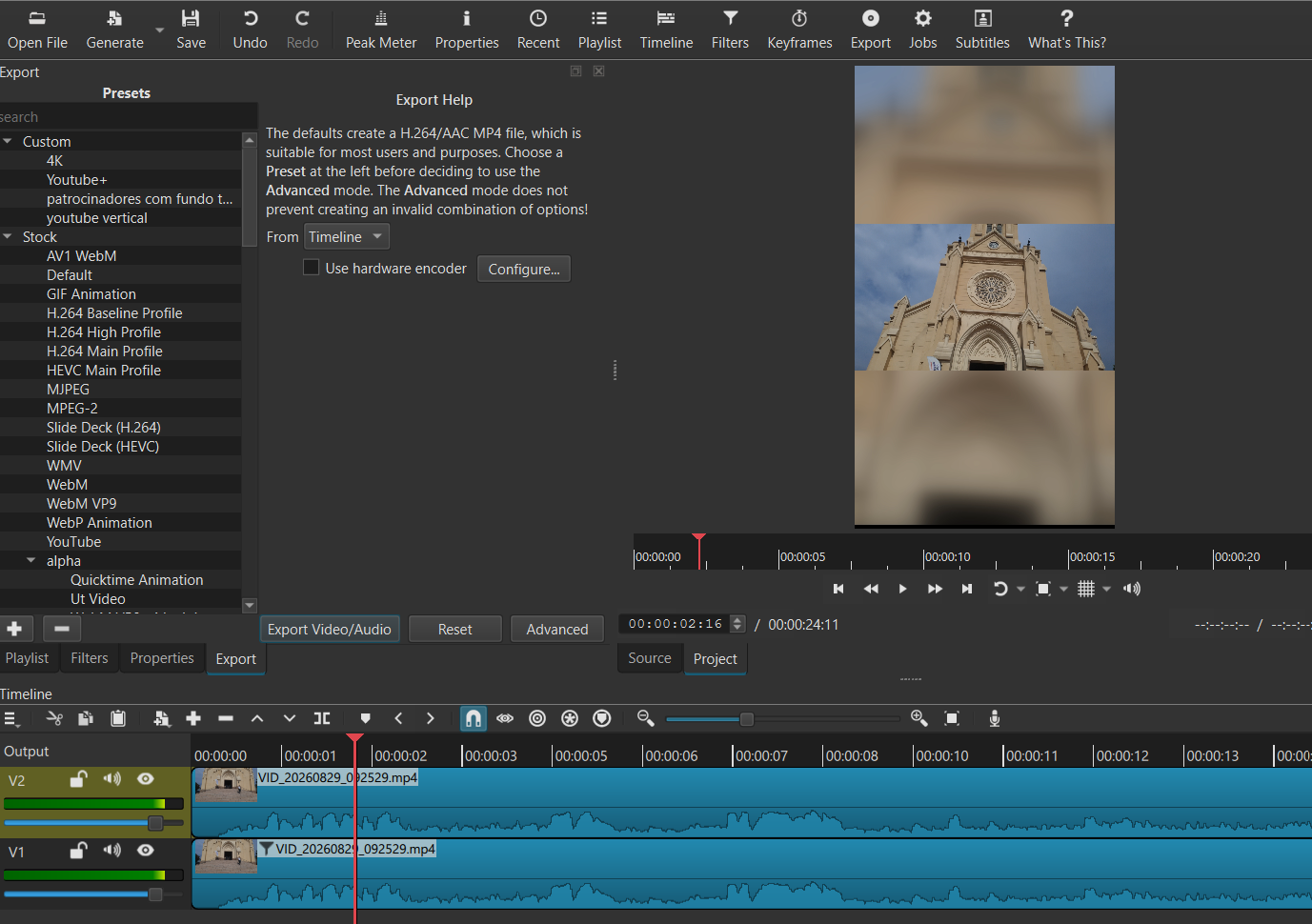
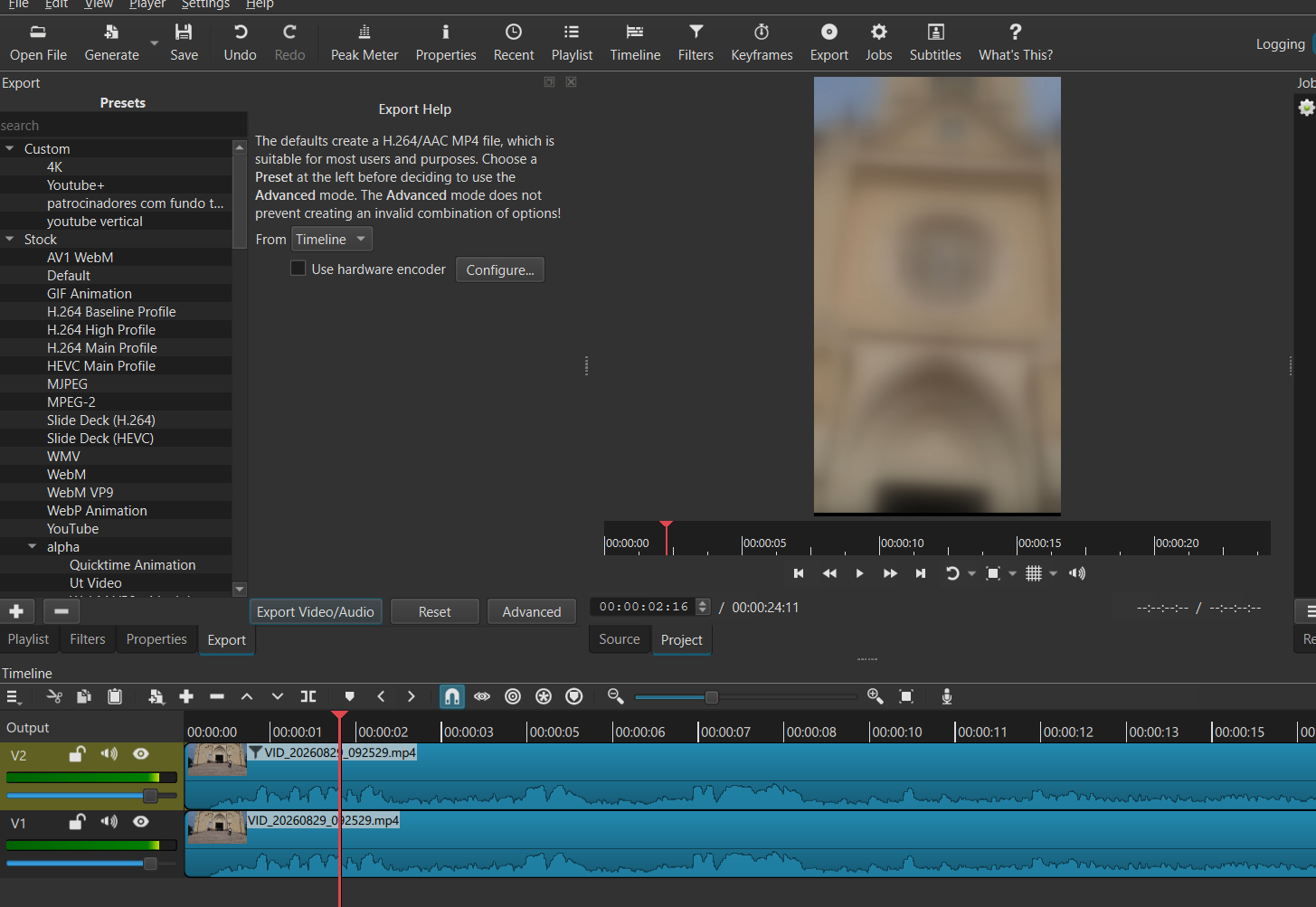
I think what you are reporting is long existing behavior. If you do not rename the tracks and then reorder them, they are automatically renamed based on their position. In your example, when you move V1 up, the top track is still V2–by design, not different in this version, and no plans to change it.
1 Like
thx for feedback
Thanks a lot from south of France 
1 Like