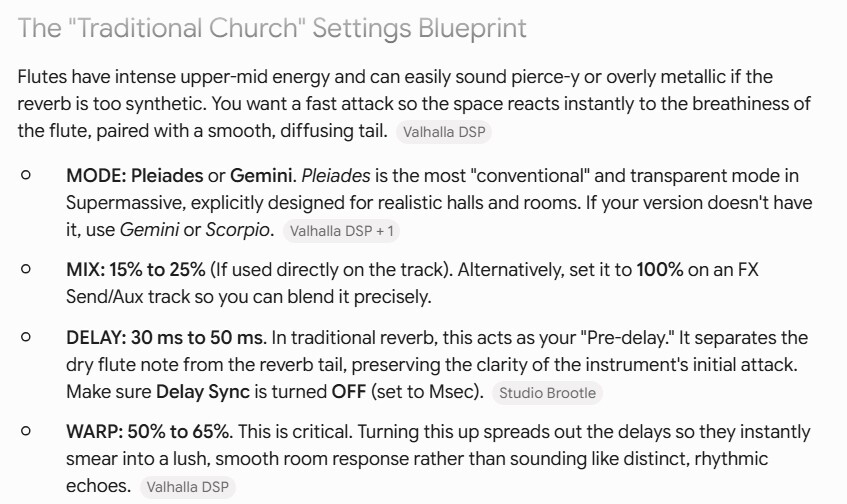
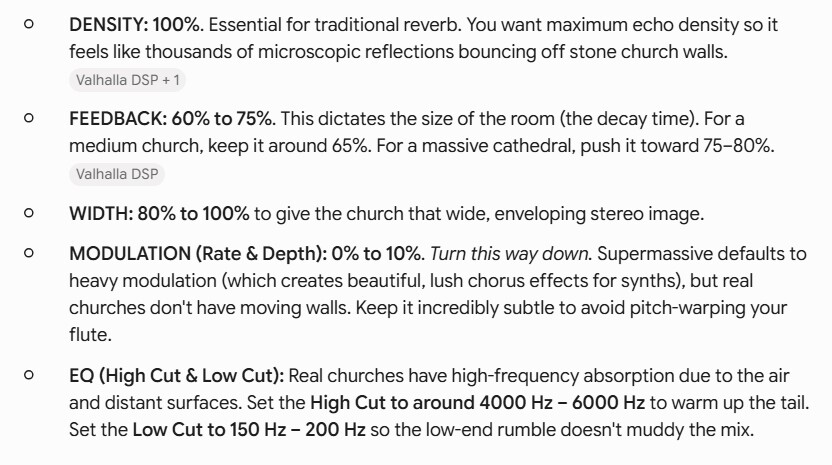
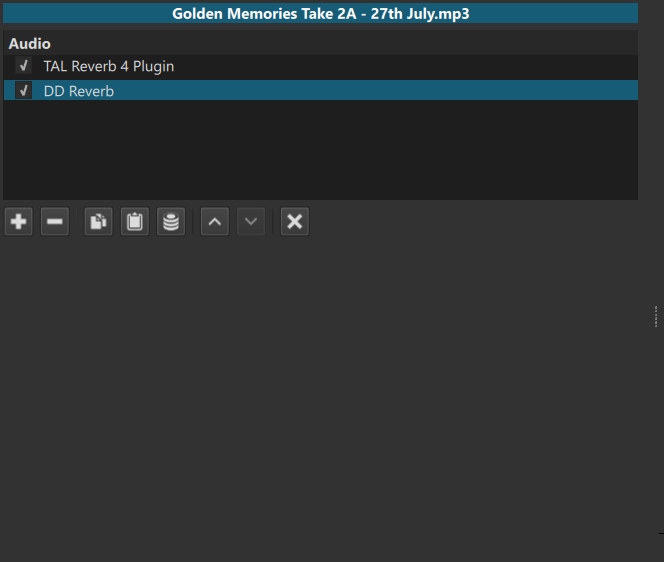
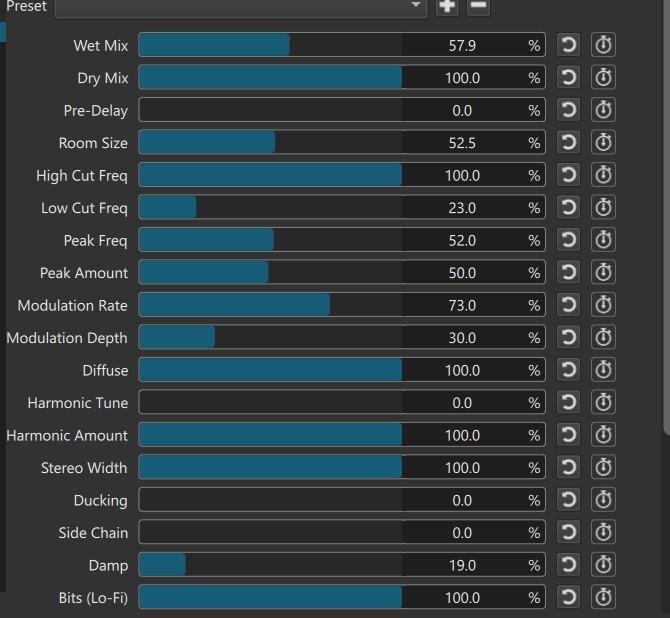
However, I have to say for me the reverb is nowhere as good as the TAL in my case (solo flute music). The Valhalla is good (as the name suggests) for more “massive” effects I think, and as far as I understand it, works more with delay rather than reverberation (at least I think this could be correct ?). This is all just for information which I thought might be a helpful observation.
PS another observation - Gemini mentions “Pleiades” and “Gemini” modes, neither of which appear in the Shotcut filter.
Only Classic Reverb.dll does not show because the log shows:
[Info ] vst2_mgr_get_object_file_plugins: error opening shared object file ‘C:/Program Files/Common Files/VST2/Classic Reverb.dll’: “C:\Program Files\Common Files\VST2\Classic Reverb.dll”: %1 is not a valid Win32 application.
It makes the same complaint about sforzando VST_x86.dllbut that is not expected to work because it is an instrument. Oh, Classic Reverb is 32-bit, which is not supported.
Thanks, Dan. Oh damn, as soon as I read your reply I realised I gave you wrong information.
I said:
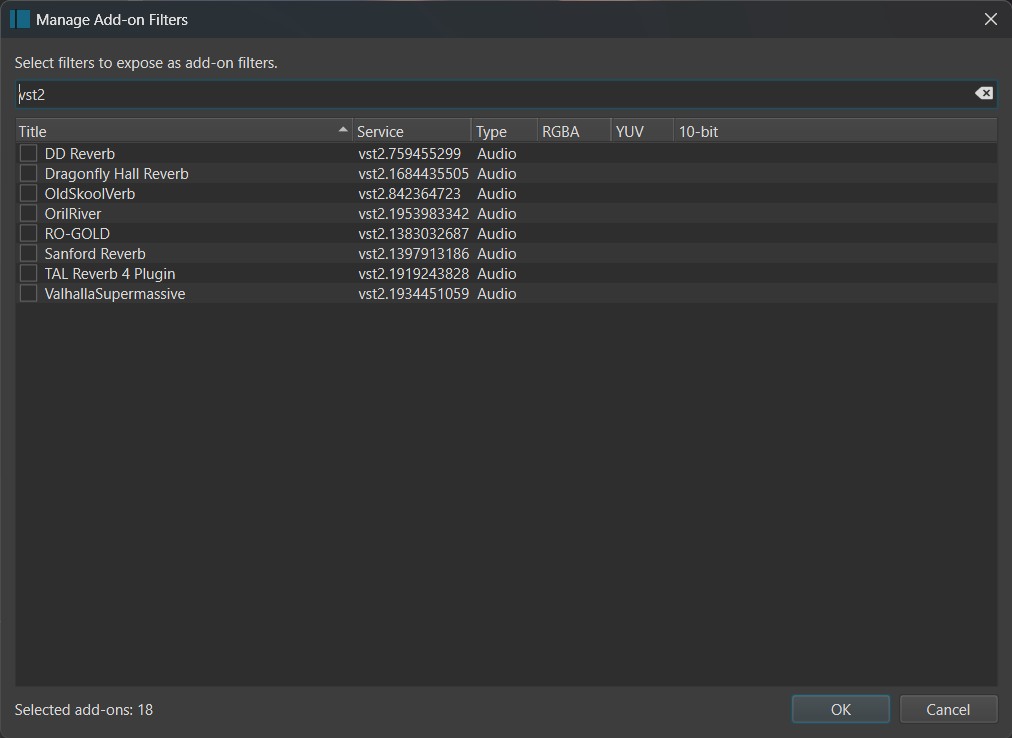
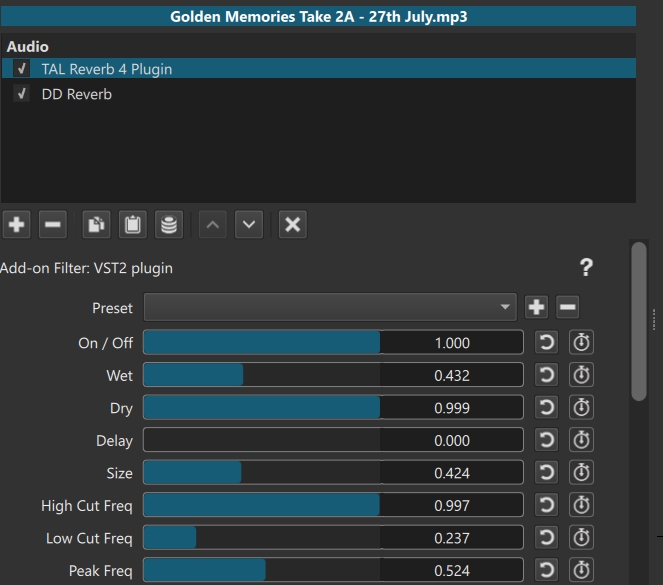
Sorry - the other reverbs (except Classic Reverb - thanks for clarifying it’s 32 bit) DOshow up in Shotcut, however TAL is the only one that shows the value bars and works. The others are all blank in the filter panes, and the reverbs effects don’t work (for me).
I have seen the add-on blank UI too and found that if I restart the app it works. I think it does this sometimes when choosing the filter the first time to generate its UI.
As an experiment, I copied all the reverbs DLLs to the VSTplugins folder, as well as the VST2 folder, and restarted SC portable with –experimental. The app log is showing this:
[Warning] Failed to open properties file C:\Users\jonra\Desktop\shotcut-win64-26.7.16\Shotcut\share\mlt/jackrack/blacklist.txt for parsing!
[Info ] No LV2 plugins were found! Check your LV2_PATH environment variable.
[Warning] Failed to open properties file C:\Users\jonra\Desktop\shotcut-win64-26.7.16\Shotcut\share\mlt/jackrack/blacklist.txt for parsing!
[Info ] vst2_mgr_get_object_file_plugins: error opening shared object file ‘C:/Program Files/Common Files/VST2/Classic Reverb.dll’: “C:\Program Files\Common Files\VST2\Classic Reverb.dll”: %1 is not a valid Win32 application.
[Info ] vst2_mgr_get_object_file_plugins: error opening shared object file ‘C:/Program Files/VSTPlugins/Classic Reverb.dll’: “C:\Program Files\VSTPlugins\Classic Reverb.dll”: %1 is not a valid Win32 application.
[Info ] Plugin 759455299 exists in both ‘C:/Program Files/Common Files/VST2/DD Reverb.dll’ and ‘C:/Program Files/VSTPlugins/DD Reverb.dll’; using version in ‘C:/Program Files/Common Files/VST2/DD Reverb.dll’
[Info ] Plugin 1684435505 exists in both ‘C:/Program Files/Common Files/VST2/DragonflyHallReverb-vst.dll’ and ‘C:/Program Files/VSTPlugins/DragonflyHallReverb-vst.dll’; using version in ‘C:/Program Files/Common Files/VST2/DragonflyHallReverb-vst.dll’
[Info ] Plugin 842364723 exists in both ‘C:/Program Files/Common Files/VST2/OldSkoolVerb.dll’ and ‘C:/Program Files/VSTPlugins/OldSkoolVerb.dll’; using version in ‘C:/Program Files/Common Files/VST2/OldSkoolVerb.dll’
[Info ] Plugin 1953983342 exists in both ‘C:/Program Files/Common Files/VST2/OrilRiver_x64.dll’ and ‘C:/Program Files/VSTPlugins/OrilRiver_x64.dll’; using version in ‘C:/Program Files/Common Files/VST2/OrilRiver_x64.dll’
[Info ] Plugin 1383032687 exists in both ‘C:/Program Files/Common Files/VST2/RO-GOLD.dll’ and ‘C:/Program Files/VSTPlugins/RO-GOLD.dll’; using version in ‘C:/Program Files/Common Files/VST2/RO-GOLD.dll’
[Info ] Plugin 1397913186 exists in both ‘C:/Program Files/Common Files/VST2/SanfordReverb.dll’ and ‘C:/Program Files/VSTPlugins/SanfordReverb.dll’; using version in ‘C:/Program Files/Common Files/VST2/SanfordReverb.dll’
[Info ] vst2_mgr_get_object_file_plugins: error opening shared object file ‘C:/Program Files/VSTPlugins/TAL-Reverb-2.dll’: “C:\Program Files\VSTPlugins\TAL-Reverb-2.dll”: %1 is not a valid Win32 application.
[Info ] Plugin 1919243828 exists in both ‘C:/Program Files/Common Files/VST2/TAL-Reverb-4_x64.dll’ and ‘C:/Program Files/VSTPlugins/TAL-Reverb-4-64.dll’; using version in ‘C:/Program Files/Common Files/VST2/TAL-Reverb-4_x64.dll’
[Info ] Plugin 1919243828 exists in both ‘C:/Program Files/Common Files/VST2/TAL-Reverb-4_x64.dll’ and ‘C:/Program Files/VSTPlugins/TAL-Reverb-4_x64.dll’; using version in ‘C:/Program Files/Common Files/VST2/TAL-Reverb-4_x64.dll’
[Info ] Plugin 1934451059 exists in both ‘C:/Program Files/Common Files/VST2/ValhallaSupermassive_x64.dll’ and ‘C:/Program Files/VSTPlugins/ValhallaSupermassive_x64.dll’; using version in ‘C:/Program Files/Common Files/VST2/ValhallaSupermassive_x64.dll’
[Info ] vst2_mgr_get_object_file_plugins: error opening shared object file ‘C:/Program Files (x86)/Common Files/VST2/Plogue Art et Technologie, Inc/sforzando VST_x86.dll’: “C:\Program Files (x86)\Common Files\VST2\Plogue Art et Technologie, Inc\sforzando VST_x86.dll”: %1 is not a valid Win32 application.
[Info ] vst2_mgr_get_object_file_plugins: error opening shared object file ‘C:/Program Files (x86)/Steinberg/VSTPlugins/Youlean Loudness Meter 2.dll’: “C:\Program Files (x86)\Steinberg\VSTPlugins\Youlean Loudness Meter 2.dll”: %1 is not a valid Win32 application.
[Error ] mlt_repository_register: Duplicate filter registration for “vst2.759455299”
[Error ] mlt_repository_register: Duplicate filter registration for “vst2.1684435505”
[Error ] mlt_repository_register: Duplicate filter registration for “vst2.842364723”
[Error ] mlt_repository_register: Duplicate filter registration for “vst2.1953983342”
[Error ] mlt_repository_register: Duplicate filter registration for “vst2.1383032687”
[Error ] mlt_repository_register: Duplicate filter registration for “vst2.1397913186”
[Error ] mlt_repository_register: Duplicate filter registration for “vst2.1919243828”
[Error ] mlt_repository_register: Duplicate filter registration for “vst2.1919243828”
[Error ] mlt_repository_register: Duplicate filter registration for “vst2.1934451059”
[Info ] Mlt::Controller::resetLocale decimal point .
I found the source of the bug, and yeah simply restart is not always effective. The fix will be in the release, and it makes sharing filter UIs easier too.
@shotcut, I asked Gemini to help write meta and ui qml files for the TAL-Reverb-4 reverb VST, and I tested briefly using SC beta (non-experimental) by adding the folder to the SC filters folder - and it seems to work. This version just has the older 6-parameters, but Gemini showed me how to adapt it to the newer version with more parameters, but it will take a bit of tweaking, I believe.
If you are interested, with a view to adding the TAL reverb to future SC versions, here is a ZIP of the folder and files. No worries if you are not interested though. Keep up the good work!
[EDIT] - the ZIP posted here was incorrect. Please see my next post for the correct ZIP file.
[EDIT] - Oh no, I posted too quickly. On further testing, the reverb effect doesn’t seem to be working. The sliders don’t seem to have any effect on an audio file I just tried. Apologies - please ignore me. I’ll go back to Gemini and see if there is a fix.
[EDIT] - the files are now fixed. See my post below.
@shotcut - further to my post above, here’s an update. The TAL reverb meta and ui qml files are fixed, and it works fine. It’s a lovely reverb! This version has all the full controls (not just the 6 sliders I mentioned earlier).
This is not the preferred way to share filter UIs. The UI generator in Shotcut logs the temp files it writes. So, use View > Application Log to find the .qml files that are written to a temp directory and copy them. The beta release notes say:
(See View > Application Log to get the temp file names to copy these files).
Again, wait for the release, which makes this easier by putting both files (meta.qml and ui.qml) into a single folder to be copied.
OK, thanks again Dan. No worries, I will certainly wait for the release. I just wondered if the files would be useful to you, that’s all. I am happy that I can use the TAL reverb without having to use –experimental before the release is released.
Yes! The goal here is to empower the community to assess the things in Add-Ons including user-installed VST2 and OpenFX plugins. Which ones are working, useful, and not redundant? Share the generated UI to Resources for the ones you find with these qualifications. As others seem to agree and appreciate the shared ones, I will merge them into the installed codebase. Then, other users get it–including possibly with translation–without needing to use --experimental. This is what happened with Shake Video Filter UI , which was an example of the process.
Given your background, your recommendation of the TAP Reverb counts in large amounts.
I plan to make a tutorial video about all of this, but first the new release…