I start new project and drag and drop the video to timeline. So Shotcut apply this video’s Resolution to the project. But why Shotcut don’t do the same for aspect ratio? I think Shotcut should do it. For now I should manually copy Resolution to Aspect ration.
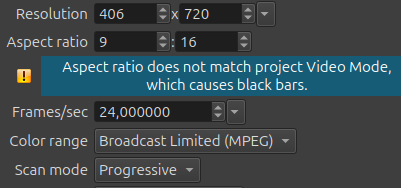
It shouldn`t bcs sometimes you want to make vertical videos or horizontal ones I believe.
It already does this when the Video Mode is Automatic. Otherwise, it does not by design.
In Shotcut removing everything from the timeline including all tracks does not start a new project. At that point only File > Close or File > New > Project starts a new project. It goes like this:
- start Shotcut
- Video Mode > Automatic
- add something to Timeline (or Playlist), Video Mode is based on the first file added
- export automatically adapts
- File > New > Project or File > Close
- Video Mode returns to Automatic
- go to step 3
If you use Video Mode > Automatic, do not need the timeline, and only use the Source viewer, including export; then it acts like a media player or transcoder and step 5 is not necessary: Opening something else into Source replaces it and automatic(including export) adapts to it.
You are right, I mean input video and result video resolution match (406x720). But
-
Why Aspect ratio 9:16 when Mode is Automatic?
-
what “Aspect ratio does not match project Video Mode, which causes black bars.” means? In result video there is no black bars. And there is no black bars on the corresponding screen (of smartphone).
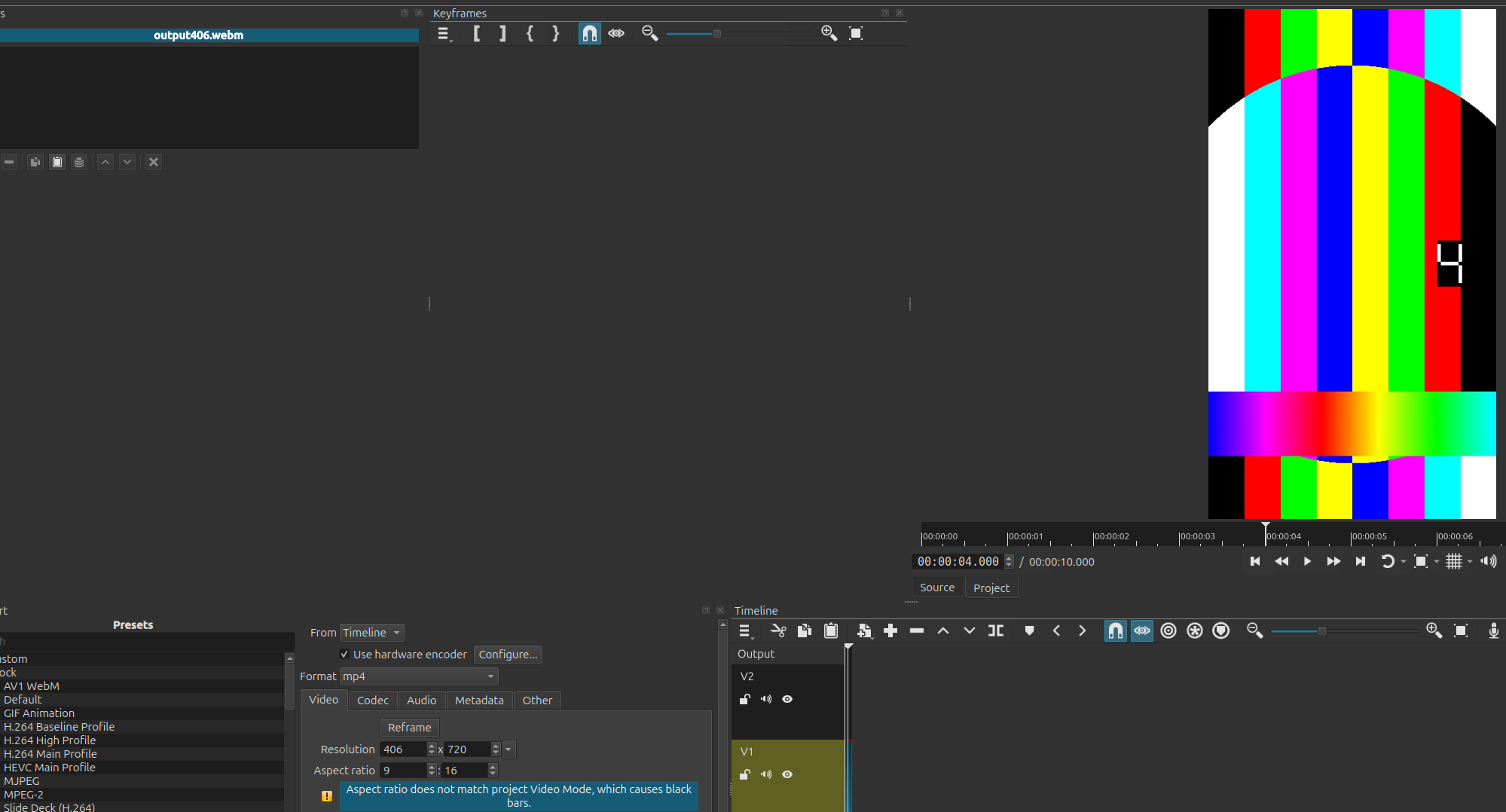
You can create a custom video mode for 406x720 at 24 fps. No need to enter into advanced export settings. Once the custom video mode is made, you can start to edit your video.
Automatic adapts to the first media brought into the project.
Perhaps your first source video is not 9:16.
You can check the video mode by clicking on Output, then Properties.
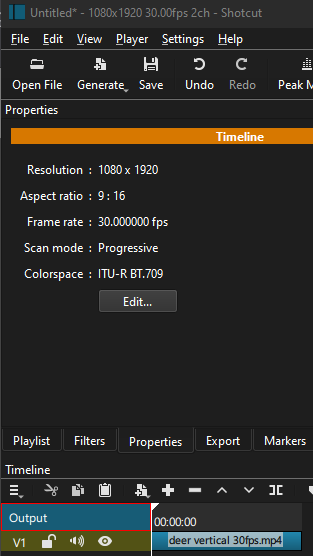
True, I have the only one 406x720 video on the timeline. This is not 9:16, this is 203/360. But why it should be 9:16? Why Shotcut can automatically detect resolution but not aspect ration?
203/360 is extremely close to 9:16. Somewhere there is some code that guesses that the user really meant the much more common 9:16. Of course, you can correct it. So, under normal use cases, the program does the correct and expected thing; just not for your weird use case. I will change the next version to have Export use the same aspect ratio values you see in Timeline > Output > Properties and the custom Video Mode dialog.