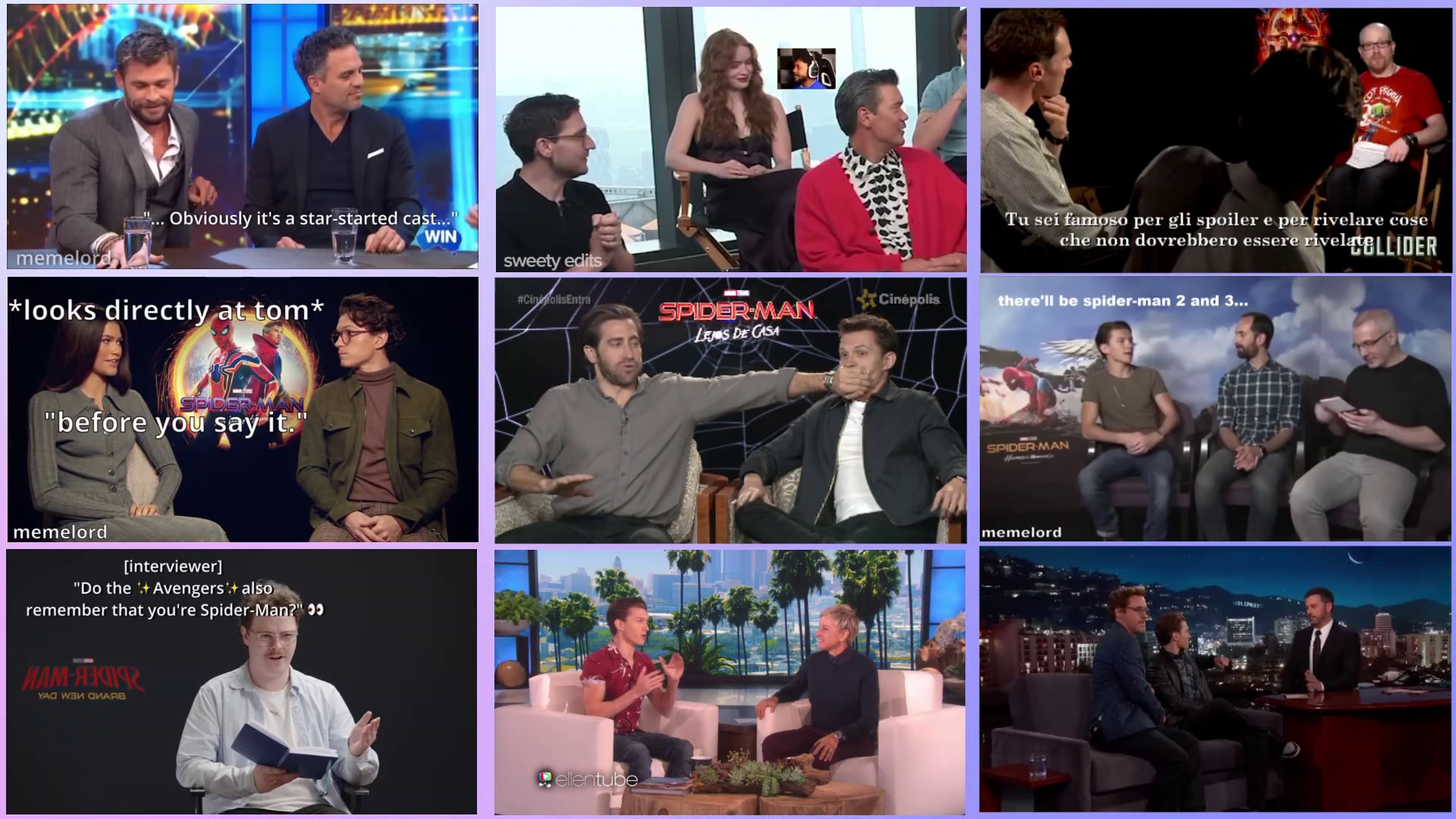
Hi folks!
I mean like this, just better. Improved alignemnts, borders and so on. Thanks for your help.
Hi @Gabbe
Here’s a 1920x1080 template you can use:
3x3_grid_1920x1080.mlt (28.2 KB)
Insert a 16:9 clip of your choice on each of the 9 bottom tracks. The Size, Position & Rotate filters are on the tracks heads.
The top track is used for the borders. To change the color of the entire border grid, simply set the Background color of the 4 Text: Rich filter to another color.
Thank you @MusicalBox !
Not only you answered my question but you inspired me how to realize an even fancier 3x3 “carousel” of pictures or even videos on screen.
In my original project, that one I screenshotted in my previous post, I have effectively 9 videos that are unfortunately not aligned at all because I was wrong about snapping alignment.
The snapping alignment doesn’t occur when placing a video on the grid but when it is being resized on the grid, doesn’t it?
I think that’s for this reason that your solution makes absolutely sense, in fact, as I did, if one’s try to resize all the video boxes trying to make room between each of them to show a background video, can occur in to the eye annoying displacements.
But how to proceed if my goal is to show a moving blurred background made of colorful gradients wich plays underneath every video box?
Could I use your trick replacing Text:Rich with Mask:SImple Shape in some way?
Thanks in advance for your answer… I hope I explained myself well without mistreating English language too much. 
Gabbe
You are right. The 4 sides of the rectangle control do snap to the player grid lines when you grab/drag a corner, but if you grab/drag the middle circular handle, it’s that handle that snaps to the grid.
I’ll think about it. I might not have an answer today though. I’m busy with other things.
Maybe you could add a Crop: Rectangle filter to each track. But that would not be practical if you want to animate individual clips (like move them around or resize them).
Maybe someone else will come up with a solution in the meantime.
Don’t worry and take your time of course…
In the meanwhile I think to have found a possibile solution:
Et voilà…
This is the result not still perfect because I’m a hurry (just a frame)
I think that to get a border made of a colored but not shaded border you will need to use a little math on the position and size.
In these days, if I’m correct, I’ll manage to provide some templates.
Thanks!
See you soon!
Gabbe
Actually, you were on the right track when suggesting to use Mask: Simple Shape filters.
But instead of putting the background video video below all the other clips, it needs to be on top of the timeline, like suggested by @Gabbem, with the Mask filters on the track head for convenience.
Try this new template:
3x3_grid_1920x1080_with-masks.mlt (20.4 KB)
Demo:
This is exactly what I was looking for! Thank you man!
I am grateful to you and I hope you will accept my bow before so much knowledge.


Silly me… I thought we were 3 in this discussion. But you changed your avatar and I didn’t notice that you and that 3rd person have the same nickname.



You’re welcome.