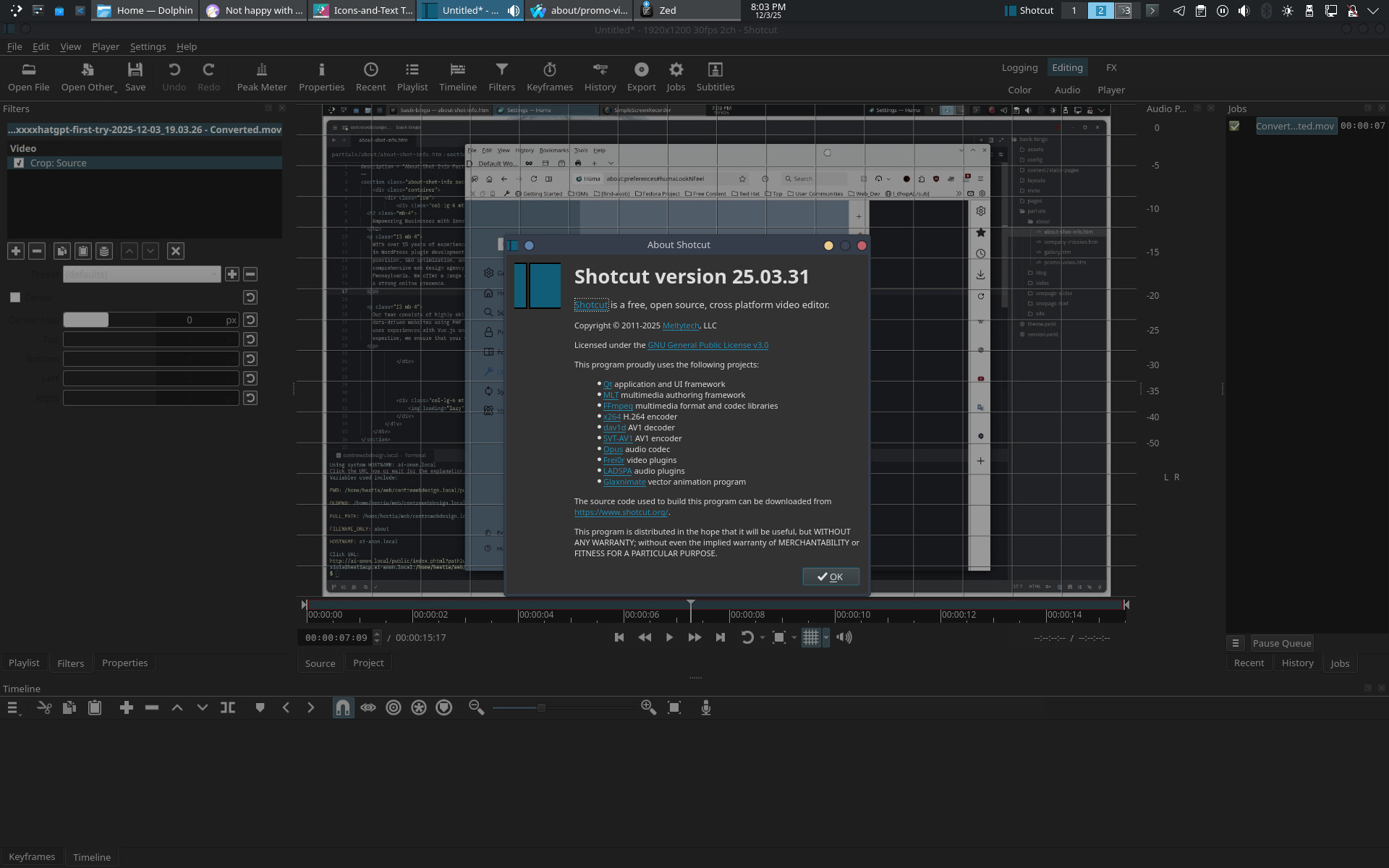
That is not normal; see the screensheet on the home page or many of the ones here. What is Settings > Theme set to? You can try some different ones.
We did not make a 25.03.31 version; so, I guess you are using a distro package instead of one our builds, and that might be a factor. Perhaps KDE’s theme might be interfering somehow even though we define our own palette for the Fusion themes. Gotta love that Linux fragmentation screwing things up.
I found this problem can occur with the following combination:
system light theme
Shotcut default Fusion Dark theme
The environment variable QT_QUICK_CONTROLS_CONF is set. Shotcut needs to set this on itself to set the palette for some components. However, it will not if it is already set (respect the user-defined env var).
Change one of these and the problem goes away. I have a KDE Neon (based on Ubuntu 24.04) system, and it does not define that env var.
Run echo $QT_QUICK_CONTROLS_CONF in a terminal to see if it affects you. The path might reveal a reason why it is set. If set, another workaround is $(unset QT_QUICK_CONTROLS_CONF; shotcut)
Hey there! Most certainly. I wasn’t trying to be jerk, btw. One gets to the end of ones day of interacting on several collaborative this and that. haha…
Cheers and thank you for the spectacular software. I would say it’s the best of all at doing the so-called “Ken Burns effect”, with the highest ratio of consumable media resulting.
I want to be clear that it is NOT a Shotcut issue. I suppose that explains my frustration about such an issue. It’s just a thing that floats in the ether that users are aware of, but know one knows where it comes from.
I’ll tell you where it comes from. It comes from Utah, brutha. On Skinwalker Ranch!
Yee haw!
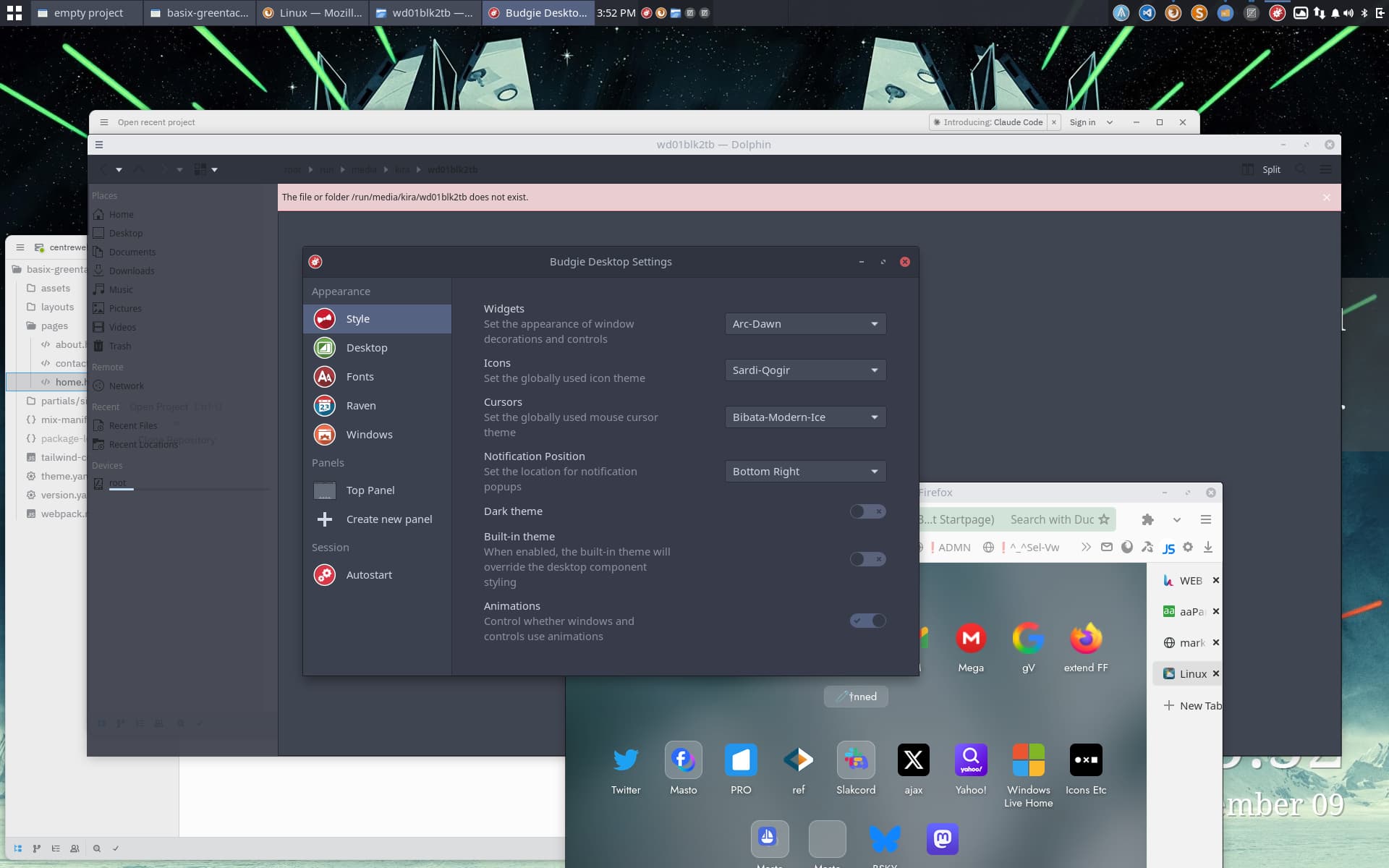
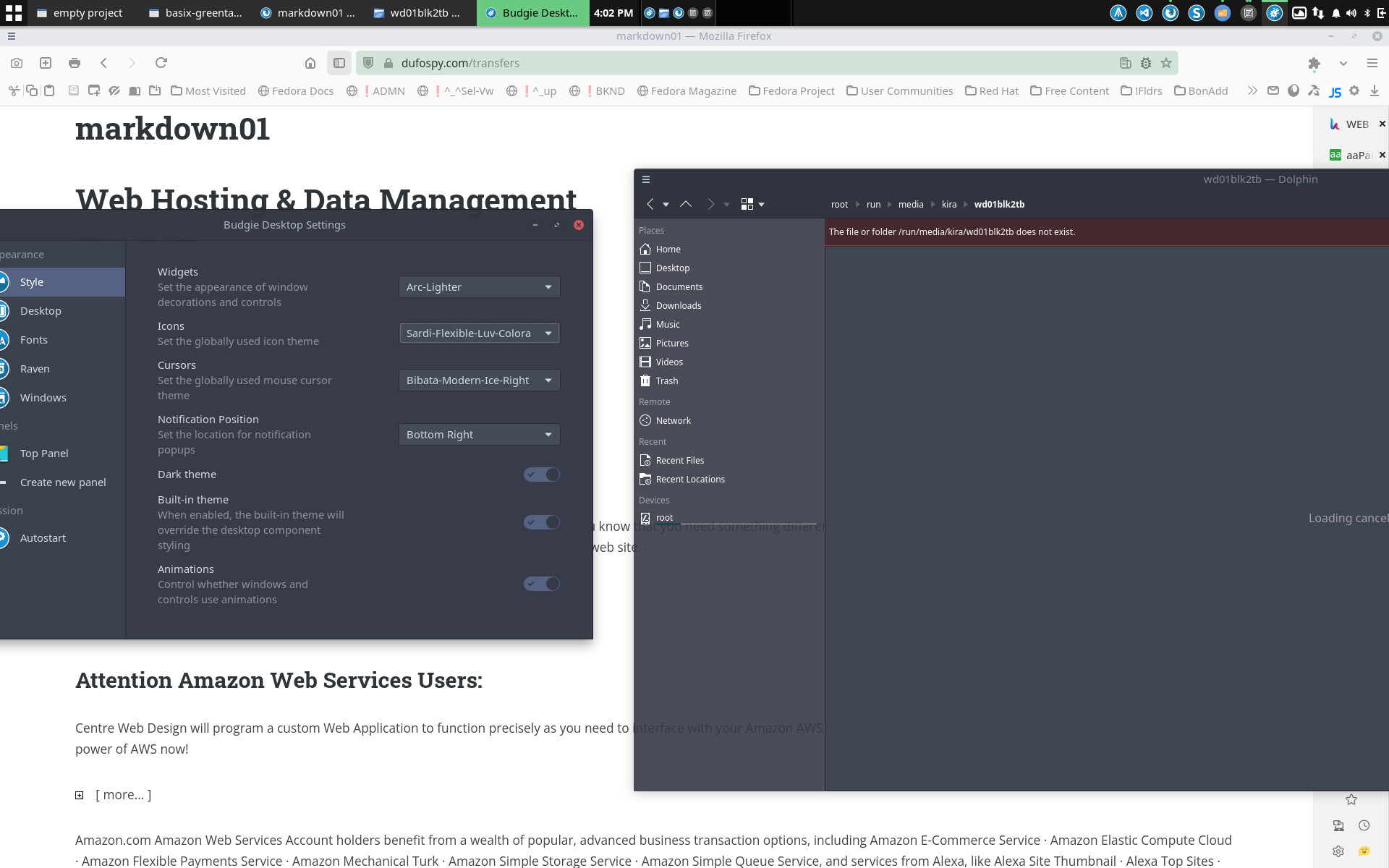
Eureka! In Budgie, at least.
Note, it seems to require enabling the dark theme, so the light text appears.
NOTE2: because, as far as i can perceive, the settings in the dropdowns about widgets and icons do precisely nothing to affect that area.