From the View menu, choose Application Log… to view the log of application messages. The application log can be useful to reveal potential problems or to give developers hints about the application performance.
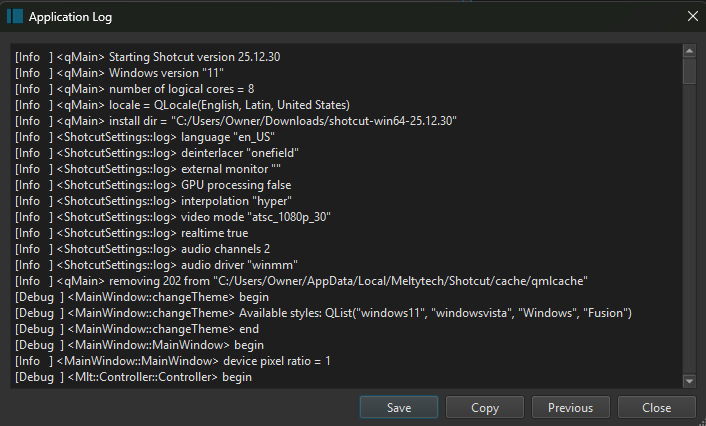
The dialog shows a window with a scrollable view of the application log.
When requesting support on the forum, if can be helpful to click Copy to copy the contents to the system clipboard and then past the log into a forum post.
Alternately, click Save and save the log to a file which can be uploaded to the support forum.
Note: The application log is cleared every time Shotcut starts up. When providing an application log to provide information about a problem, be sure to provide a log from the same session of Shotcut when the problem occurred. Click Previous to view the log of the previous session. This is useful if you has to restart or the application crashed.