Vertical scrollbar doesn't appear or size is incorrect

When using zoom on a vertical video (I didn’t tested on horizontal ones), vertical scrollbar doesn’t appear or their height doesn’t fit according to selected zoom percentage.

Steps to reproduce:

  • Create a vertical video project (resolution: 1920x1080; aspect ratio: 9x16).
  • Go to toggle zoom tool and select an option.

Result: vertical scrollbar doesn’t appear or their height doesn’t fit according to selected zoom percentage.
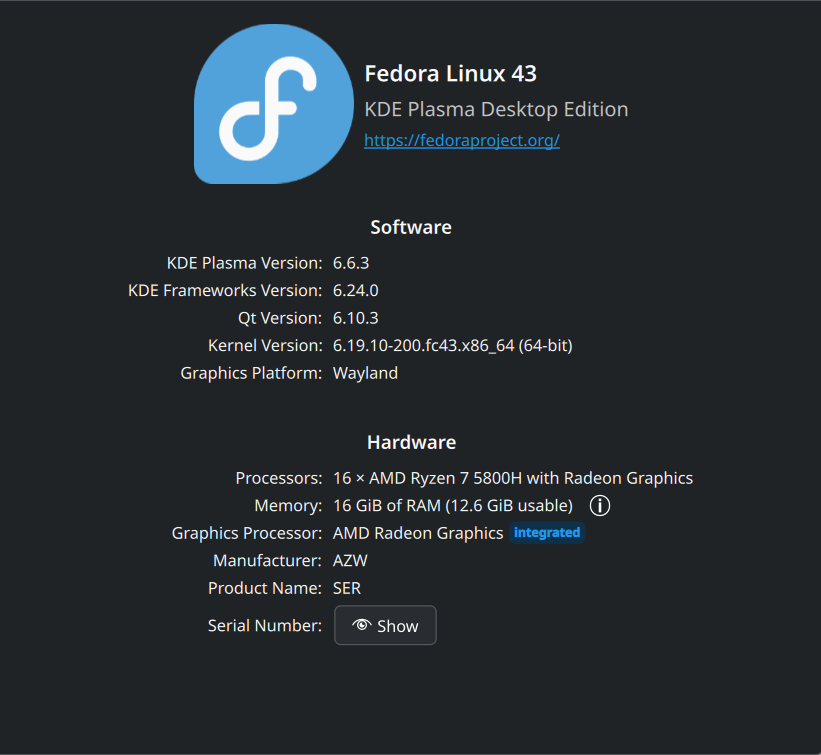
My OS:
Video:
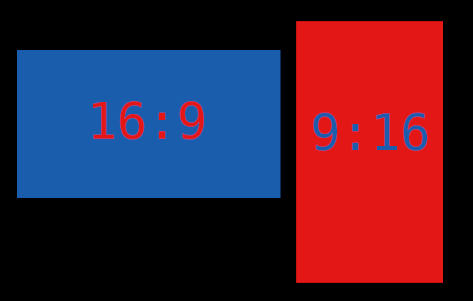
1920x1080 has a 16:9 aspect ratio. (Landscape)
1080x1920 has a 9:16 aspect ratio. (Vertical)

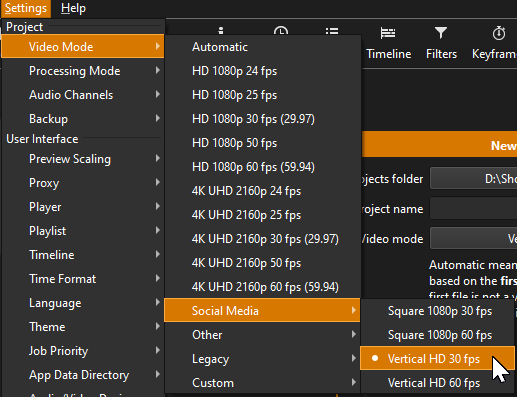
Shotcut has a Vertical Video Mode

Once you set the appropriate resolution to aspect ratio, you’ll be able to scroll to the bottom.

1 Like

Yes, using that custom anamorphic video mode, I reproduce the problem. The player zoom basically wants square pixel aspect ratio.

This is fixed for the next version 26.6