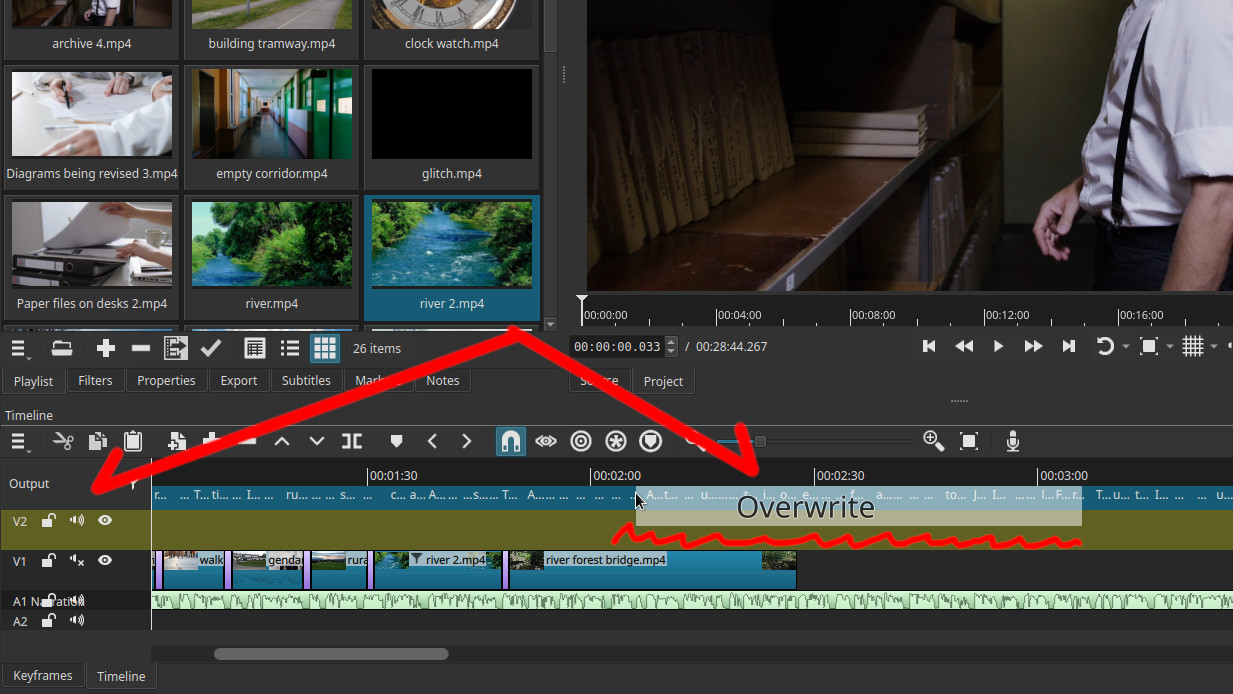
When I drag a video OR an audio to the time line while there is subtitle/caption on top of the time line, the clip will not fit the proper space on the time line (magnet effect), it will stay in between 2 line, but when I release the mouse, it’s ok it will fall on the proper place.
Linux Mint 22.2
AppImage directly taken on shotcut.org Version 25.11.2 >> BUT it was always there like the previous version I did use V 25.08 and I feel even before..?
Always.
Steps: generate or import a subtitle on the time line, drag a video or audio to the time line, look where the “magnet-or-highlight” will lock, it will lock between 2 time lines
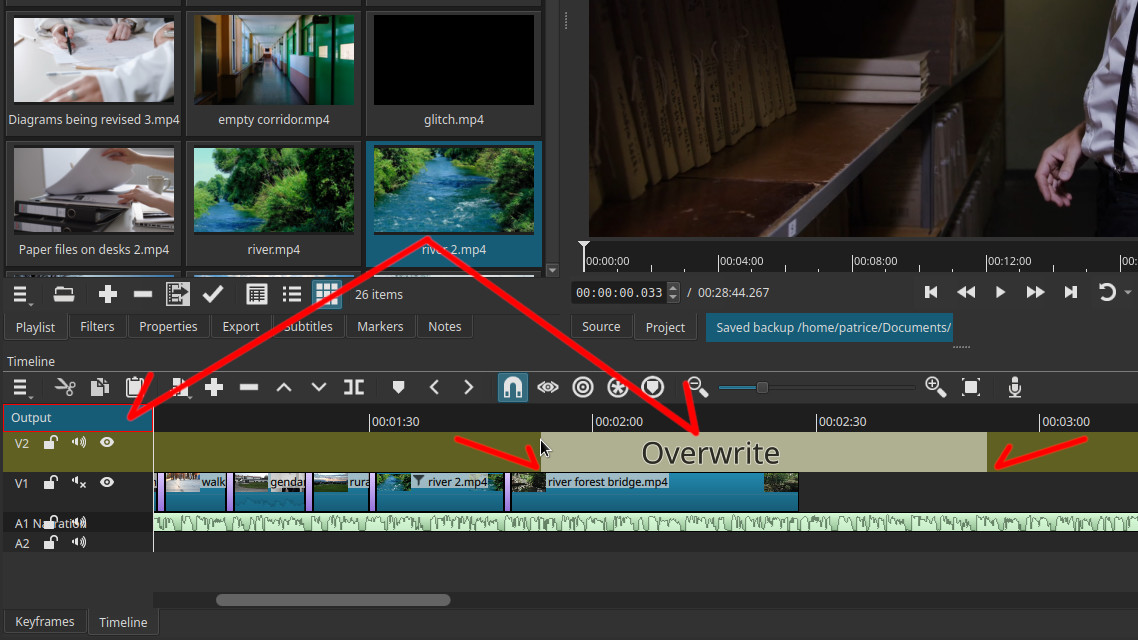
Screnshot without subtitle, the “magnet/highlight” work perfectly
Screenshot with subtitle, the magnet-highlight are not aligned with the time line:
I should have report this long ago, never thought about it, sorry.