In this video, I’ll show you how to give your flat motion graphics a 3D-like feel.
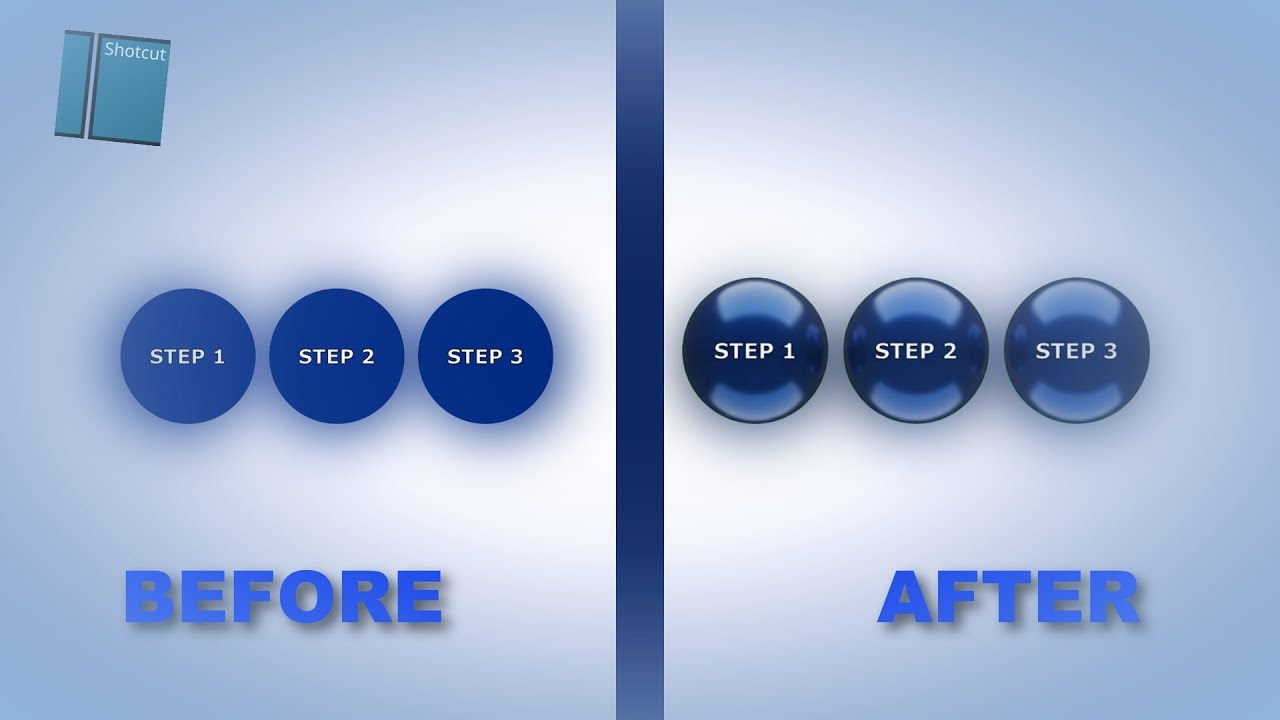
HOW TO DO IT
First, open Shotcut and create a picture you want to use.
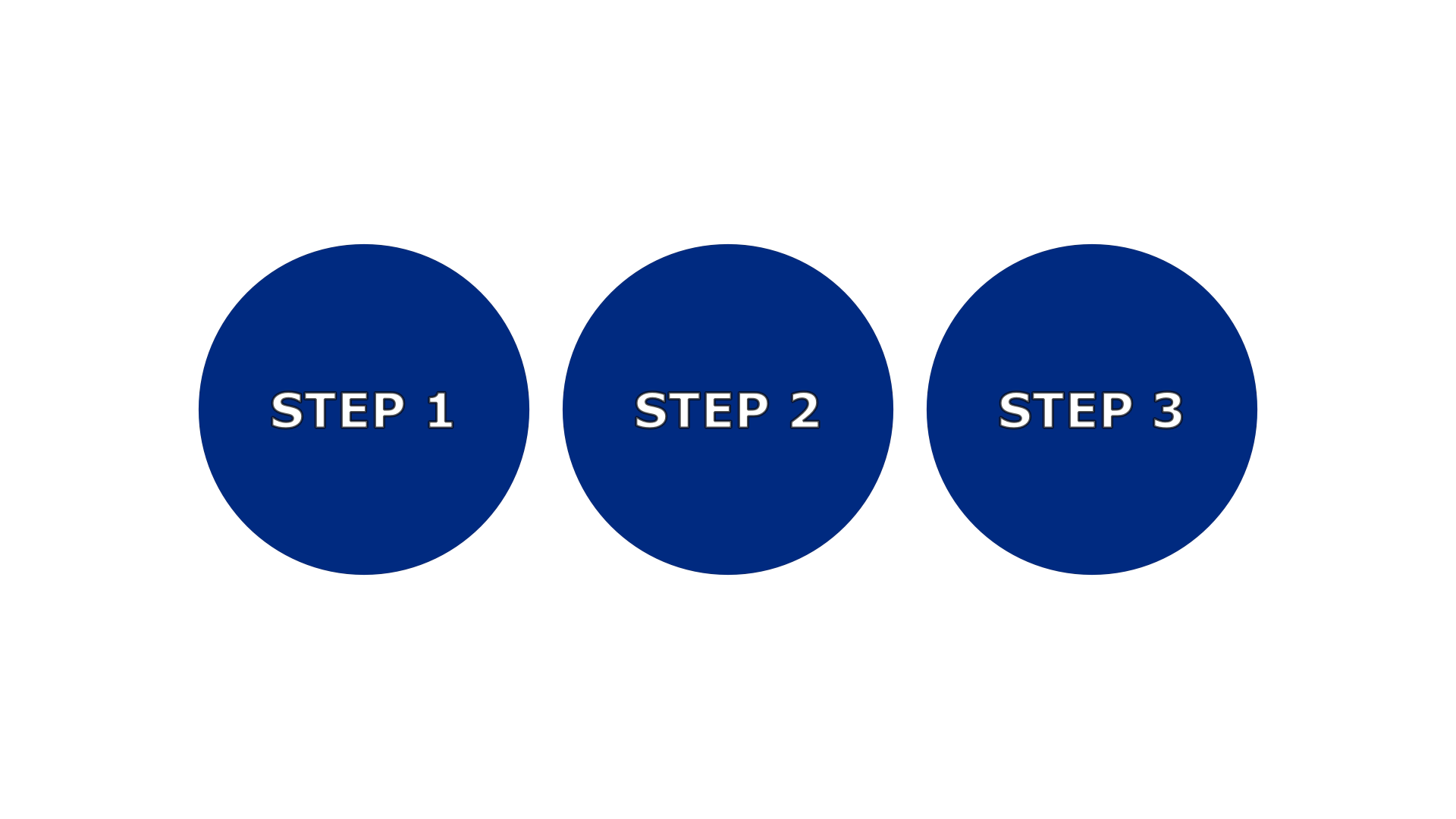
Open https://gemini.google.com/ and import the picture you screenshot on Shotcut. Then, use the following prompt or a similar one on your chosen image:
“This is a 2D flat image, turn it to be more 3D-like as if it’s made by Apple. Keep it looking like it was created by top-notch professionals. Maintain the same aspect ratio, and make the background color green.”
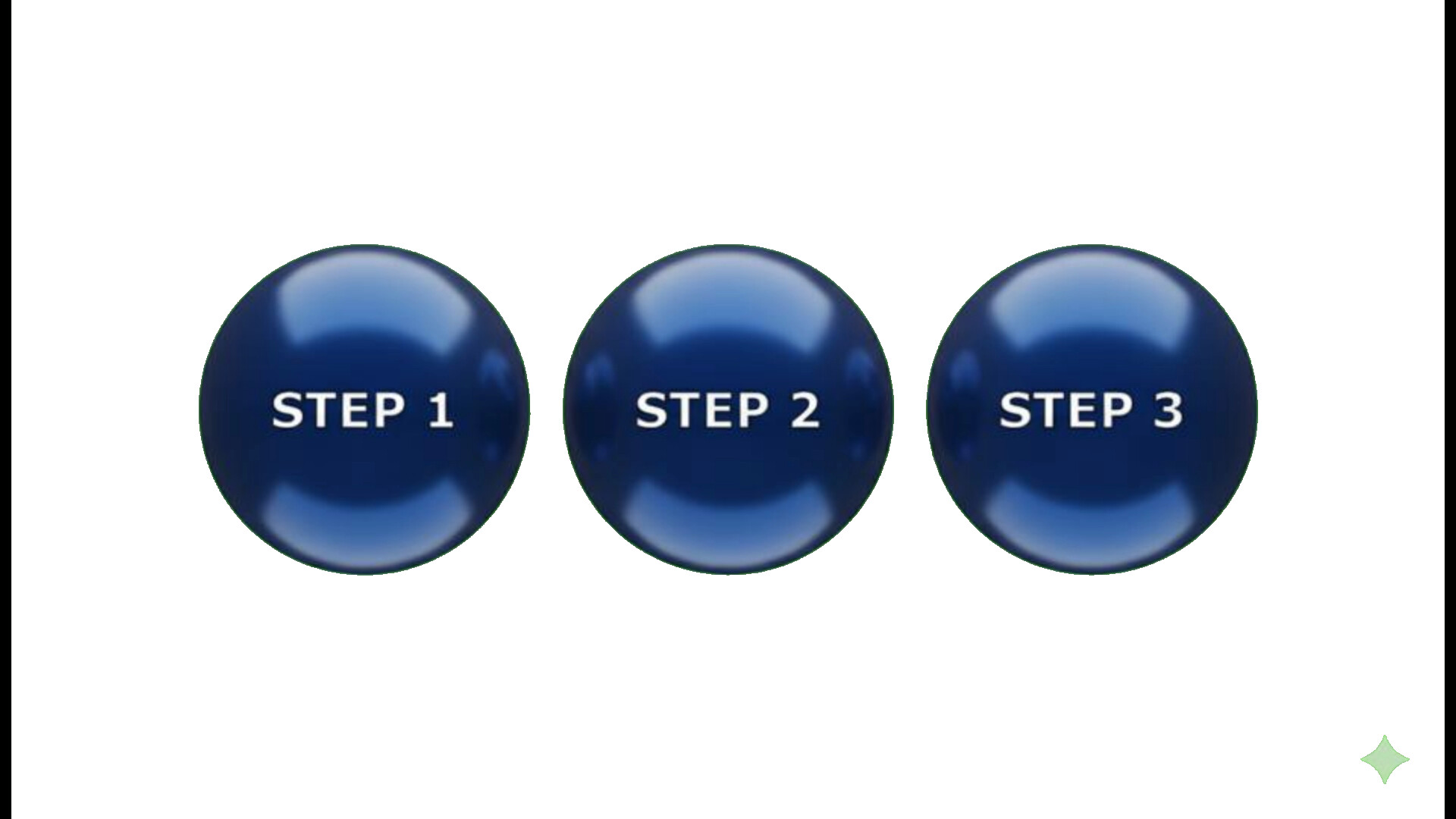
After you’ve created the image, go back to Shotcut. Once it’s imported, use the green screen removal feature (also known as Chroma Key) and then crop out any unwanted parts.

