I want to know if there is a way to position the time line so that I can see the waveform after dragging in a clip. I drag from the player window to the timeline, but then I must use the slider at the side to center and see the waveform. Can I adjust the timeline section to accept the clip and be able to see the waveform centered, without using the slider? I understand this may be trivial, but it bugs me, so…
Can you upload a screenshot to illustrate what you mean? A waveform can appear in many places.
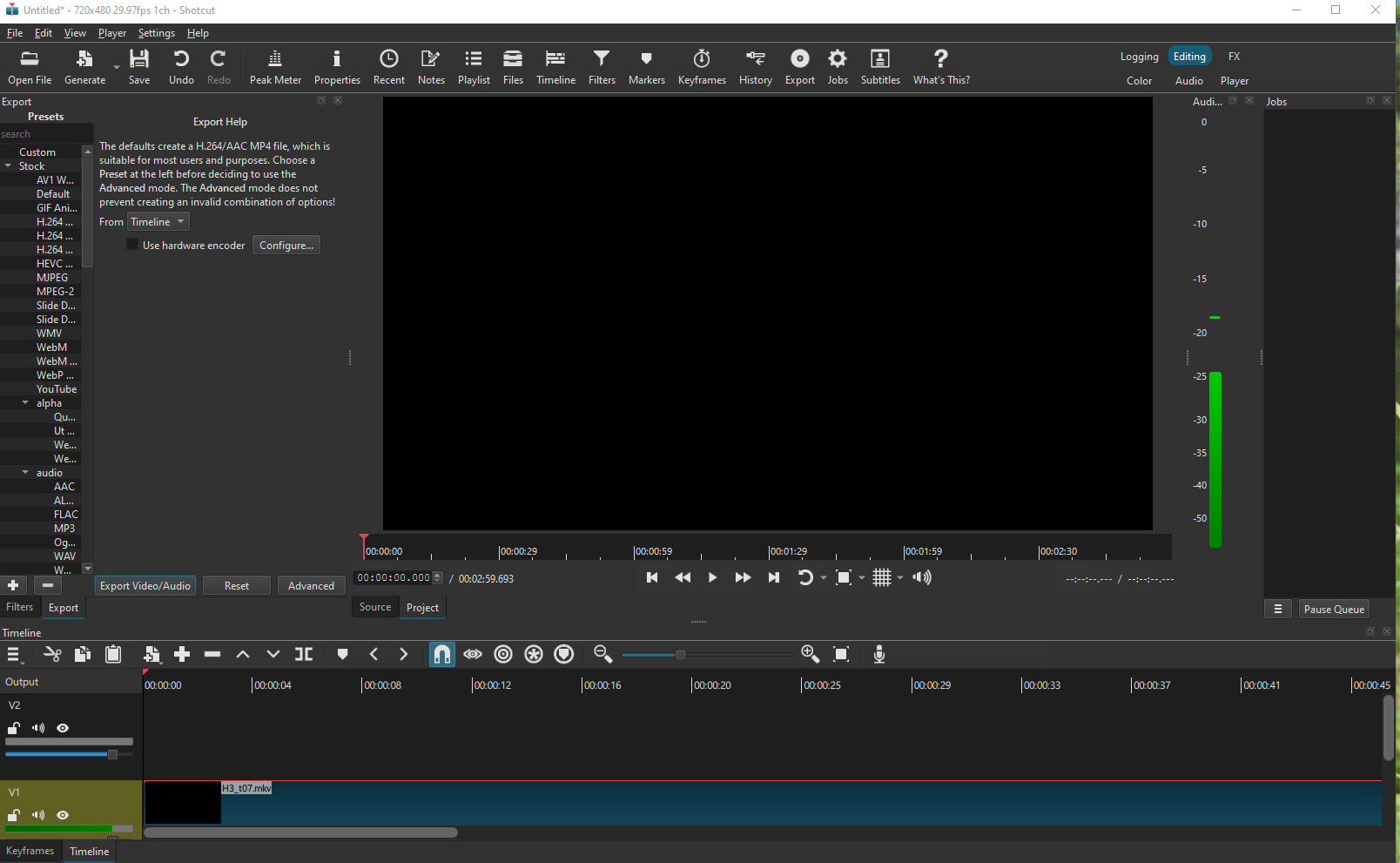
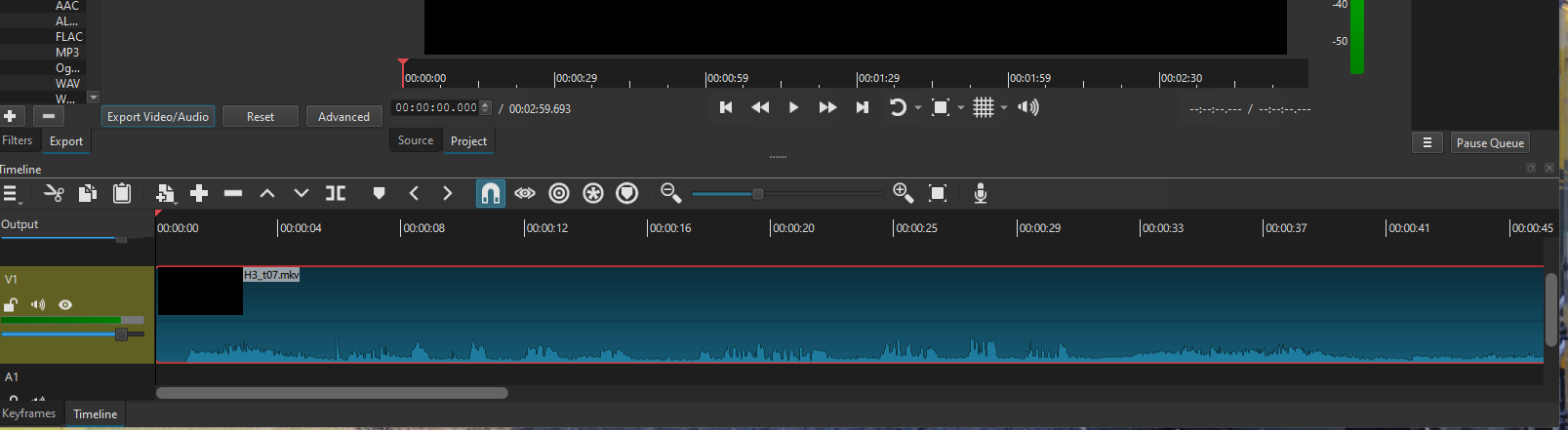
Have you considered using Shift + Mouse Wheel to adjust the track height? This would let you shrink the tracks as needed to see the waveform in multiple tracks at once, even when dropping a new clip.
I understand your concern, but I don’t see how a solution that works for you would necessarily work for everyone.
For example, users working with a large stack of tracks (5, 10 or more) might find it frustrating if dropping a clip causes the timeline to scroll up or down to bring the waveform into view.
How to have a solution that accommodates your workflow without disrupting those of others? Or maybe I missed something?
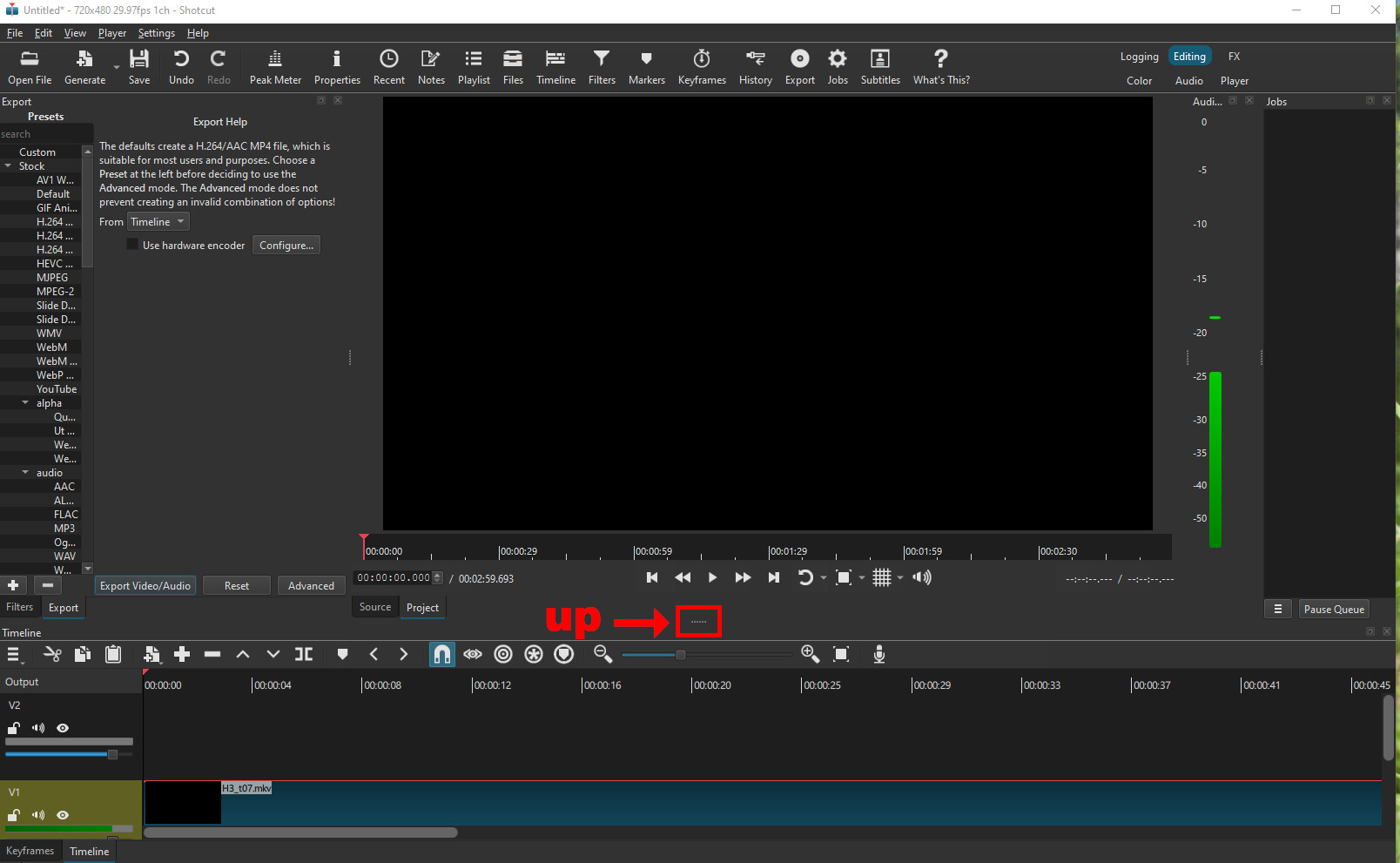
Thanks for the reply. I have and will use the Shift + mouse wheel to adjust it.
I was not asking for a software change for my case, but only asking if I was missing something others found obvious. If one does not ask…
I use a small subset of the software for my needs, and the others have a greater need. I would not ask to impact those that use Shotcut to it’s fullest.
Again, Thanks.
Thanks for the reply.
I have tried growing and shrinking the various windows to see how that affects the bottom timeline. Alas, nothing helped.
I have asked and this is the way I will use the software.
Thanks.
Depending on your computer resources and the size of your track, Shotcut needs a while to process a new track before the graph is displayed in the timeline. When you change the view or start editing this initial analysis may be altered to update the view prior to finish. Try to store your video assets on a faster disk and free the CPU from other tasks.
Do you mean that there is a new V2 track automatically created when you add your clip to the timeline? If you do not want V2, then disable the option in Settings → Timeline → Automatically add tracks
If you want 2 tracks anyway, you can use the shortcut: CTRL and + or - to make the tracks bigger or smaller, if you make them a bit smaller then you will see both tracks with the waveform easily.
But I think your extra V2 track is your issue, you can right click on the left side where it says V2 and select Track operations → Remove track (make sure you don’t click on the V1 track where you have your clips already, save your project before trying).