Since version 12.11, I’ve been having difficulty applying SRT subtitles in Shotcut (this delays my projects). The problem is: I click Import SRT file, it imports normally into the subtitle output track, then I click to add the subtitle to the video (the A icon), but it doesn’t add it. Sometimes I keep clicking in different places in Shotcut in the Subtitles tab until it appears—sometimes it works, sometimes it doesn’t (feels like a bug). Operacional system: Lubuntu Noble - Ubuntu 24.04.3 LTS 24.04. My subtitles are word by word, with very short durations. I can send the SRT file for testing if you want, but it has durations in milliseconds. It works in other editors, but not in Shotcut?
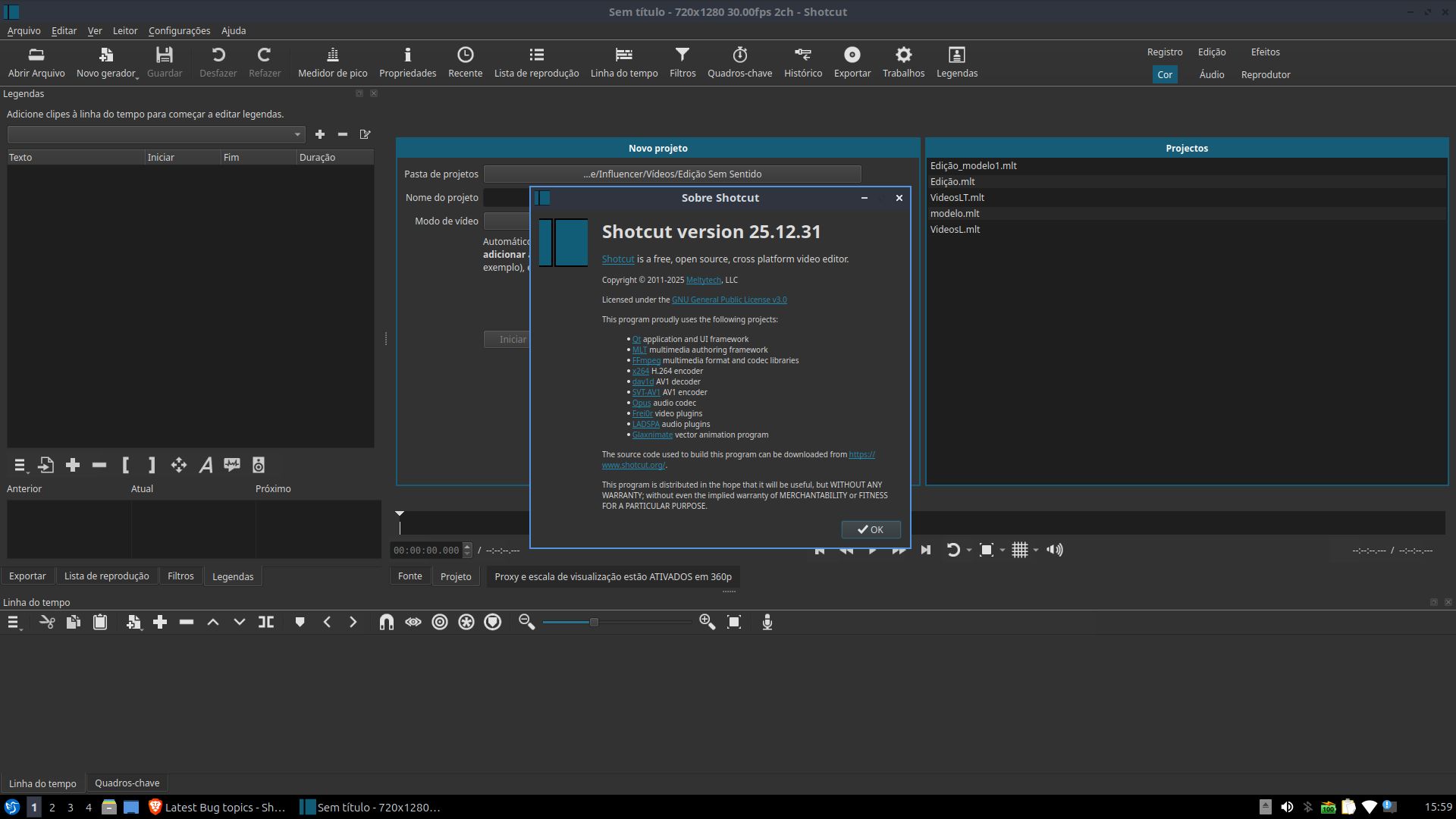
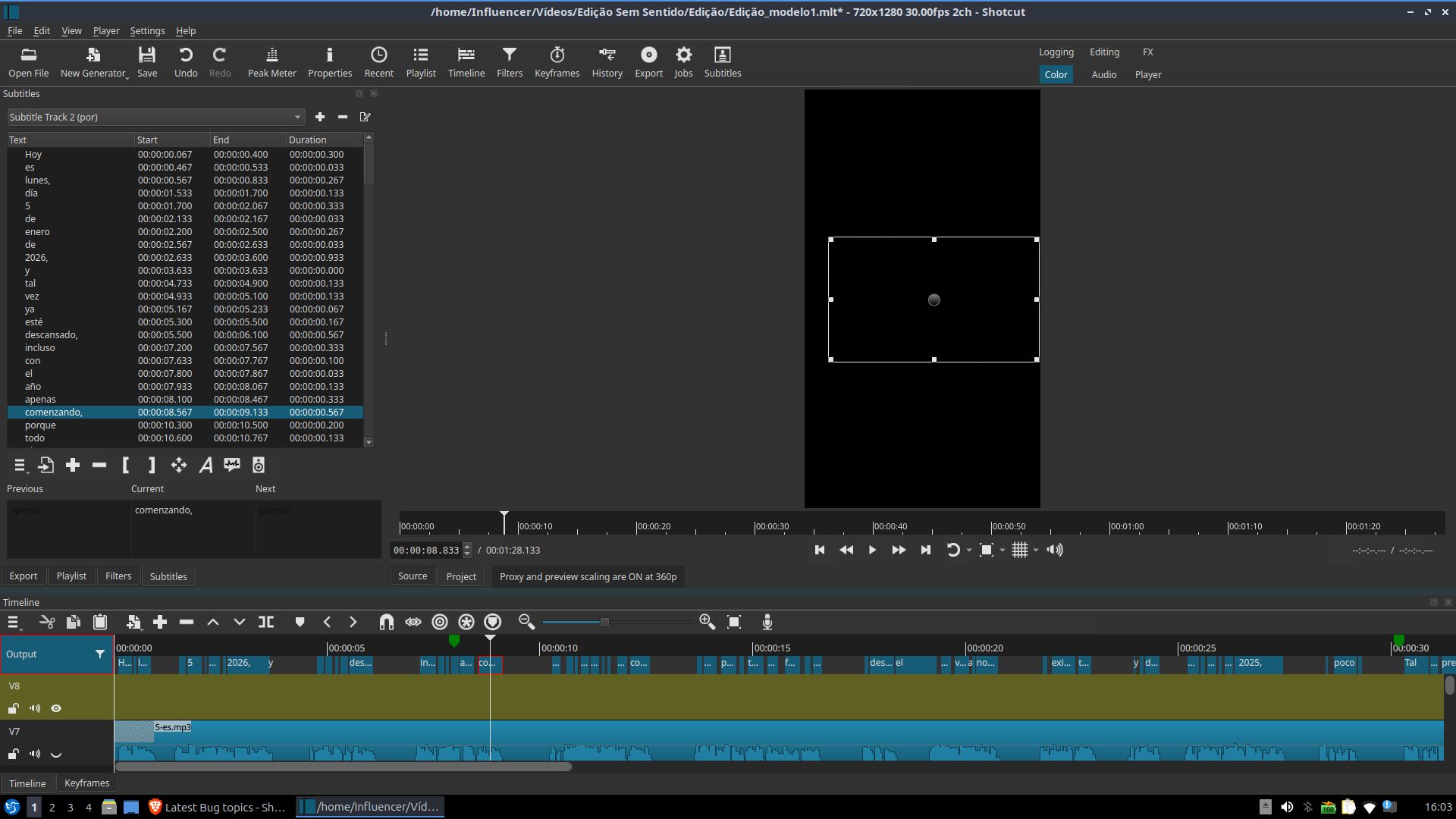
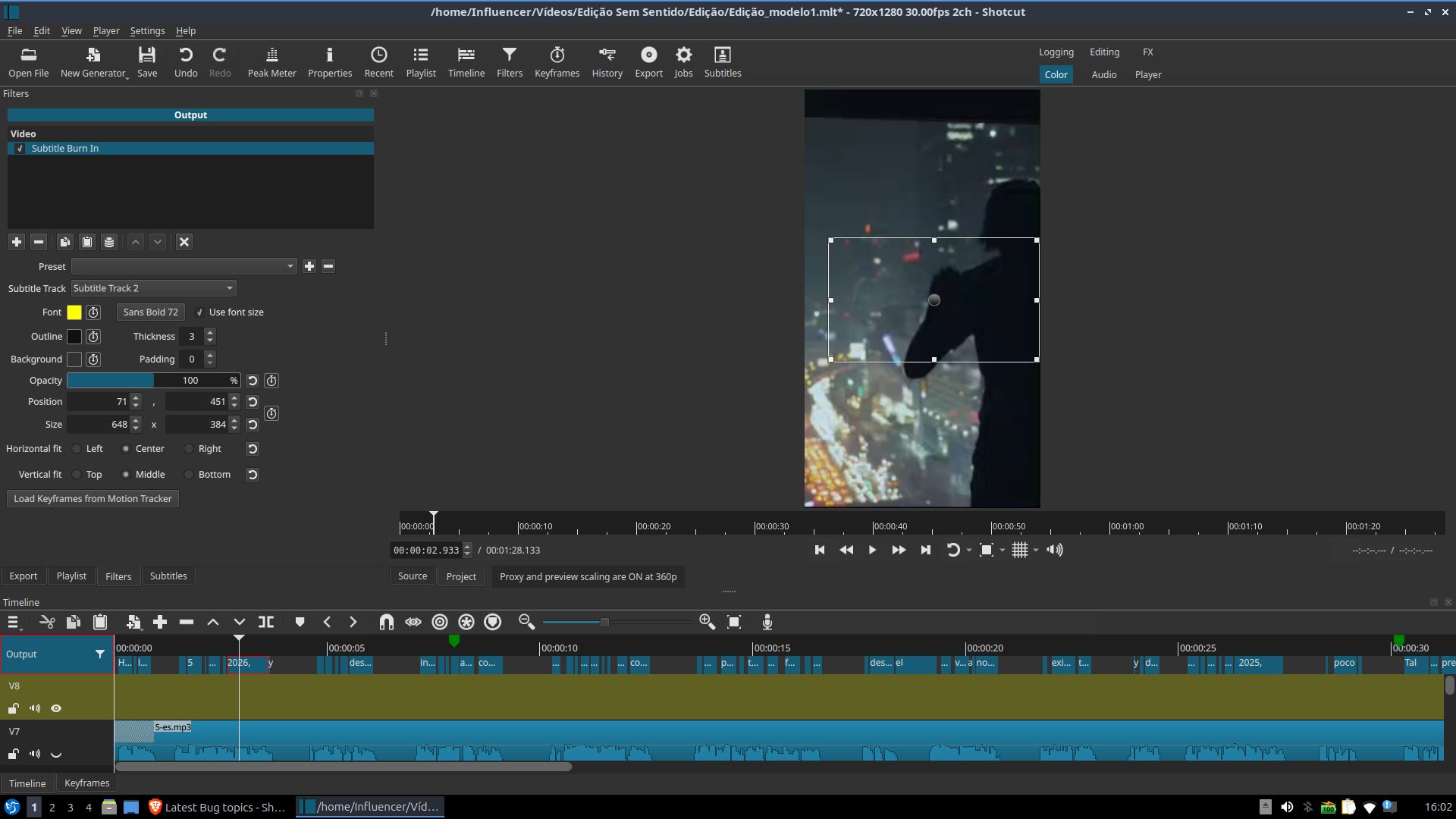
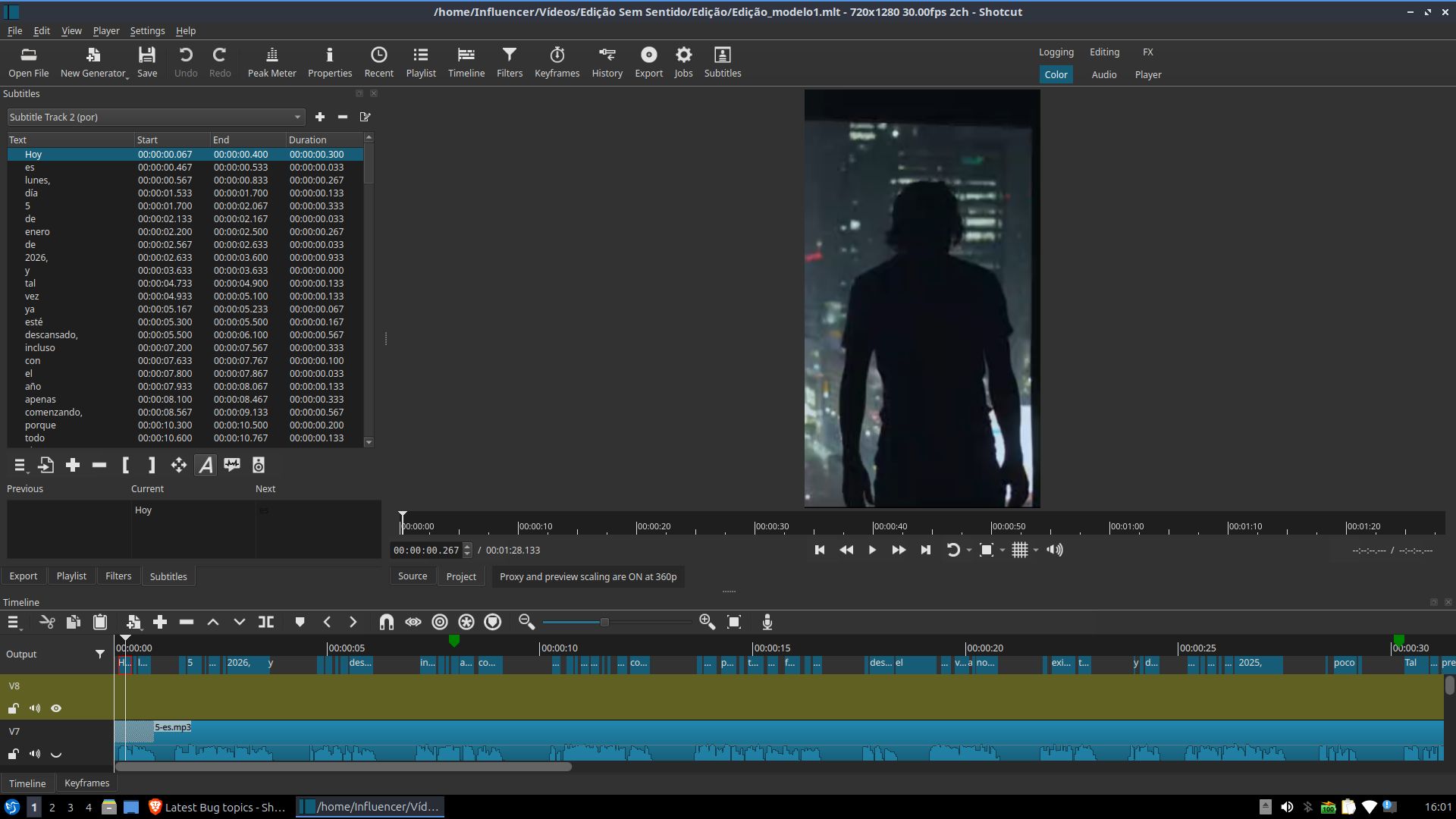
I tested this with Shotcut 25.12.31 on Ubuntu 24.04 and it worked for me.
In your screenshot, you show that the Subtitle Burn In filter was added to the output. The playhead is over some subtitle text. But no text is displayed in the Subtitle Burn In filter. Is that what you mean? Or do you mean that the filter is not added at all?
I think that uploading your SRT file would be a good next step. Hopefully someone can reproduce your problem.
How are you getting/installing Shotcut? I have not reproduced it the AppImage or Flatpak. Please test if the Text: Simple filter is working for you.