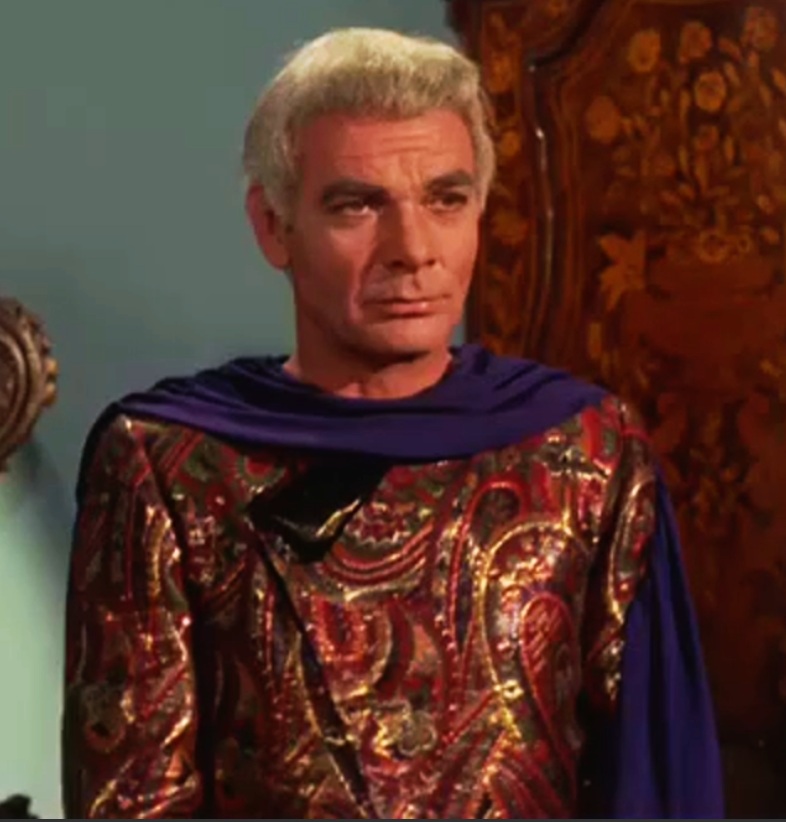
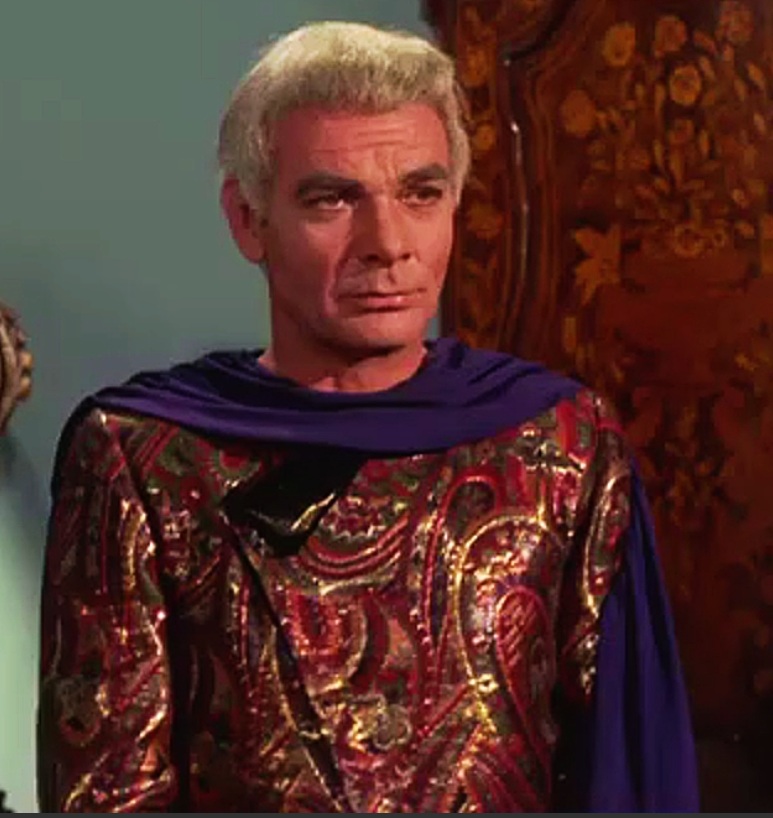
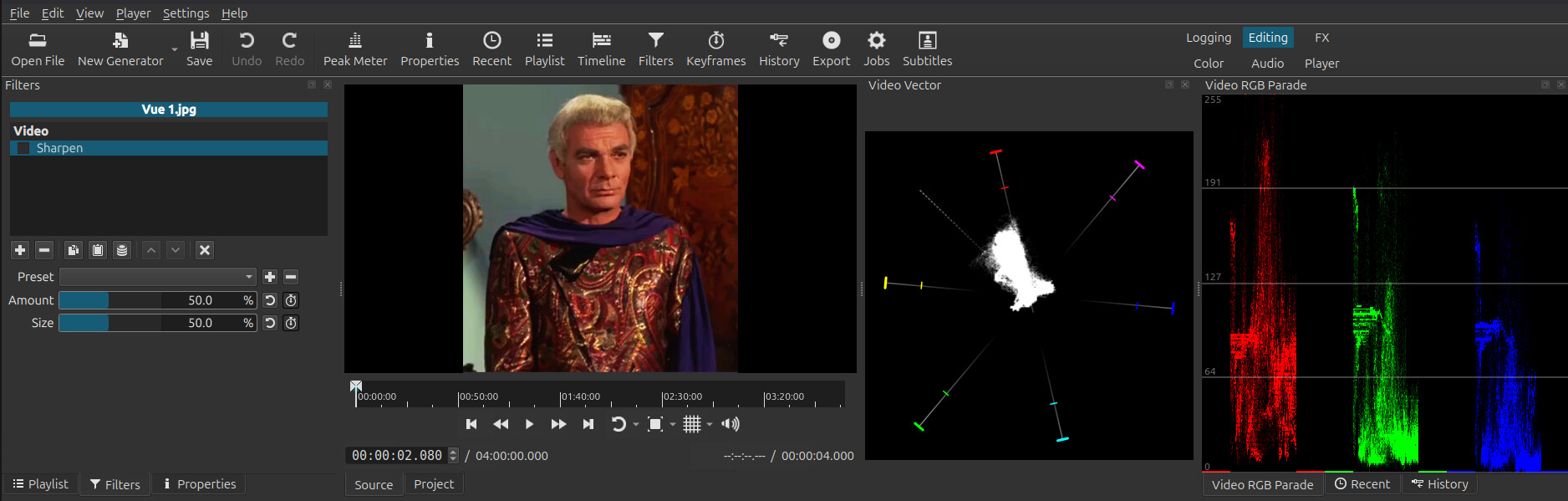
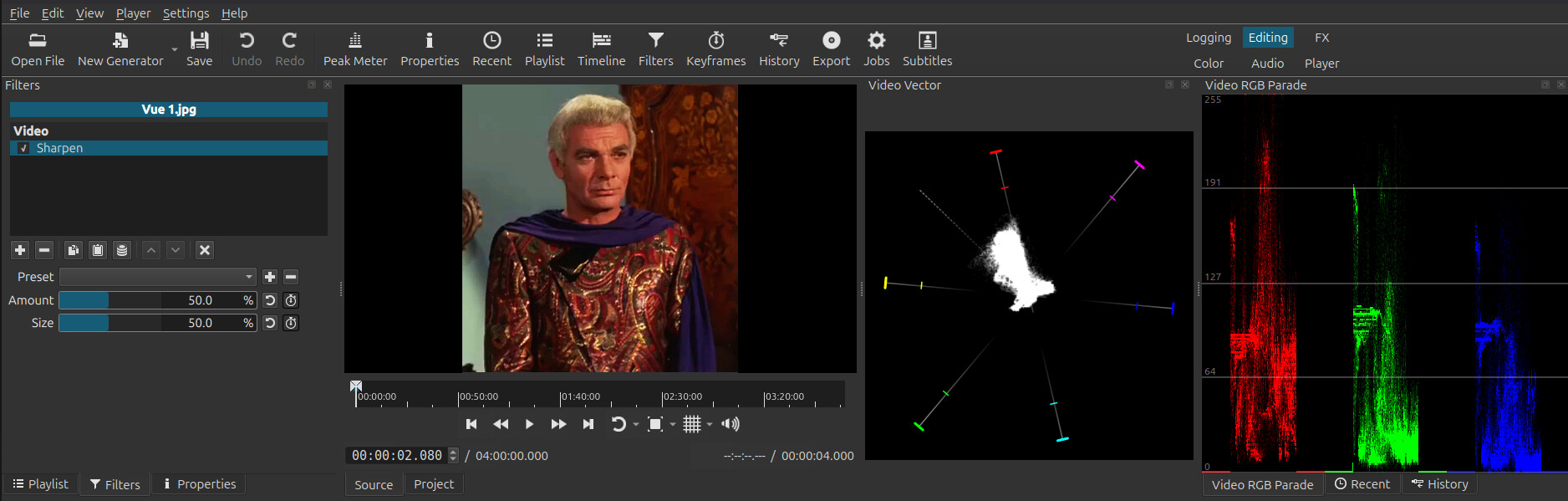
In CPU mode, the filter comes from GitHub - dyne/frei0r: A large collection of free and portable video plugins and would need to be fixed there. Briefly browsing the source, it does not concern itself with anything about color. It is about blurring and masking. Thus, it involves pixel mixing and should be done in linear color. The GPU filter is in linear and a different implementation but based on the same algorithm. I guess you are not talking about it. With all of that said, I looked, and I do not see it. In the histograms scopes I can see red changing the most, but that might be expected for this picture.
You should provide the steps to reproduce and present some hard evidence if you want people to do anything about your bug reports.
I’m trying to recreate your problem with the image you provided above. I can see a difference in the redness in your pictures. But I don’t create it in my own environment.
Maybe there is something else at play - like full range signaled in your source file. Can you make a minimal example project with the source clip and upload it?
Ajout filtre Netteté seulement, pas de changement de teinte avec cet essai.
Tout paraît normal, cette fois.
Je n’arrive plus a reproduire ce probleme
Il est possible que j’ai utilisé plusueurs fois le meme fichier MLT pour plusieurs autres video,
fichier MLT a chaque fois renommé, est de la que vient le probleme ?
Added a Sharpening filter only; no color change with this test. Everything looks normal this time. I can no longer reproduce this problem. It’s possible I used the same MLT file multiple times for several other videos, renaming the MLT file each time. Is that where the problem lies? Mathusalem.mlt (10.2 KB)
si je la passe a 768 x 576 pas de probleme, mais si j’augmente la resolution a 1280 x 720 ou par 1980 x 1080,
le changement de teinte sur le rouge et le jaune se fait.
I think I’ve found the solution. I tested it using only the sharpening filter.
The original video is 480 x 360.
If I resize it to 768 x 576, there’s no problem, but if I increase the resolution to 1280 x 720 or 1980 x 1080, the color shift in the red and yellow tones occurs.