You must use the English language in a bug report. If you do not speak English please use a translation service instead of trying your best to write English. Thank you
What is your operating system? Windows 11
(If you are using Linux, you must state how you installed Shotcut as there are too many builds and packages. In general, we do not make the build installed by your distribution package manager unless it installs the Snap. The developers only build, test, run, and support the builds shown on our download page.)
What is your Shotcut version (see Help > About Shotcut)? 26.6.25
Can you repeat the problem? If so, what are the steps? Yes
(Please be specific and use the names as seen in Shotcut, preferably English. Include a screenshot or screen recording if you can. Also, you can attach logs from either View > Application Log or right-click a job and choose View Log.)
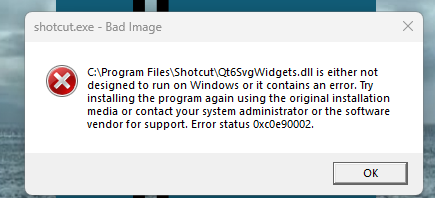
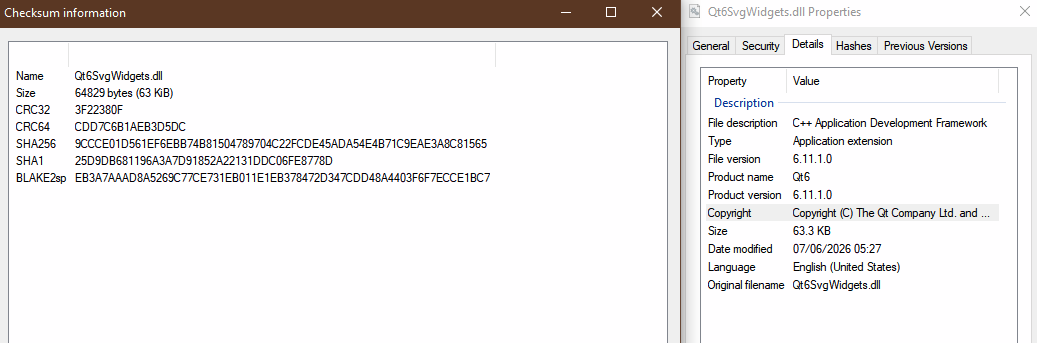
This is due to Windows Security > App & browser control > Smart App Control and probably will not be fixed by us. Or maybe Microsoft does something to trust it over time. You can either turn it off or use the Microsoft Store version.