-
What is your operating system?
Windows 11, version 25H2. Running on a Gateway laptop with a Ryzen 5 4600H CPU and 8 GB of ram.
- What is your Shotcut version?
Shotcut version 25.10.31. Installed from the Shotcut website.
-
Can you repeat the problem? If so, what are the steps?
Yes, the problem is reproducible.
Create a new project at 1080p 25fps. Add an image clip.
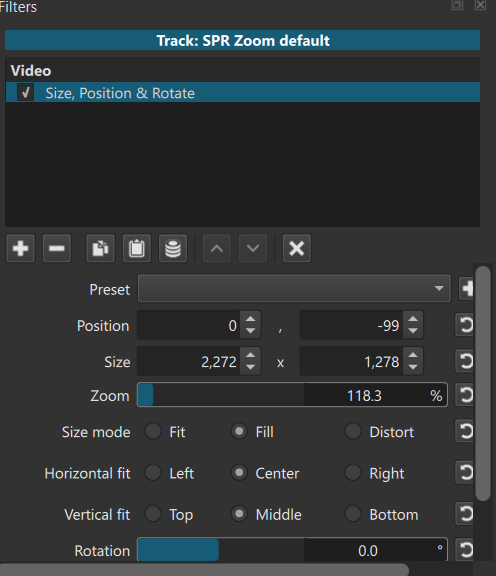
Add a Size, Position, and Rotate track filter. On that image, add a Text: Simple filter.
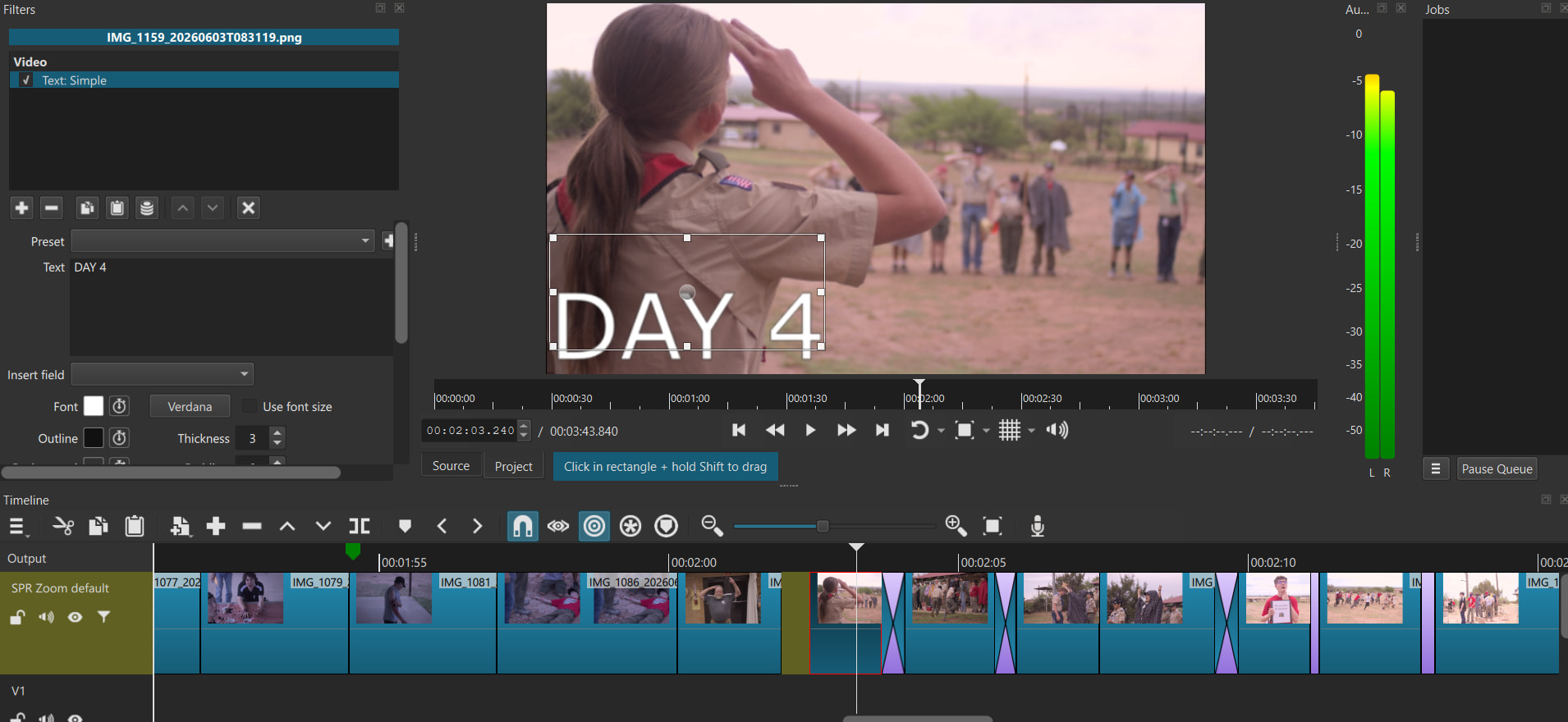
The text no longer aligns with the displayed box in the filter settings.
Screenshots are attached with filter information and alignment problems.
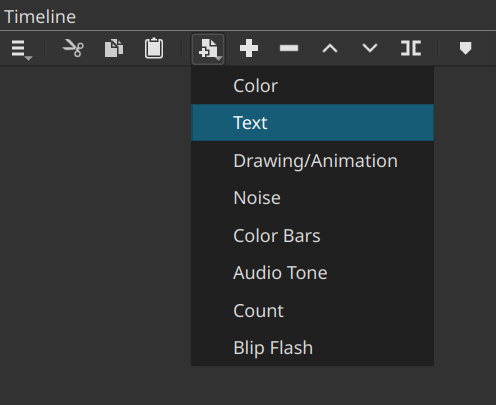
Yes, that is a known problem that will not be fixed. Filters do not know about each other, in general. You need to learn to deal with it. The best way is to stop using Text as a filter on a video (image) clip and instead use Generate > Text, which creates a text clip on a track above the clip. That is generally much more flexible approach.
Thank you so much!
Shotcut is an amazing piece of software. I don’t think I have ever gotten a support reply (from the developer, no less) so quickly anywhere else.
Thanks again,
Garron
1 Like