Shotcut version 26.6.25
Edition Windows 10 Home
Version 22H2
Installed on 03/12/2025
OS Build 19045.7417
Shotcut version 26.6.25
Edition Windows 10 Home
Version 22H2
Installed on 03/12/2025
OS Build 19045.7417
The subject alone does not make this a usable report. What what is enabled? Your terse steps in the subject did not disable anything.
OK here
Hi Dan,
Thank you very much for your email, and I am sorry for my very short subject and inadequate description.
I had prepared a short MLT demonstration, but I could find no way to post it, as a decade ago.
I will attempt to attach it here.
I first discovered similar oddities nine months ago on a different project, but work pressures prevented my submitting it to you.
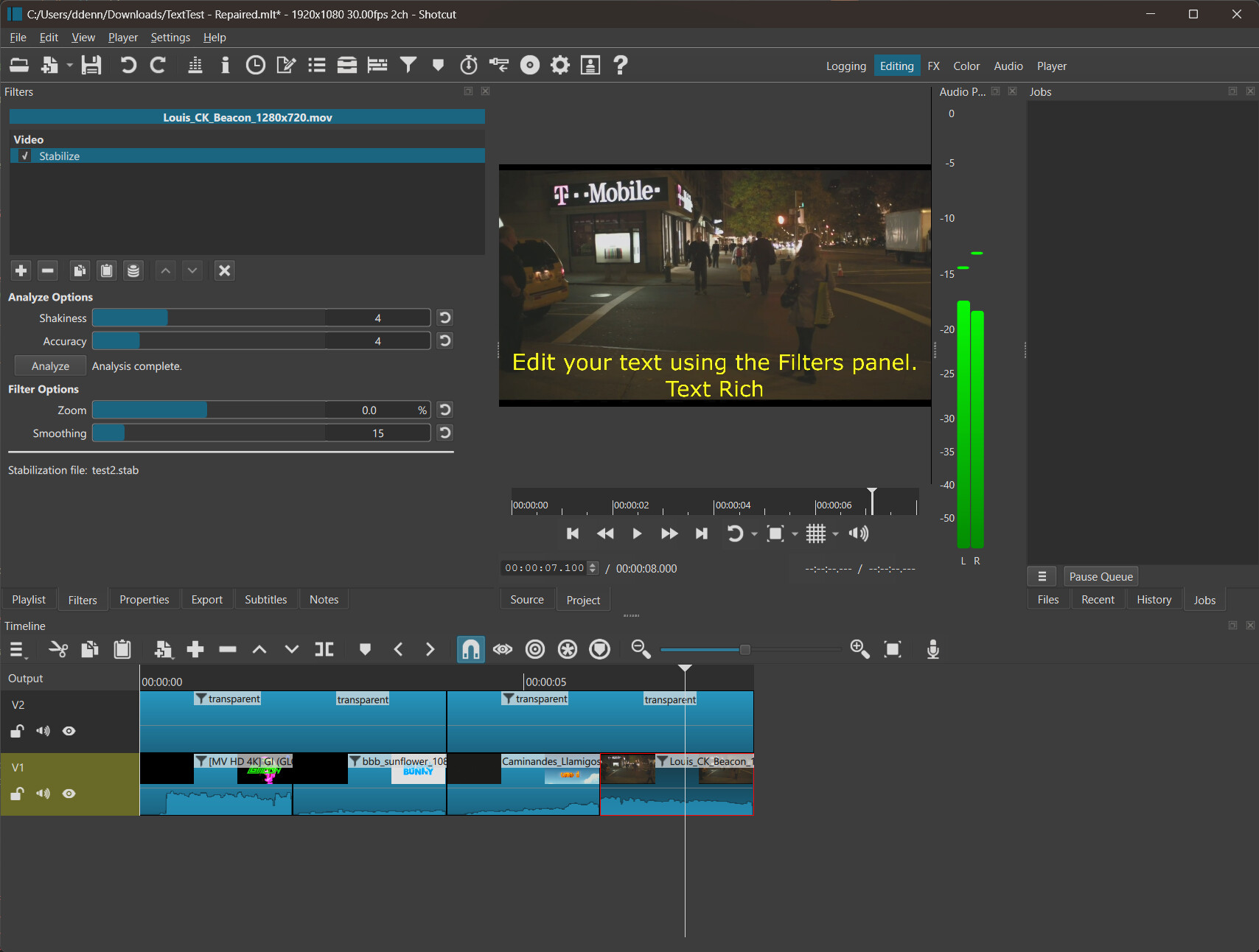
My 8-second video I split into 4 x 2 second clips on track V1, each using stabilize. The second half of each video clip you will see stabilise is enabled.
Simple text, and Text Rich, are placed in 2 four second transparencies on track V2.
So, the same text formatting should continue over each two second video clip. On my computer, this does not happen, either in the screen display or the export!
I hope this contribution is useful to the team who have produced an excellent video editing program. Well done!
Kind regards, J a y
TextTest.mlt (99.4 KB)
Correction:
Only displays incorrectly. Export MP4 shows correct formatting!
Sorry.
Thanks for reporting and trying. So, “corrupted” means “the same text formatting should continue over each two second video clip. On my computer, this does not happen”
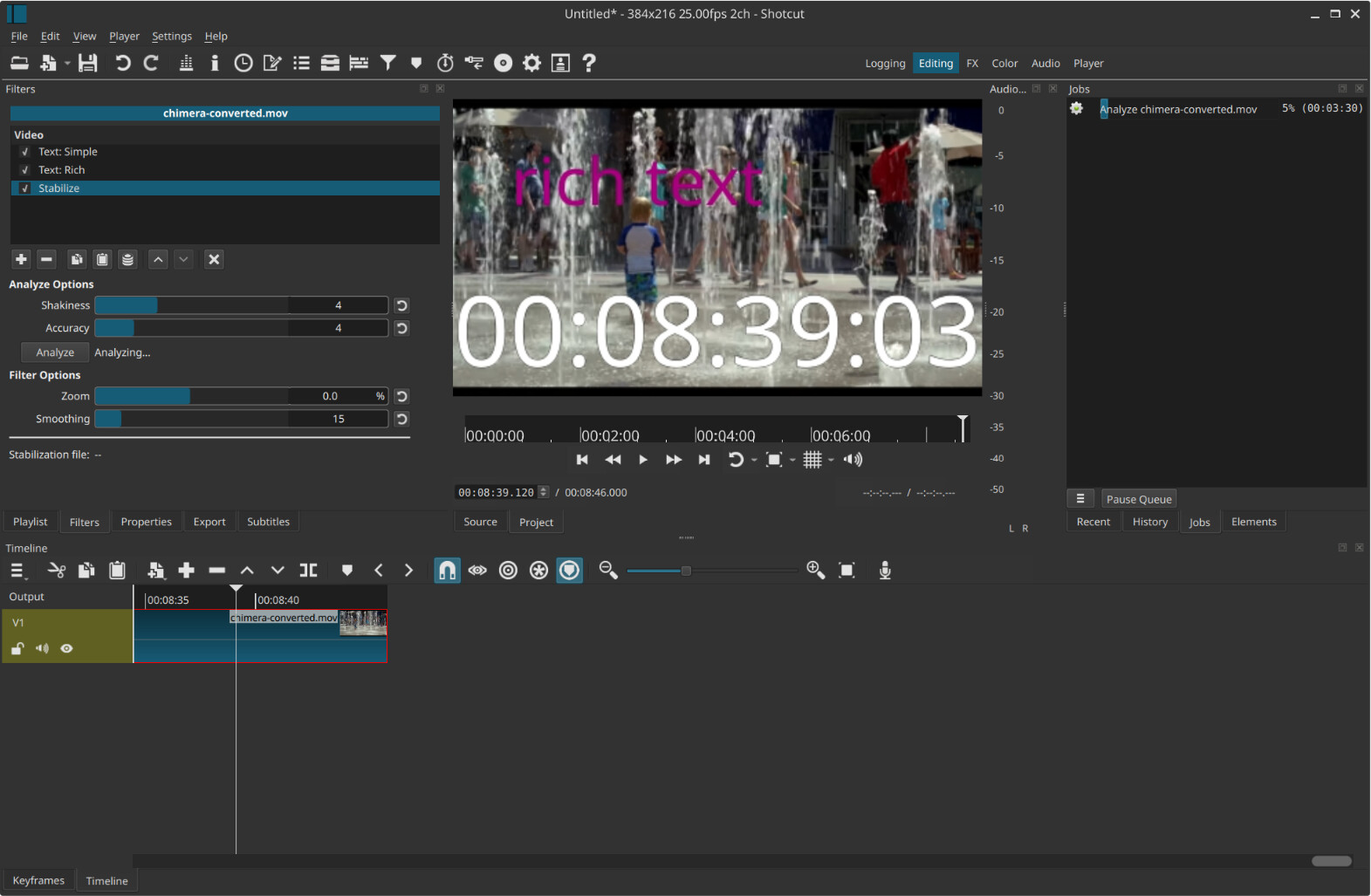
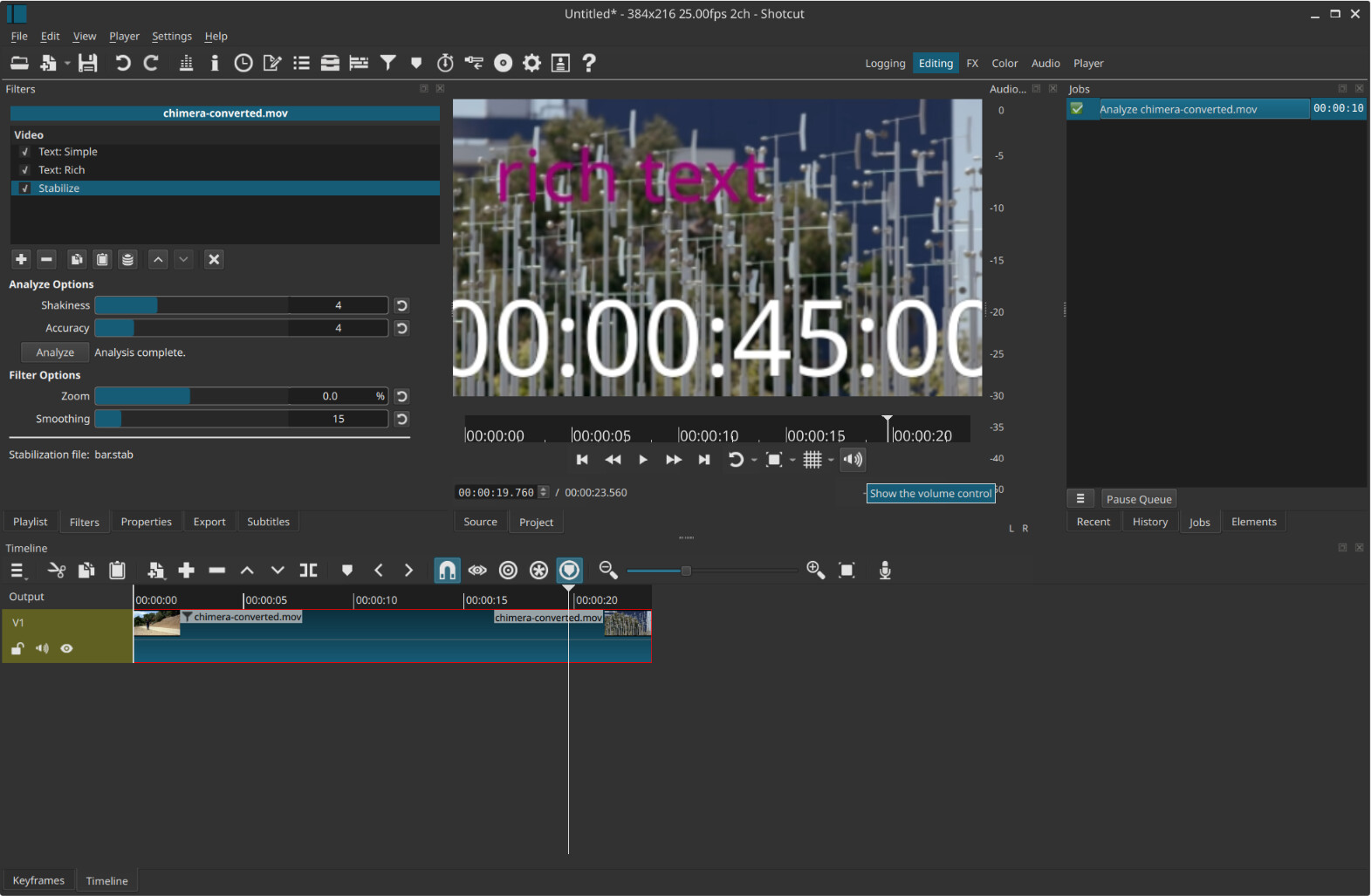
And “enabled” I think you mean you clicked Analyze in the Stabilize filter.
I did not reproduce it from your project file. Of course, I have to substitute my own media and doing so resets stabilization necessitating re-analysis, which I think does most closely follow your steps anyways.
Exported