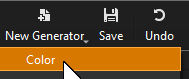
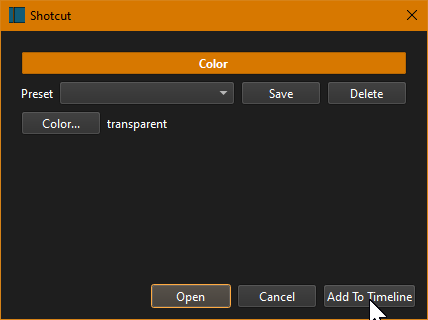
You could add a video file, an image file, or create a transparent clip via Shotcut.
Just one transparent clip above all tracks is enough to hold all text filters. Each filter can be trimmed and/or keyframed on that same transparent clip. I do not know the details of your project, so I’m only replying to something I would do, and others have done in this forum.
Here are a few Shotcut documentation posts about trimming and keyframing of filters.
Trimming a filter means you can choose when the filter effect starts and ends independent of the clip’s starting and ending time. Obviously, if the filter is applied to a clip, it must still be within the clip’s time frame. If the filter is applied to a track, however, it can be truly independent. Filter trimming takes place in the Keyframes panel:
[image]
The first row of the Keyframes panel shows the clip with its thumbnails and audio waveform. Drag the left, green edge to change when the f…
In Shotcut, as well as in video compositing software, a keyframe is a frame used to indicate the beginning or end of a change made to a parameter. For example, a keyframe could be set to indicate the point at which audio will have faded up or down to a certain level.
[Capture d’écran 2019-05-18 à 13.25.59]
Or, Keyframing is the simplest form of animating a change to a parameter.
Keyframing in a compositing software:-
[image]
Example of Result …