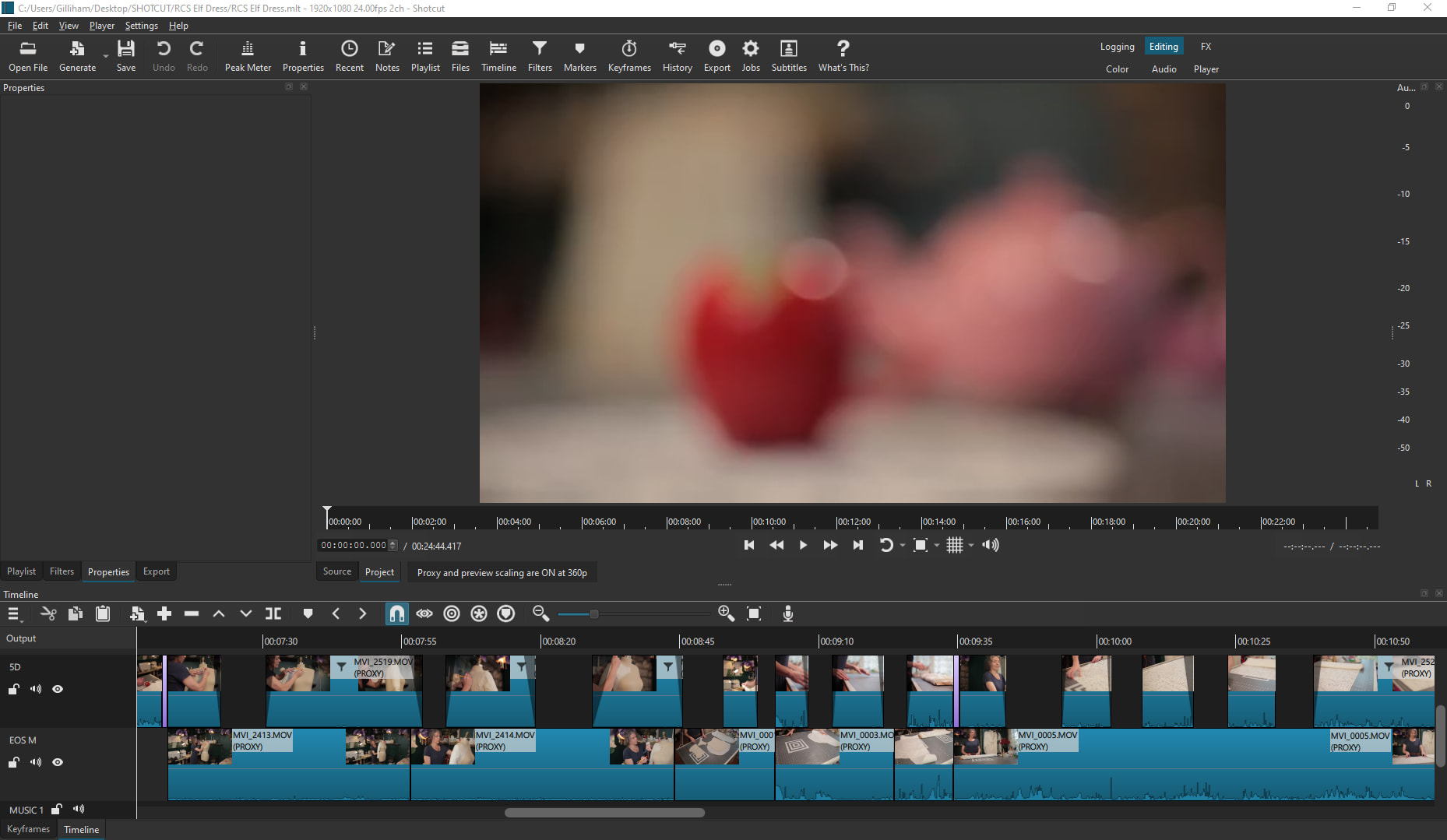
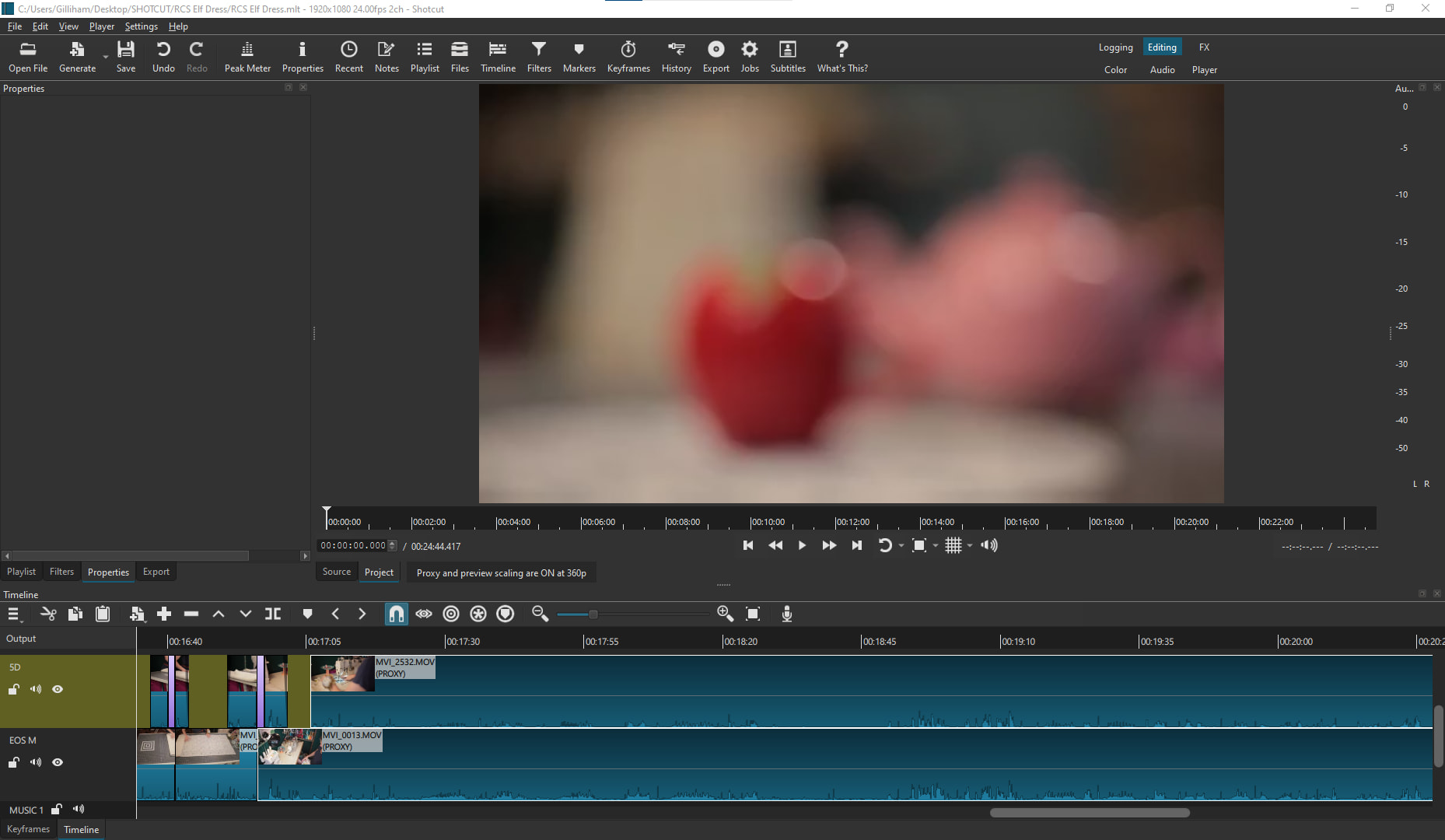
I use a two camera setup where I use the audio from both cameras, so I align both tracks and just trim the top track when I want the bottom track to show (see pics below). I have a few feature requests that might already be features that I just haven’t found yet.
When splitting grouped tracks, having both tracks on the left side of split still be highlighted so ripple delete is just a shortcut away.
When I already have the top track trimmed back, but I want to cut a section out of the bottom track, “ripple delete” should move both tracks but only moves bottom track; even when both tracks are grouped.
When I have top and bottom track grouped and I drag bottom track over the top of another clip to create a dissolve transition, it currently just overrides the other clip instead of making dissolve transition. Thank you!
You keep using “track” to mean either a clip or a track, which is confusing to read. In any case, a group is simply a multi-selection. Many operations do not yet work with multiple selection such as making a transition.
ooops… I’m used to working in a DAW, so tracks, lanes, and takes are the terminology I’m familiar with. Sorry about that, but thank you for the reply and the help.