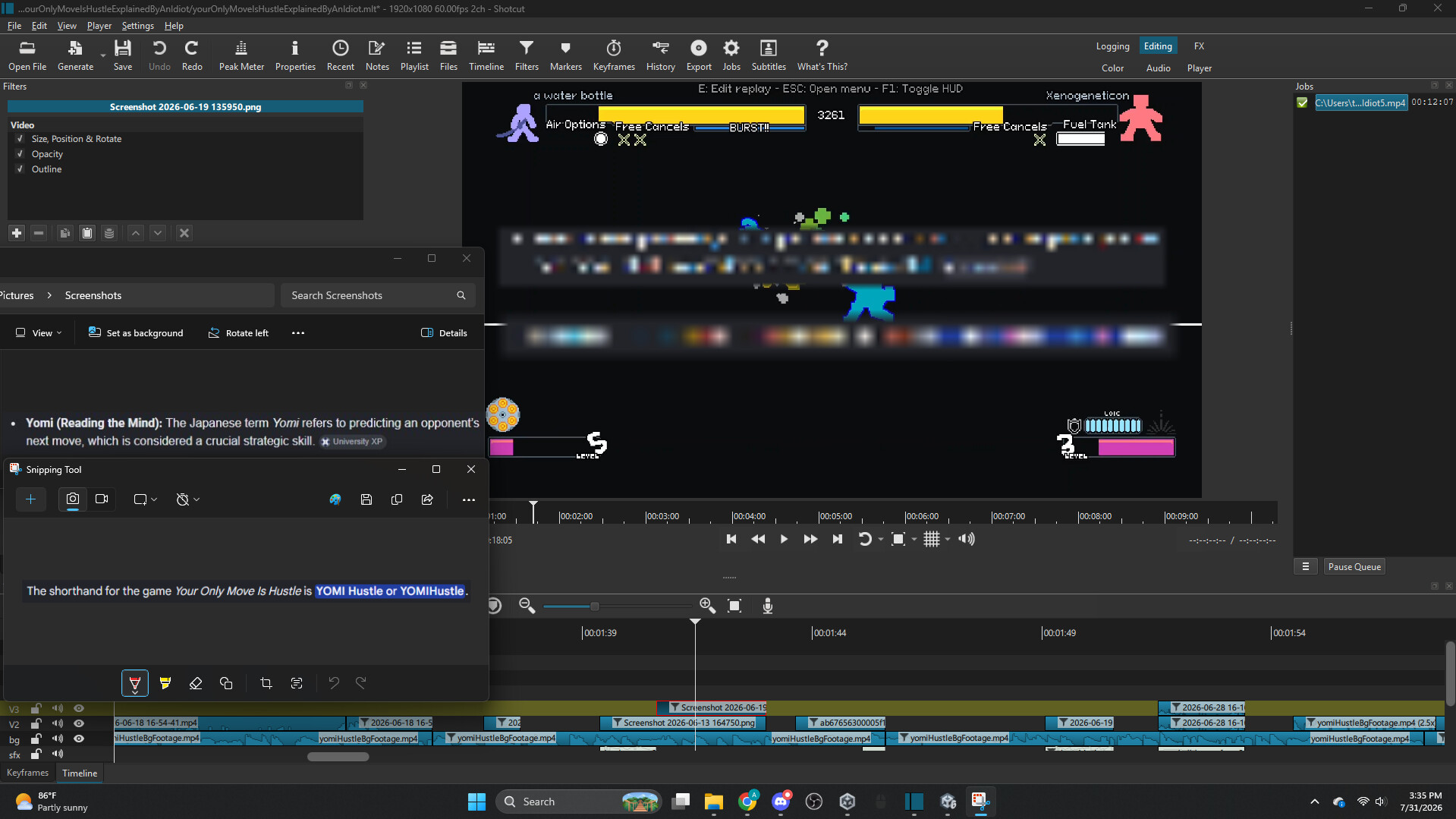
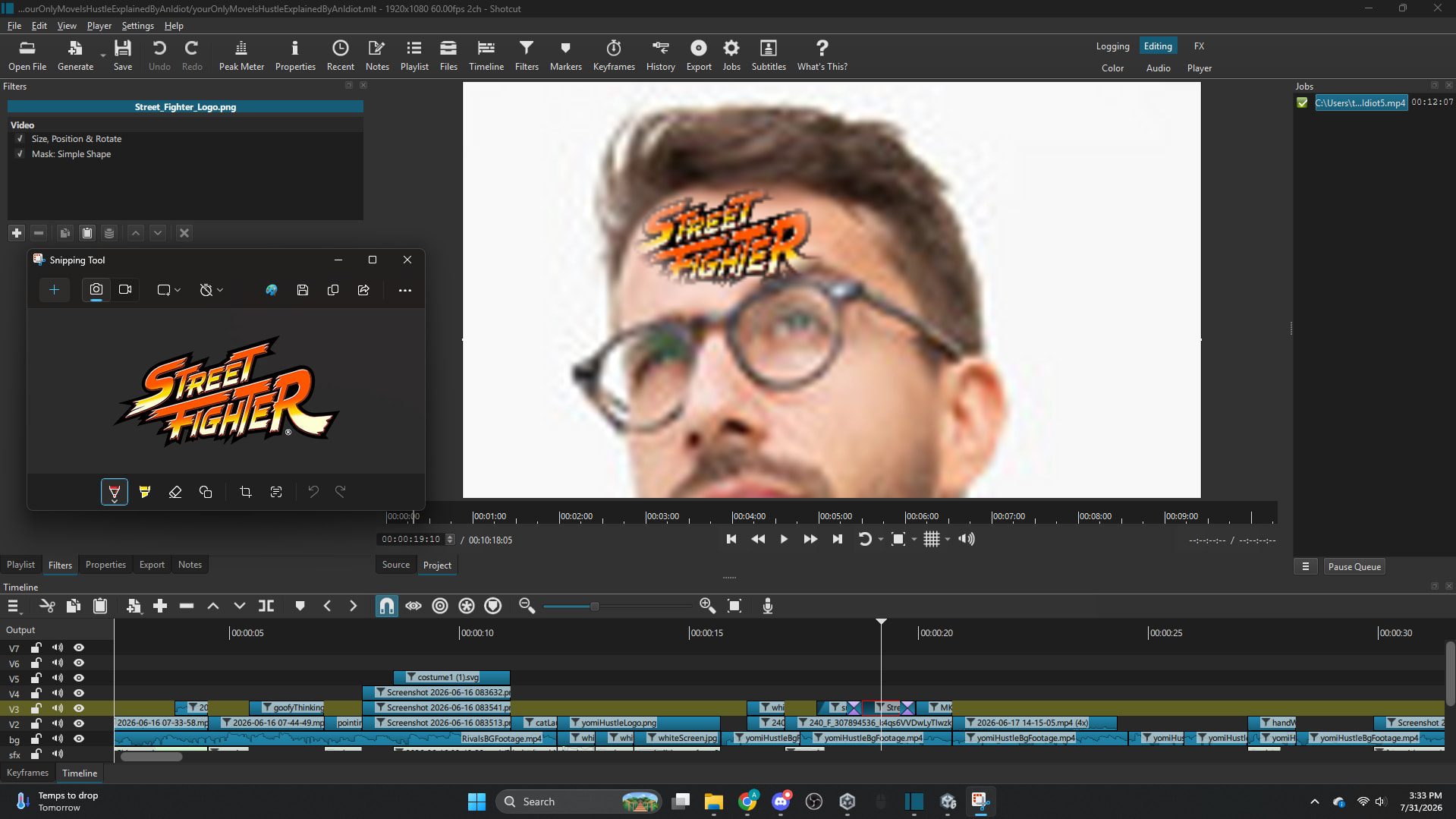
Hi there, I hopped on my computer today to continue editing a YouTube video and saw that a new release for Shotcut was available. Obviously I installed it, thinking nothing of it. Once I opened the project I was working on, I briefly skimmed through what I had so far as I usually do, and saw that some screenshots from google I had edited in were blurry to the point where it was basically just pixels. After thoroughly looking through my project I found some other instances of this, some were better, but still not acceptable. I looked online and checked video mode, preview scaling, proxy, all of it, and nothing worked. I even exported it to check maybe it was something wrong with Shotcut’s rendering instead of the actual file itself, and it came out in the same blurry, pixelated way. I opened the original screenshots in Snipping Tool and they were perfectly readable, so I’m pretty sure Shotcut is the problem. Does anyone know of any fix? I included some example screenshots of some of the blurry files in Shotcut with the original files.
The only thing I have found in common with all of them is that they all have the Size, Position, Rotate filter but I have no idea why this would make it blurry.
I am running this on windows, with Shotcut version 26.7.30.