so when i have to miny files in the time line or have one video with some filters that will lag it it slows down and
then it will stop and then shut down the only thing that is good is that i can get it back but it is vary inconvenient
and some times i will not be able to add a filter to a video.
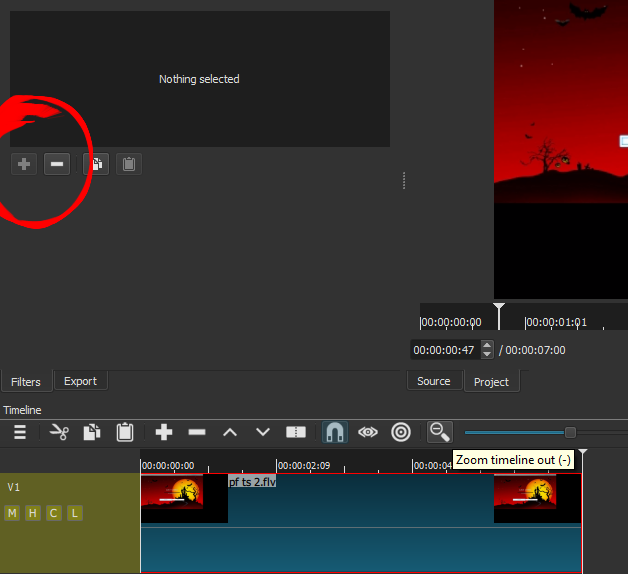
Yes, the more work you give it in the way of filters and tracks, it will slow down. That is just the way it is. You have to figure out yourself what are the limits you can tolerate based on how Shotcut runs on your machine.
I do not how you put it into the situation that you cannot add a filter. If you figure out the steps to cause that, please share them.
In my experience, “intra-frame-only” codecs (e.g. DNxHD, mjpeg) work more smoothly during editing than do the “inter-frame” codecs (e.g. h264, AVCHD), because the computer doesn’t need to reconstruct the file from keyframes in real time. The alternative is to use an editor with “proxy editing”, a.k.a. “offline editing”.
You can transcode your original video to DNxHD with a high bitrate, and use that instead of the original file. Transcoding can be done from within Shotcut, or with ffmpeg in a terminal:
ffmpeg -i inputfilename.mp4 -s 1920x1080 -r 30 29.97 -vb 220000k -threads 2 -vcodec dnxhd -acodec copy outputfilename.mov