I am able to select File>Open Other>Audio/Video Device and select my microphone and then click on the Microphone in the interface to record a voiceover. However, when I click on the Microphone in the interface to stop recording and then click on the Microphone again to start a new voiceover Shotcut displays the error message clipped below. To workaround this, I repeat the procedure above. Is there a way to set Shotcut to remember my Audio Device so I don’t have to select it every time when trying to record a series of voiceovers whilst editing the same Timeline please? Thank you for your help.
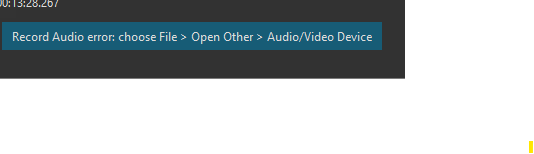
It un-selects the audio device when it had a problem making the recording. With that said, it seems the behavior of the background program we run has changed and always exits with an error now. This is a regression bug in version 25.12. I fixed it for the next version 26.1
Thanks for your quick response and for putting in a fix in so promptly. Look forward to the next version.