You must use the English language in a bug report. If you do not speak English please use a translation service instead of trying your best to write English. Thank you
(If you are using Linux, you must state how you installed Shotcut as there are too many builds and packages. In general, we do not make the build installed by your distribution package manager unless it installs the Snap. The developers only build, test, run, and support the builds shown on our download page.)
-
What is your Shotcut version (see Help > About Shotcut)?
-
Can you repeat the problem? If so, what are the steps?
(Please be specific and use the names as seen in Shotcut, preferably English. Include a screenshot or screen recording if you can. Also, you can attach logs from either View > Application Log or right-click a job and choose View Log.)
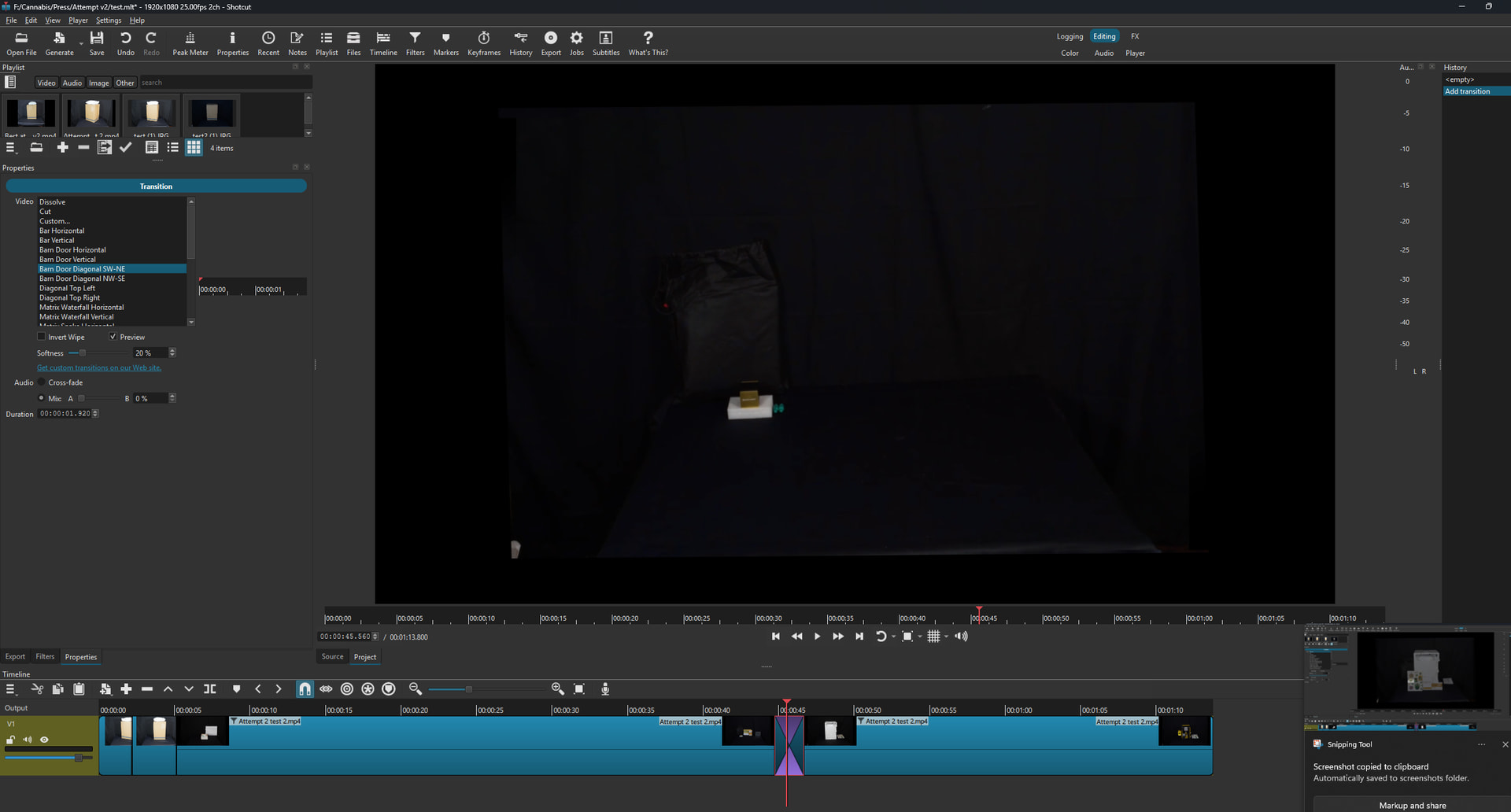
I keep having this problem when i try to select a different transition.\
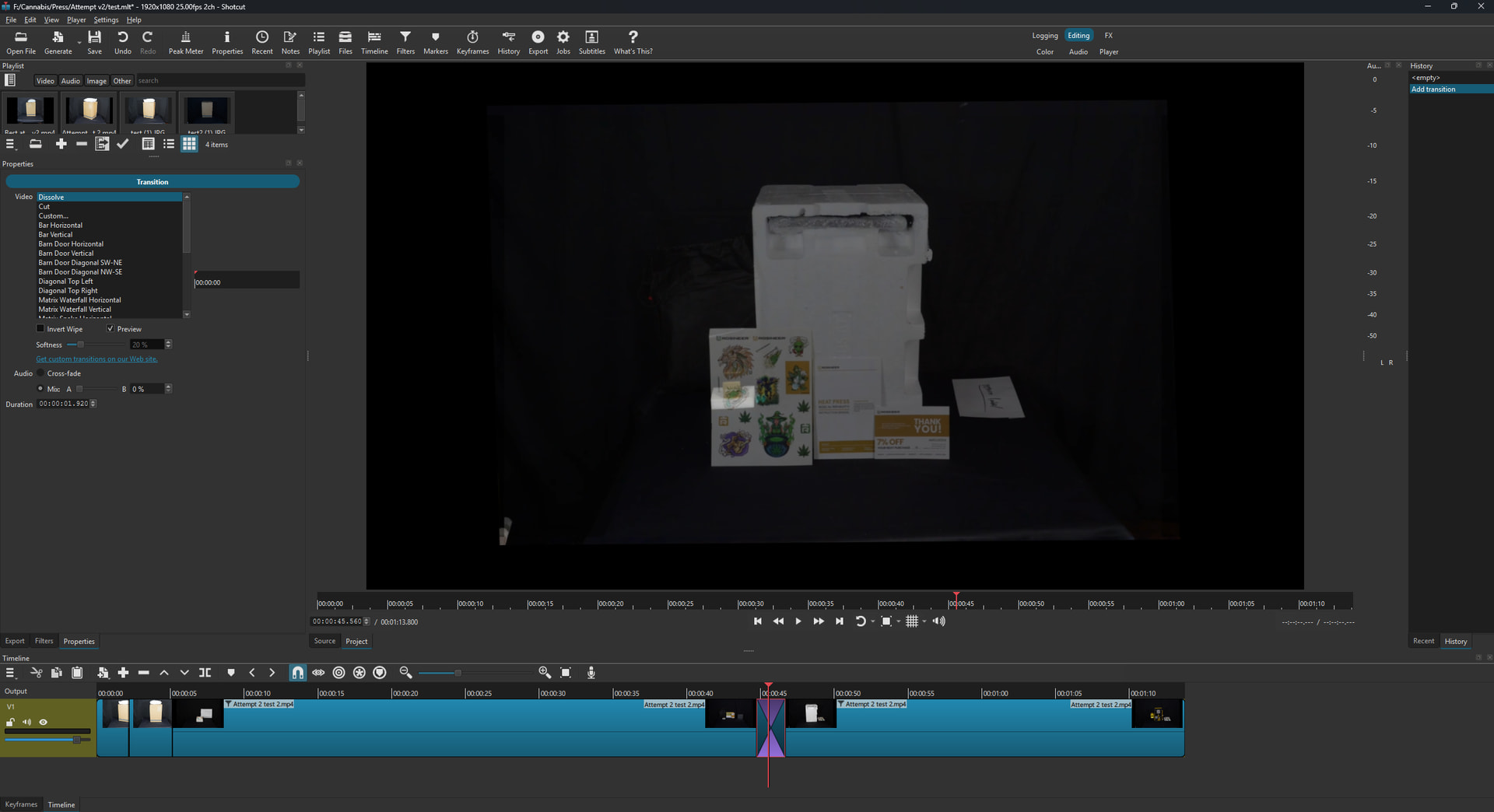
OS Windows 11 pro shotcut version 26.9.27 (current and past version same issue) Can it be repeated? Yes, i have to just use the default “Dissolve” transition. When i try selecting any other transition (and i tried each one) the spinning logo pops up near the mouse cursor and the program crashes. I open it and load my current project or past project. I select a transition area on the timeline, click properties to get the selection menu and if i click on ANY of the transitions, the program crashes.
I updated the software when i saw there was an update but the same thing has been happening with the updated version. Does anyone know what’s up? is there a fix or do i have to outsource my projects to a different editing software to get different transitions?
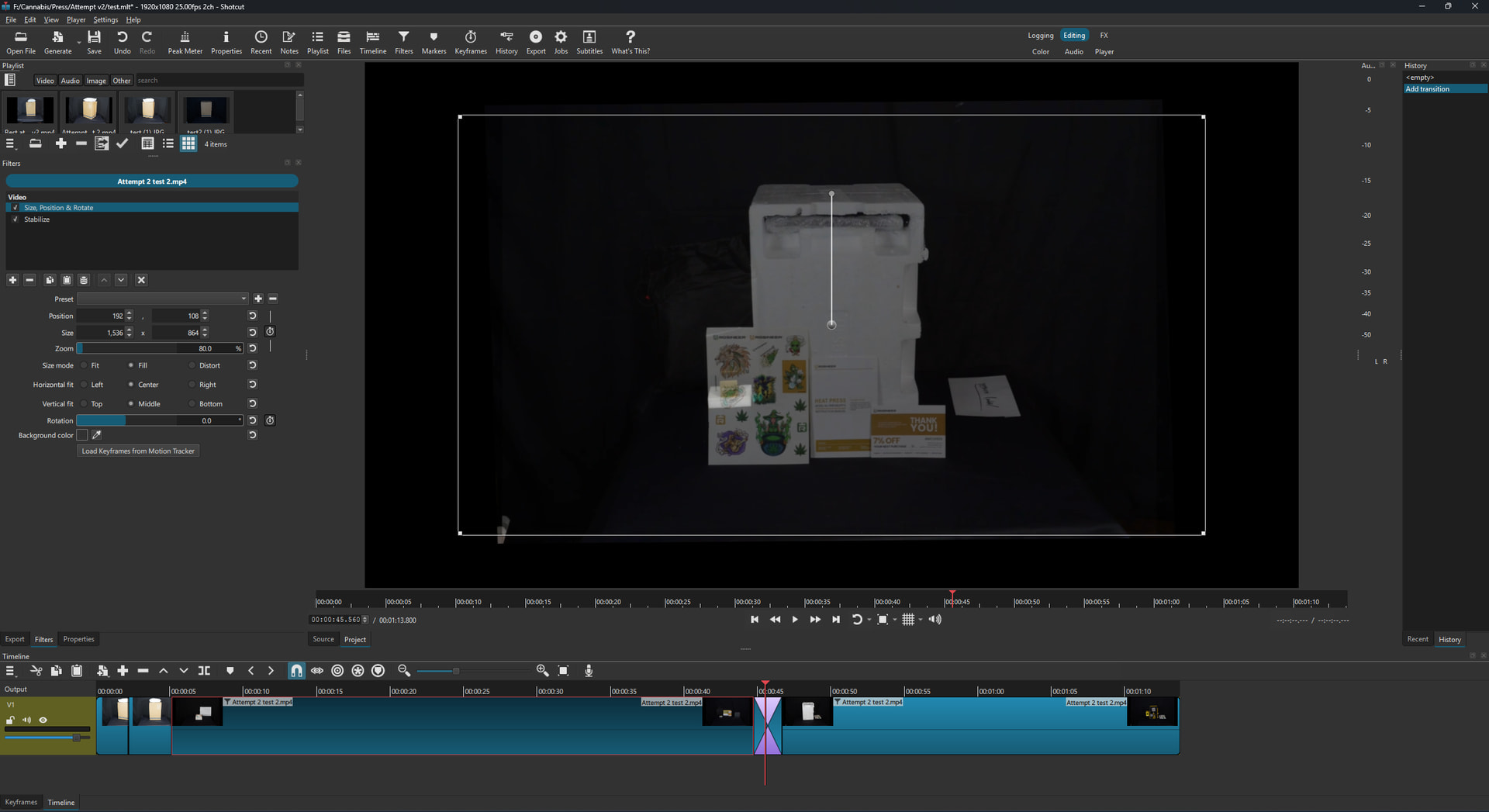
Is it because I’m using a stabilized video? After doing some more troubleshooting instead of my project  It only happens when i want to change the default transition on a video file that has been size readjusted and stabilized using the filters.