Shortcut to make video track as long as audio track

Hi. I often create very simple videos with one audio track and a single video track with one still image. Is there a quick way or shortcut to make the video track as long as the audio track?

Yes, I know I can drag the video track to fit the length of the audio track, but I wonder if there’s an even quicker way?
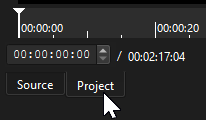
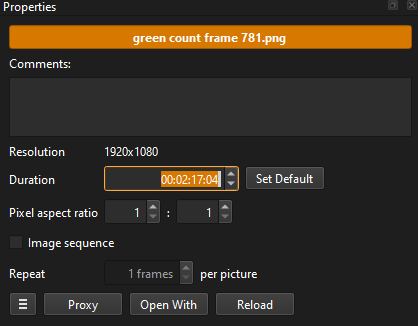
Click on Project to get the total time

Open your image, but don’t drag to timeline yet.
Change the duration to the time shown on the Project Tab.


Hit enter to ensure you have the duration set.
Now you can drag the image clip from the Source to the Timeline.

1 Like