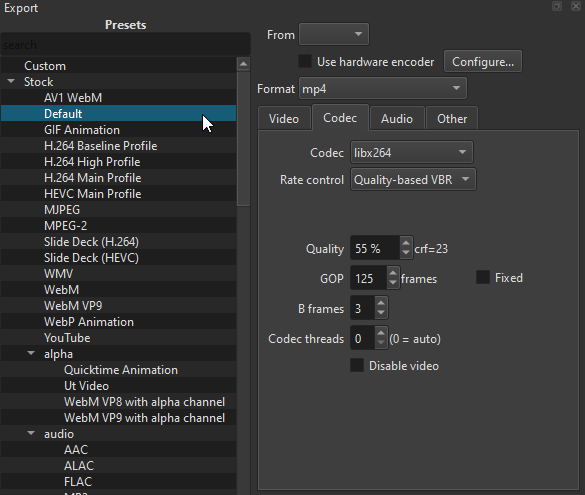
Is there at least a conf or ini file somewhere that I could edit so that the “Default” option in this list is the export Preset I desire? I understand I might have to re-edit that file every time I do an update, but I have done that in the past until the changes were incorporated in Shotcut, so that’s not a hardship to me.
I can live without it, but if it could be done it would be gratefully appreciated.
No, “Stock/Default” must always be the developers-defined default so that we can instruct people to reset in a series of steps. There is already a suggestion to let the user set their own default (will not be named “Default”, will simply be what the UI starts with).
You can already create your own preset. If you want to make a Custom preset from a Stock preset simply click the preset, click + at the bottom and give it a name.