The Scan Lines filter simulates horizontal scan lines similar to those seen on CRT displays or interlaced video systems. It creates evenly spaced horizontal gaps across the image to produce a retro or display-based visual effect.
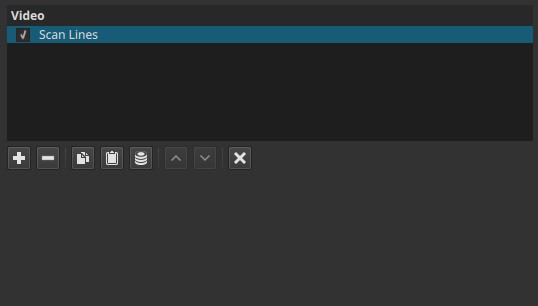
This filter does not modify color or motion.
Behavior and compositing
The Scan Lines filter does not draw opaque black lines.
Instead, it removes or makes transparent portions of the image in horizontal bands.
As a result:
- When applied to a clip on the bottom video track, the transparent bands reveal the project background, which typically appears as black lines.
- When applied to a clip on a track above another video, the transparent bands reveal the clip underneath, making the scan lines appear as horizontal windows to the lower track.
In other words, the filter behaves like a striped transparency mask, not a simple overlay.
Visual characteristics
Typical effects include:
- Regular horizontal line pattern
- Reduced vertical resolution appearance
- Retro or display-like visual texture
- Underlying layers visible through the lines when composited
The appearance depends on what exists beneath the filtered clip.
Recommended use cases
- CRT or retro display simulation
- Stylized compositing effects
- Revealing underlying footage in a patterned way
- Combining multiple video layers with structured transparency
Limitations
- No adjustable parameters
- Fixed line spacing and thickness
- Appearance depends on track order and underlying content
- Uniform effect across the frame