Hello
I don’t know if this is possible.
We created a title with text animated by zooming, positioning, and rotation.
On the same project, we can copy and paste it elsewhere and then quickly change the text.
But how can we save this text animation to reuse it in other projects?
I searched and couldn’t find it.
Thanks.
1 Like
Pas besoin de vos aides j’ai trouvé
1 Like
Continuing the discussion from Save a text animation:
Hi @caraibe13420 can you please share how you managed to save text for other projects? If you can update the instructions in English this would be very helpful. Thank you!
It depends on what exactly “text animation” is.
- You can save a custom preset within a filter.
- You can save multiple filters as a set.
- You can copy and paste selections of clips between projects.
- You can embed a project (or modified copy) within another.
- And finally, you can use the bundled Glaxnimate, copy one of its files, and modify it.
Actually, I went a bit too far when I said I found it.
Because in what we save, we can no longer change the text or the object that is animated by keyframes.
I tried 1, it didn’t work well.
2 too.
4 and 5, I’ll have to check.
And when I have time, I’ll film the manipulation.
Thanks for your reply.
can you please share how you managed to save text for other projects? If you can update the instructions in English this would be very helpful. Thank you!
In fact, once you retrieve the saved animation, you can’t change anything.
Sorry.
YES, option 2 is feasible.
You can copy a set of filters.
Open another project, and the copy remains.
So, open the text, write it, put it on the TL, and paste the copy of the filters.
Thank you.
This is your option 3 I think.
YESSS
It works, I found it.
This ShotCut is very good, I’ll continue to recommend it on my forum.
With two screens, you can have a large viewing window.
But moving the windows isn’t always practical. Once you’ve found the most convenient layout, it’s fine.
Hi - I need to create a video with text filters which display at specific times over another video track in my timeline. I will reuse the same text filters in other projects so I was hoping the filter set would work so I did not need to rebuilt them each project. When I created a filter set this was available to add to my timeline but it did not seem like you can decide when the text animation should display over the video. Instead the filter displays the entire duration of the video. Is there a way to use a filter set on a separate video track? Thanks.
Not quite understood
But after creating a title or comment animation using multiple filters and keyframes, you can save it and reuse it in another project by changing only the text.
1- Save a filter set. 5th icon after the + (stacked discs). Enter a name.
2- To find it, click the last group tab (stacked discs).
If anyone in France is looking: For the French, the filter is: crop angle and alpha, and the operation is: minimum.
I’m French, and I don’t know if the translation will be correct.
If you add your Filter Set directly on the video clip, you can decide when the text will start appearing and when it will stop by using Set Filter Start and Set Filter End in the Keyframes panel.
The other option is to use a separate transparent clip on a track above your video for the text. You’ll be able to edit it’s length and position any way you want.
1 Like
@jp123
While re-reding your post, I saw that you apply your Filter Set to the Timeline. So either on the Output or on a Track head.
In that case, you can still use the Set Filter Start and Set Filter End method to set when the text will appear and disappear.
When you create a title, it’s best to add it directly to the TL, and it will automatically create an additional video track.
Look
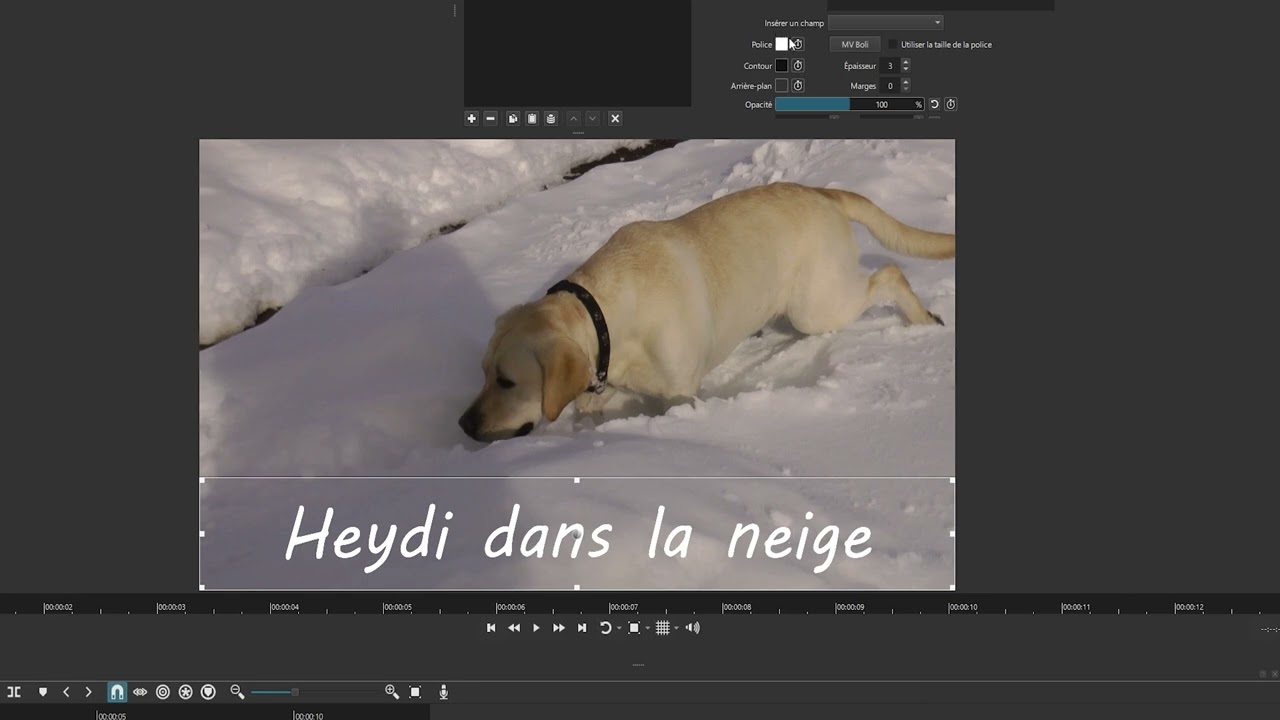
Am french donc i speak in french but subtitle may be in english
Y have try : english subtitle are OK
This topic was automatically closed after 90 days. New replies are no longer allowed.